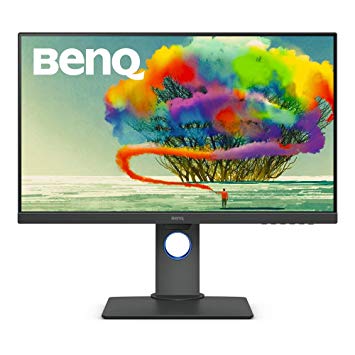
27" BenQ PD2700U گیمنگ مانیٹر کی کارکردگی کے معیارات
AMD FreeSync کی حمایت کے ساتھ، یہ مانیٹر AMD اور NVIDIA دونوں گرافکس کارڈز کے ساتھ مطابقت رکھتا ہے. گرافکس رنگ کے معیار کے لئے BenQ PD2700U 8 -bit کے بہترین رنگ کی گہرائی ہے، جس میں نتیجے میں ہموار گرڈینٹ اور زیادہ درست رنگ. پکسل کثافت کی شرائط میں BenQ PD2700U 163 پکسل فی انچ کی شاندار کثافت ہے، جس کا نتیجہ تیز متن اور تصویر کی کیفیت ہے.. گراف کا مطالبہ گیمز، کے لئے معاوضہ BenQ PD2700U کی ایک بہت اچھی کم اختتام انکولی تروتازہ کیا شرح ہے 24 ہرٹج زیادہ کم فریم کی شرح قطرے کو اپنانے کر سکتے ہیں. BenQ PD2700U ڈسپلے پورٹ ہے اور NVIDIA کارڈوں کیلئے AMD FreeSync کے ساتھ کام کرنا ضروری ہے. مانیٹر پینل میں اچھی دیکھنے کے زاویہ ہیں اور TN پینلز کے مقابلے میں بہتر برعکس اور رنگ پیش کرتے ہیں. BenQ PD2700U نسبتا نئی نگرانی ہے. مانیٹر میں ویسا پہاڑ ہے. BenQ PD2700U 21.5 ms کی کل ان پٹ کی لہر ہے، جو مقابلہ میں خراب ہے. اوسط ردعمل کی شرح کے لئے، BenQ PD2700U اسکور 14 ایم ایم، جس میں اعلی ریفریش کی شرح کے ساتھ غیر موثر مطابقت پذیری کی شرح کی وجہ سے تحریک دھندلا سکتا ہے.. BenQ PD2700U میں 76 Hz کی زیادہ سے زیادہ ریفریش کی شرح ہے اور یہ مسابقتی کھیلوں میں انتہائی روزہ فریم کی شرح کے لئے بہت کم ہوسکتا ہے.. مانیٹر میں 1300 : 1 کا متنازع برعکس ہے. BenQ PD2700U چمک دیگر مانیٹر سے کم ہے. BenQ PD2700U کی کم از کم ردعمل کی شرح 5 MS ہے، جس میں گھوسٹ اثرات پیدا ہوسکتا ہے.
27" BenQ PD2700U Certificates, standards and licenses
Certificates, standards and licenses
ENERGY STAR 7.0Epeat GoldTCO 7.0WHQL (Windows 10; Windows 8.1; Windows 8; Windows 7)
27" BenQ PD2700U Connectivity
Connectivity
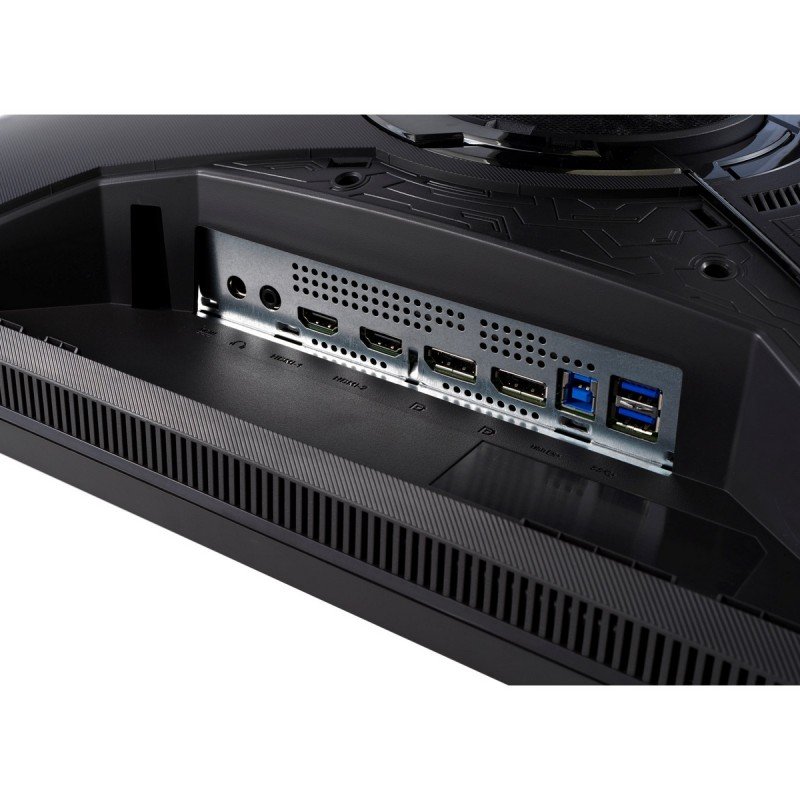
1 x USB (KVM keyboard connection) 4 x USB 3.0 (downstream) , 2 x USB 3.0 (upstream) , 1 x HDMI 2.0, 1 x DisplayPort 1.4, 1 x DisplayPort 1.4 (Input mini) , 1 x DisplayPort 1.4 (Output MST) , 1 x 3.5 mm Audio Out
27" BenQ PD2700U Dimensions, weight and color
Colors
Black
Depth
58.8 mm (millimeters) 5.88 cm (centimeters) 2.315 in (inches) 0.1929 ft (feet)
Depth with stand
230.7 mm (millimeters) 23.07 cm (centimeters) 9.0827 in (inches) 0.7569 ft (feet)
Height
367.9 mm (millimeters) 36.79 cm (centimeters) 14.4843 in (inches) 1.207 ft (feet)
Height with stand
427.5 mm (millimeters) 42.75 cm (centimeters) 16.8307 in (inches) 1.4026 ft (feet)
Weight
5 kg (kilograms) 11.02 lbs (pounds)
Weight with stand
7.7 kg (kilograms) 16.98 lbs (pounds)
Width
613.8 mm (millimeters) 61.38 cm (centimeters) 24.1654 in (inches) 2.0138 ft (feet)
Width with stand
613.8 mm (millimeters) 61.38 cm (centimeters) 24.1654 in (inches) 2.0138 ft (feet)
27" BenQ PD2700U Display
Adobe RGB (1998)
70 % (percent)
Aspect ratio
1.778:116:9
Average response time
14 ms (milliseconds) 0.0140 s (seconds)
Backlight
W-LED
Brightness
350 cd/m² (candela per square meter)
Coating
Anti-glare/Matte (3H)
Colors
1073741824 colors 30 bits
Diagonal
684 mm (millimeters) 68.4 cm (centimeters) 26.9291 in (inches) 2.2441 ft (feet)
Display area
88.7 % (percent)
FRC
Yes
HDR
HDR10
Height
335.664 mm (millimeters) 33.5664 cm (centimeters) 13.2151 in (inches) 1.1013 ft (feet)
Horizontal viewing angle
178 ° (degrees)
Input lag
15 ms (milliseconds) 0.0150 s (seconds)
Minimum response time
5 ms (milliseconds) 0.0050 s (seconds)
NTSC (1953)
75 % (percent)
Panel bit depth
10 bits (8 bits + FRC)
Panel manufacturer
LG Display
Panel model
LM270WR3-????
Panel type
AH-IPS
Peak brightness
400 cd/m² (candela per square meter)
Pixel density
163 ppi (pixels per inch) 64 ppcm (pixels per centimeter)
Pixel pitch
0.155 mm (millimeters) 0.0155 cm (centimeters) 0.0061 in (inches) 0.0005 ft (feet)
Resolution
3840 x 2160 pixels Ultra HD (UHD) / 4K / 2160p
Size class
27 in (inches)
Static contrast
1300 : 1
Vertical viewing angle
178 ° (degrees)
Width
596.736 mm (millimeters) 59.6736 cm (centimeters) 23.4935 in (inches) 1.9578 ft (feet)
sRGB
100 % (percent)
27" BenQ PD2700U Ergonomics
Backward tilt
20 ° (degrees)
Forward tilt
5 ° (degrees)
Forward/backward tilt
Yes
Height adjustment
Yes
Height adjustment range
140 mm (millimeters) 14 cm (centimeters) 5.5118 in (inches) 0.4593 ft (feet)
Landscape/portrait pivot
Yes
Left pivot
0 ° (degrees)
Left swivel
45 ° (degrees)
Left/right swivel
Yes
Removable stand
Yes
Right pivot
90 ° (degrees)
Right swivel
45 ° (degrees)
VESA interface
100 x 100 mm
VESA mount
Yes
27" BenQ PD2700U Features
Features
AMA (Advanced Motion Accelerator) AMD FreeSync technology, Animation modeCAD/CAM modeDisplay PilotFlicker-free technology, HDCP (High-bandwidth Digital Content Protection) Low Blue Light
27" BenQ PD2700U Frequencies
Horizontal frequency (digital)
27 kHz - 140 kHz (kilohertz)
Vertical frequency (digital)
24 Hz - 76 Hz (hertz)
27" BenQ PD2700U Power supply and consumption
110V
100 V - 120 V (volts)
220V
220 V - 240 V (volts)
Alternating current frequency
50 Hz - 60 Hz (hertz)
Power consumption (average)
30 W (watts)
Power consumption (maximum)
80 W (watts)
Power consumption (off)
0.5 W (watts)
Power consumption (sleep)
0.5 W (watts)
27" BenQ PD2700U گیمنگ مانیٹر کی کارکردگی کے معیارات - List of Max Refresh Rate Compatible GPUs
BenQ PD2700U review ... Our Verdict. BenQ’s new 27 incher is a no-nonsense 4K monitor with a quality IPS panel and its sights set on serious computing and content creators. For
The BenQ PD2700U delivers professional-grade performance at a reasonable price. We test out the 27-inch IPS panel with 4K/UHD resolution, HDR10 and factory-certified calibration.
Verdict Budget shoppers will find the PD2700U checks all the important boxes for color accuracy and support of the latest signal formats. 400 nits means decent HDR and a detailed, luminescent picture.
Conclusion. For some, a professional monitor is mandatory, and price is no object. But it’s possible to get all the color accuracy and most of the same features in an enterprise display if you ...














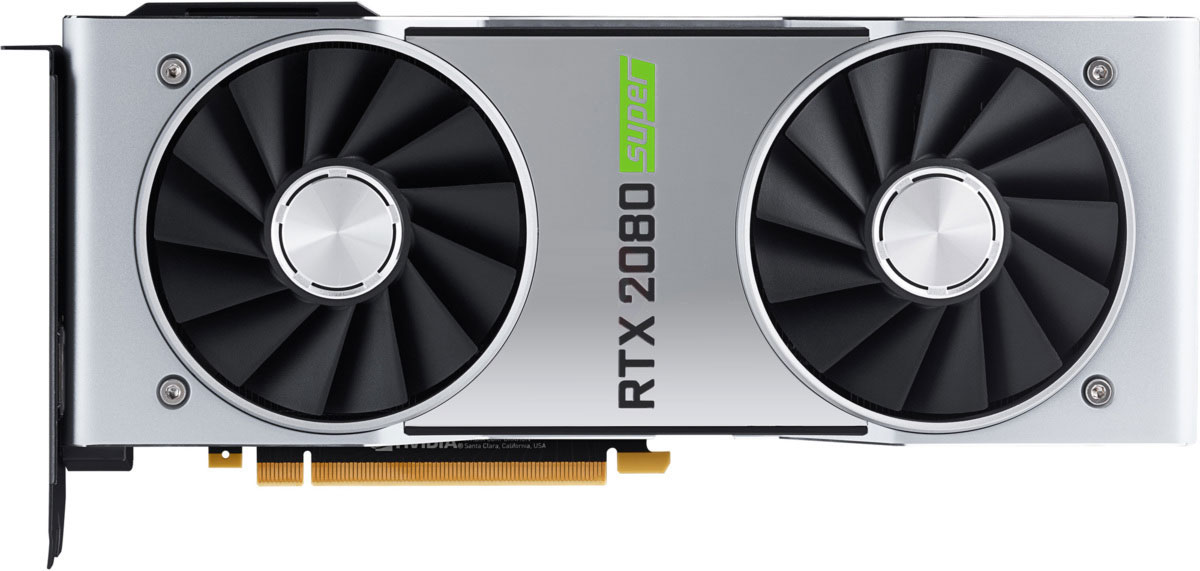
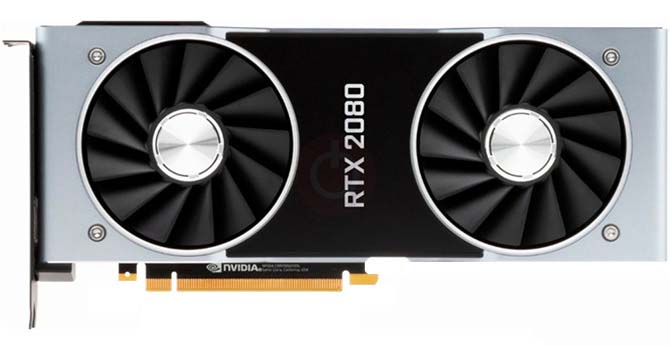



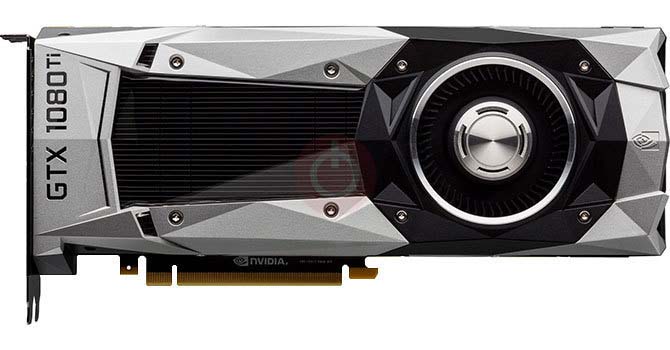

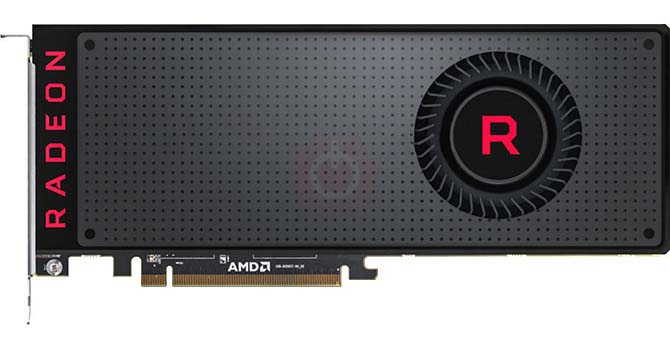





گرافکس کارڈ خریدنے سے پہلے کیا خیال کریں
اگر آپ نئے نظام گرافکس کارڈ خریدنے سے اپنے سسٹم کو اپ گریڈ کرنے کی منصوبہ بندی کر رہے ہیں. پھر غور کرنے کے لئے کچھ اہم عوامل موجود ہیں.
قرارداد VS معیار: کھیل کی کارکردگی پر اثر
کھیل کی کارکردگی پر کیا اثر پڑتا ہے؟ وضاحت یا تفصیلات؟
پی سی گیمز میں الٹرا وی اعلی معیار کی ترتیبات
ہر کھلاڑی کے پاس پی سی کے کھیل کے لئے مثالی ترتیب کے بارے میں مختلف سوچ ہے. لیکن زیادہ تر معاملات میں، اعلی معیار گرافکس کی ترتیبات کا انتخاب کرنے کا راستہ ہے.
سی پی یو یا GPU بینڈ وابستہ کیا ہیں؟
کیا آپ اچانک فریم ڈراپ ہو رہے ہیں؟ شاید آپ کو ایک مشکل ہوسکتی ہے.
میرے لئے قابل قبول FPS کی رفتار کیا ہے؟
کچھ کھیلوں کے لئے، آپ اب بھی کم فریم کی شرحوں پر عظیم گرافکس سے لطف اندوز کرسکتے ہیں.
GPU Hierarchy
GPU Compare
CPU Compare
Gaming Laptops
Gaming Monitors
Gaming Headsets
بحث اور تبصرے
آپ کے تبصرے اشتراک کریں