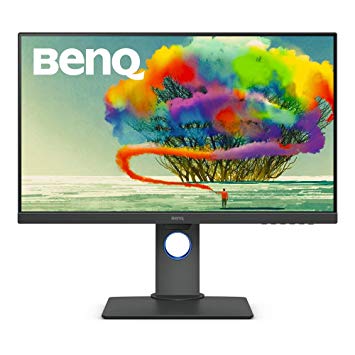
Панель монитора имеет хорошие углы обзора и обеспечивает лучшую контрастность и цвета, чем панели TN. С точки зрения плотности пикселей, BenQ PD2700U имеет превосходную плотность 163 пикселей на дюйм, что приводит к более четкому тексту и качеству изображения. Благодаря поддержке AMD FreeSync этот монитор совместим с видеокартами AMD и NVIDIA.. Монитор имеет крепление VESA. Для качества цвета графики, BenQ PD2700U имеет превосходную глубину цвета 8 -бит, что приводит к более плавным градиентам и более точным цветам. BenQ PD2700U является относительно новым монитором. BenQ PD2700U имеет порт дисплея, и это важно для карт NVIDIA для работы с AMD FreeSync. Чтобы компенсировать требовательные к графике игры, BenQ PD2700U имеет очень хорошую частоту адаптивного обновления низких частот 24 Гц, которая может адаптироваться к более низким падениям частоты кадров.. Для средней скорости отклика BenQ PD2700U оценивает 14 мс, что может вызвать размытие движения из-за неэффективной синхронизации с высокой частотой обновления. BenQ PD2700U имеет общую задержку ввода 21.5 мс, что плохо среди конкурентов. Монитор имеет невыразительную контрастность 1300 : 1. Максимальная частота обновления BenQ PD2700U составляет 76 Гц, и она может быть слишком низкой для чрезвычайно высокой частоты кадров в конкурентных играх.. Яркость BenQ PD2700U ниже, чем у других мониторов. Минимальная скорость отклика BenQ PD2700U составляет 5 мс, что может вызвать побочные эффекты.
27" BenQ PD2700U Certificates, standards and licenses
Certificates, standards and licenses
ENERGY STAR 7.0Epeat GoldTCO 7.0WHQL (Windows 10; Windows 8.1; Windows 8; Windows 7)
27" BenQ PD2700U Connectivity
Connectivity
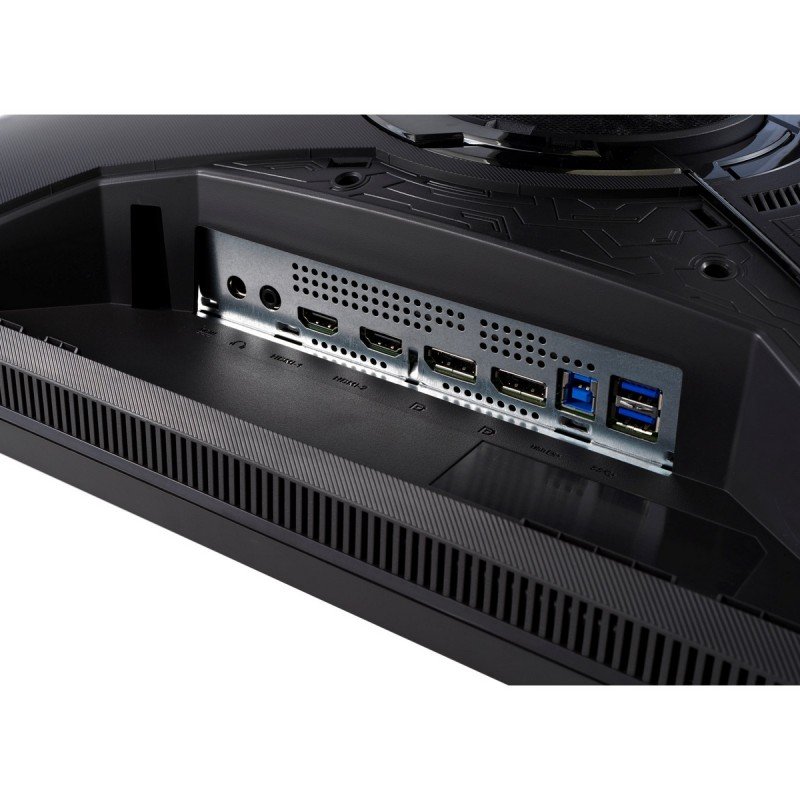
1 x USB (KVM keyboard connection) 4 x USB 3.0 (downstream) , 2 x USB 3.0 (upstream) , 1 x HDMI 2.0, 1 x DisplayPort 1.4, 1 x DisplayPort 1.4 (Input mini) , 1 x DisplayPort 1.4 (Output MST) , 1 x 3.5 mm Audio Out
27" BenQ PD2700U Dimensions, weight and color
Colors
Black
Depth
58.8 mm (millimeters) 5.88 cm (centimeters) 2.315 in (inches) 0.1929 ft (feet)
Depth with stand
230.7 mm (millimeters) 23.07 cm (centimeters) 9.0827 in (inches) 0.7569 ft (feet)
Height
367.9 mm (millimeters) 36.79 cm (centimeters) 14.4843 in (inches) 1.207 ft (feet)
Height with stand
427.5 mm (millimeters) 42.75 cm (centimeters) 16.8307 in (inches) 1.4026 ft (feet)
Weight
5 kg (kilograms) 11.02 lbs (pounds)
Weight with stand
7.7 kg (kilograms) 16.98 lbs (pounds)
Width
613.8 mm (millimeters) 61.38 cm (centimeters) 24.1654 in (inches) 2.0138 ft (feet)
Width with stand
613.8 mm (millimeters) 61.38 cm (centimeters) 24.1654 in (inches) 2.0138 ft (feet)
27" BenQ PD2700U Display
Adobe RGB (1998)
70 % (percent)
Aspect ratio
1.778:116:9
Average response time
14 ms (milliseconds) 0.0140 s (seconds)
Backlight
W-LED
Brightness
350 cd/m² (candela per square meter)
Coating
Anti-glare/Matte (3H)
Colors
1073741824 colors 30 bits
Diagonal
684 mm (millimeters) 68.4 cm (centimeters) 26.9291 in (inches) 2.2441 ft (feet)
Display area
88.7 % (percent)
FRC
Yes
HDR
HDR10
Height
335.664 mm (millimeters) 33.5664 cm (centimeters) 13.2151 in (inches) 1.1013 ft (feet)
Horizontal viewing angle
178 ° (degrees)
Input lag
15 ms (milliseconds) 0.0150 s (seconds)
Minimum response time
5 ms (milliseconds) 0.0050 s (seconds)
NTSC (1953)
75 % (percent)
Panel bit depth
10 bits (8 bits + FRC)
Panel manufacturer
LG Display
Panel model
LM270WR3-????
Panel type
AH-IPS
Peak brightness
400 cd/m² (candela per square meter)
Pixel density
163 ppi (pixels per inch) 64 ppcm (pixels per centimeter)
Pixel pitch
0.155 mm (millimeters) 0.0155 cm (centimeters) 0.0061 in (inches) 0.0005 ft (feet)
Resolution
3840 x 2160 pixels Ultra HD (UHD) / 4K / 2160p
Size class
27 in (inches)
Static contrast
1300 : 1
Vertical viewing angle
178 ° (degrees)
Width
596.736 mm (millimeters) 59.6736 cm (centimeters) 23.4935 in (inches) 1.9578 ft (feet)
sRGB
100 % (percent)
27" BenQ PD2700U Ergonomics
Backward tilt
20 ° (degrees)
Forward tilt
5 ° (degrees)
Forward/backward tilt
Yes
Height adjustment
Yes
Height adjustment range
140 mm (millimeters) 14 cm (centimeters) 5.5118 in (inches) 0.4593 ft (feet)
Landscape/portrait pivot
Yes
Left pivot
0 ° (degrees)
Left swivel
45 ° (degrees)
Left/right swivel
Yes
Removable stand
Yes
Right pivot
90 ° (degrees)
Right swivel
45 ° (degrees)
VESA interface
100 x 100 mm
VESA mount
Yes
27" BenQ PD2700U Features
Features
AMA (Advanced Motion Accelerator) AMD FreeSync technology, Animation modeCAD/CAM modeDisplay PilotFlicker-free technology, HDCP (High-bandwidth Digital Content Protection) Low Blue Light
27" BenQ PD2700U Frequencies
Horizontal frequency (digital)
27 kHz - 140 kHz (kilohertz)
Vertical frequency (digital)
24 Hz - 76 Hz (hertz)
27" BenQ PD2700U Power supply and consumption
110V
100 V - 120 V (volts)
220V
220 V - 240 V (volts)
Alternating current frequency
50 Hz - 60 Hz (hertz)
Power consumption (average)
30 W (watts)
Power consumption (maximum)
80 W (watts)
Power consumption (off)
0.5 W (watts)
Power consumption (sleep)
0.5 W (watts)
27" BenQ PD2700U тесты производительности игрового монитора - List of Max Refresh Rate Compatible GPUs
BenQ PD2700U review ... Our Verdict. BenQ’s new 27 incher is a no-nonsense 4K monitor with a quality IPS panel and its sights set on serious computing and content creators. For
The BenQ PD2700U delivers professional-grade performance at a reasonable price. We test out the 27-inch IPS panel with 4K/UHD resolution, HDR10 and factory-certified calibration.
Verdict Budget shoppers will find the PD2700U checks all the important boxes for color accuracy and support of the latest signal formats. 400 nits means decent HDR and a detailed, luminescent picture.
Conclusion. For some, a professional monitor is mandatory, and price is no object. But it’s possible to get all the color accuracy and most of the same features in an enterprise display if you ...














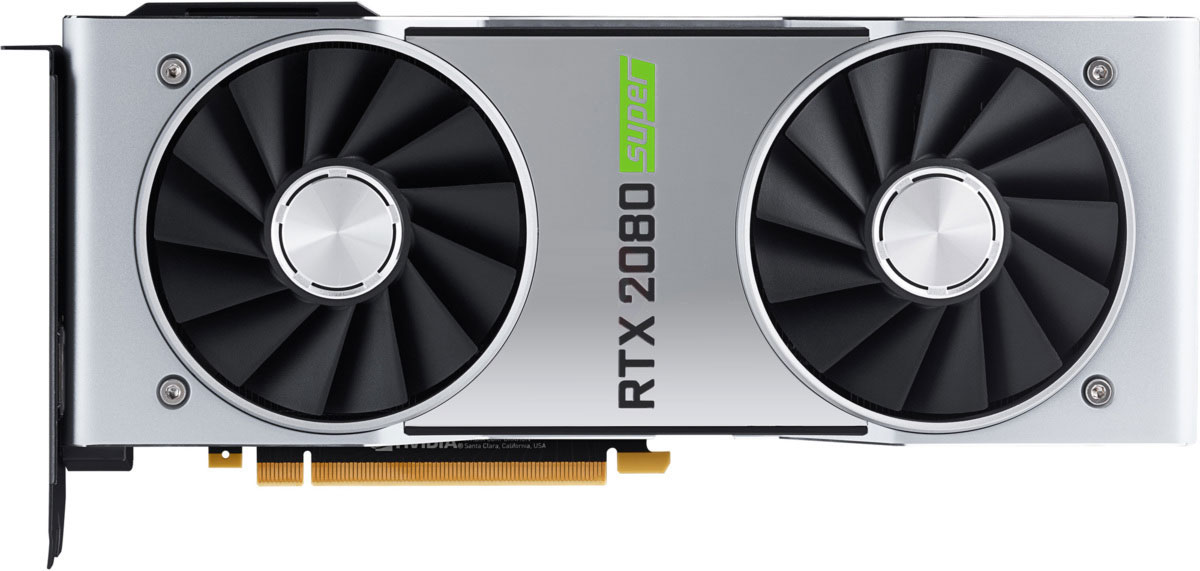
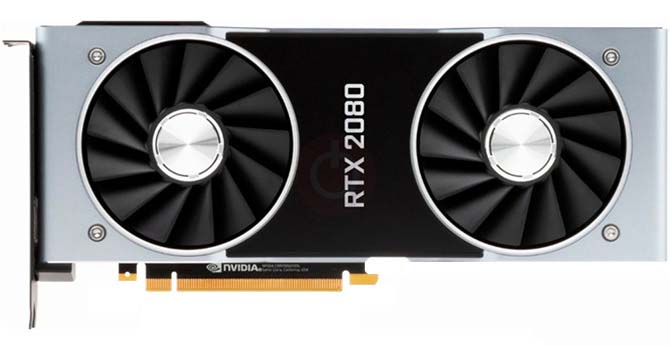



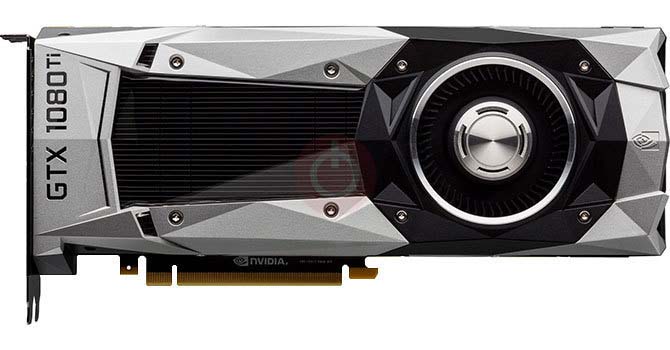

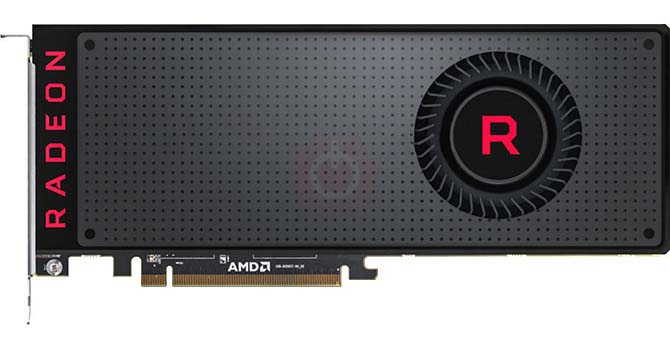





Что следует учитывать перед покупкой видеокарты
Если вы планируете обновить свою систему, купив новую видеокарту. Тогда есть несколько важных факторов для рассмотрения.
Разрешение VS Качество: влияние на производительность игры
Что влияет на производительность игры? Ясность или детали?
Ultra VS Настройки высокого качества в компьютерных играх
У каждого игрока свое представление об идеальных настройках для компьютерных игр. Но в большинстве случаев выбор конфигурации высокого качества графики - это путь.
Каковы узкие места CPU или GPU?
Вы получаете внезапные падения кадров? у вас может быть узкое место.
Какова приемлемая скорость FPS для меня?
В некоторых играх вы можете по-прежнему наслаждаться великолепной графикой при более низкой частоте кадров.
GPU Hierarchy
GPU Compare
CPU Compare
Gaming Laptops
Gaming Monitors
Gaming Headsets
Обсуждение и комментарии
Поделитесь своими комментариями