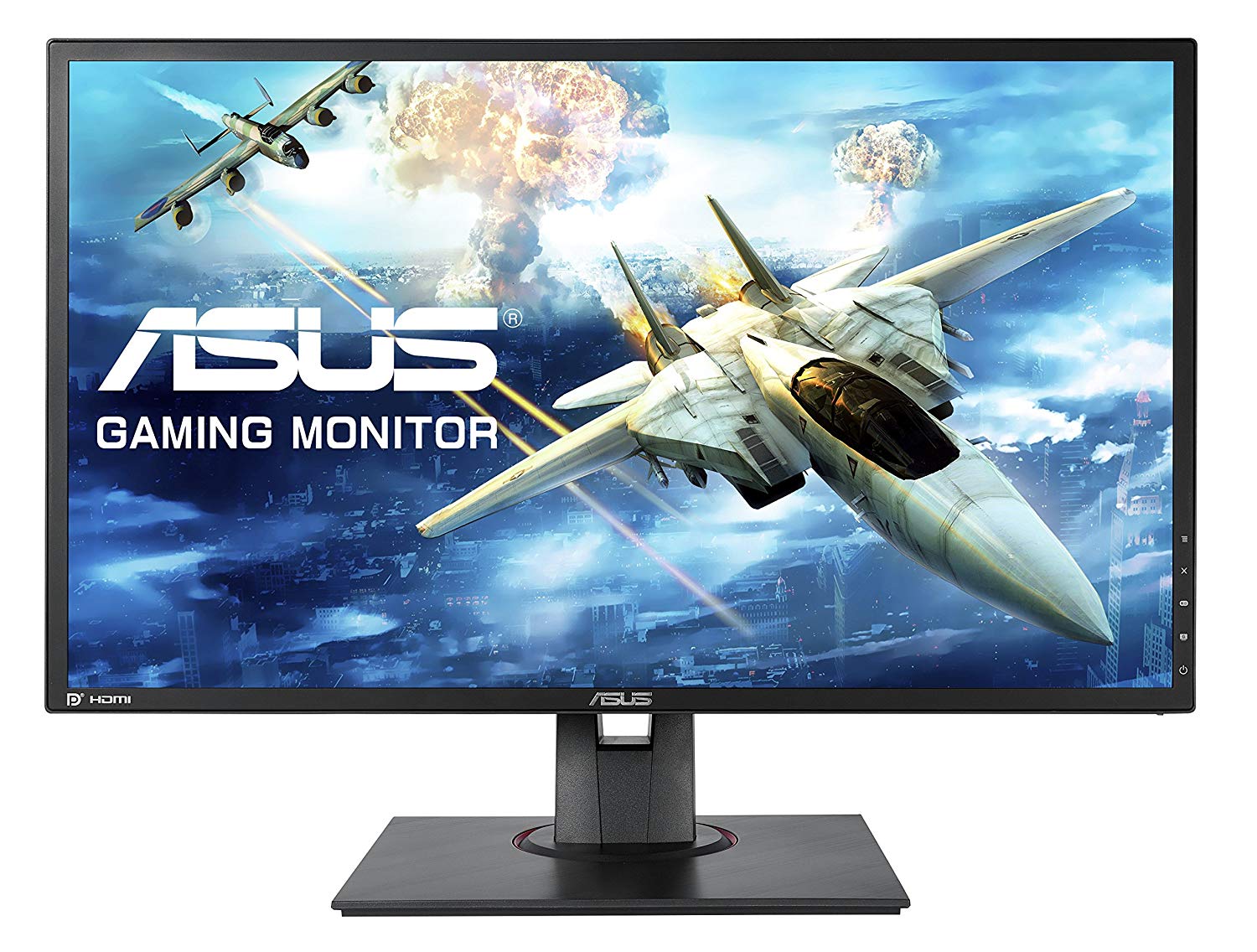
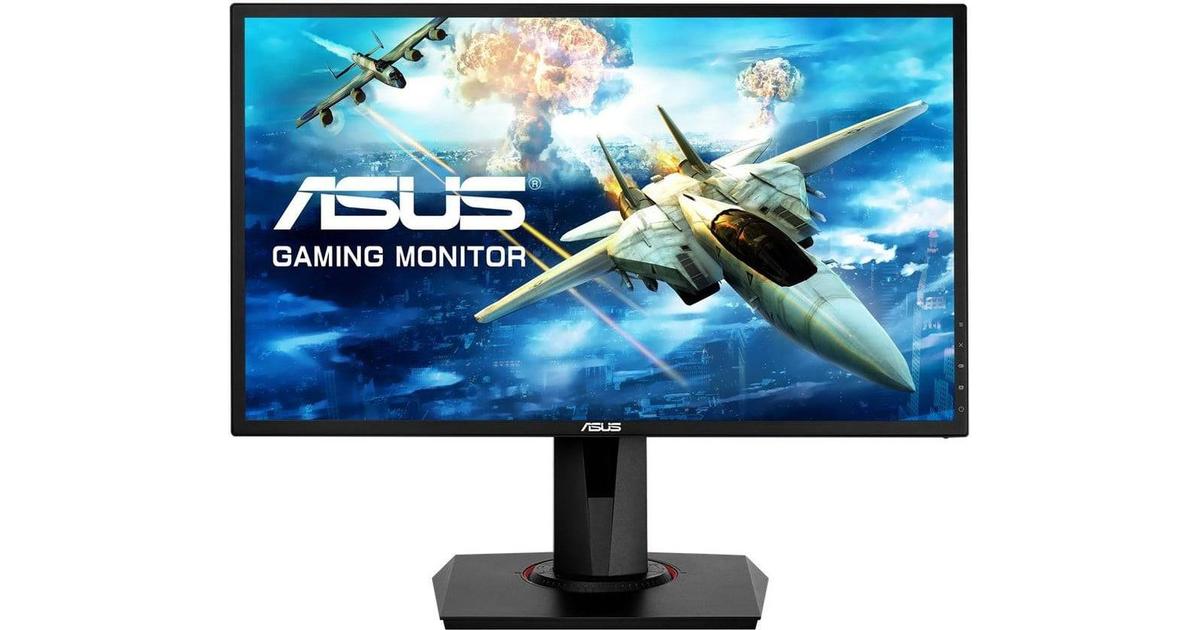
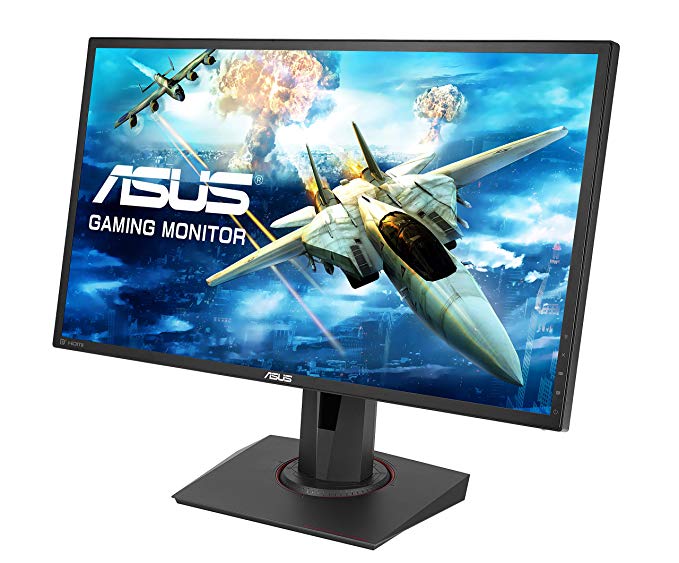
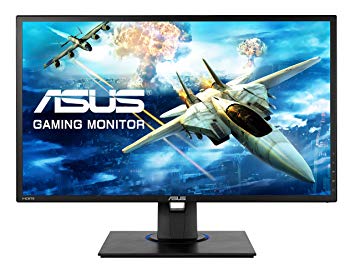
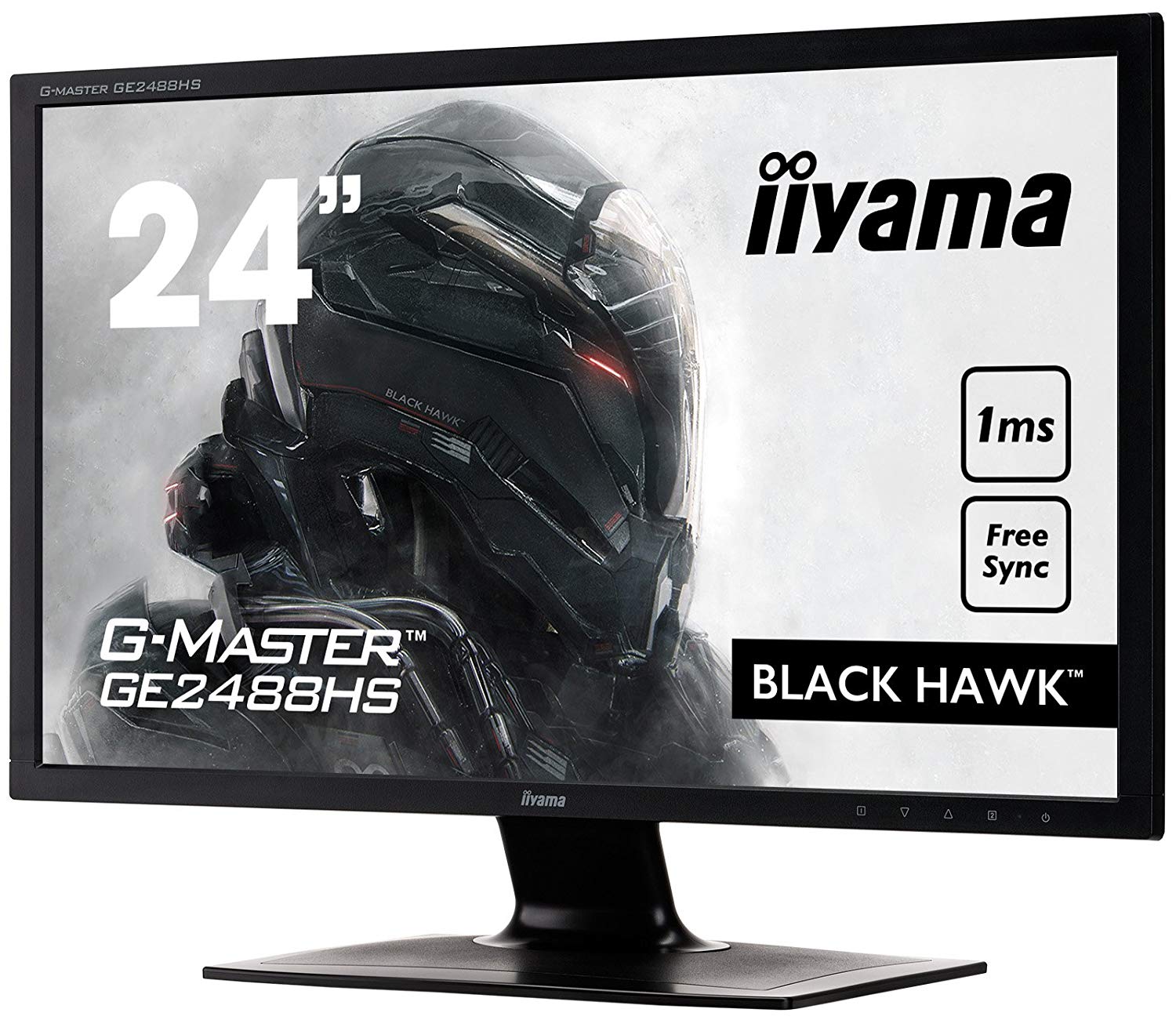
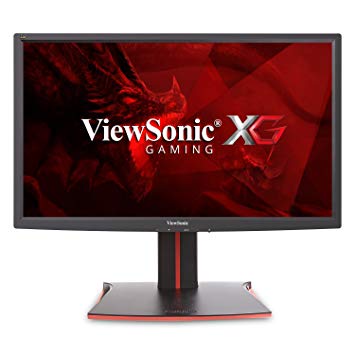
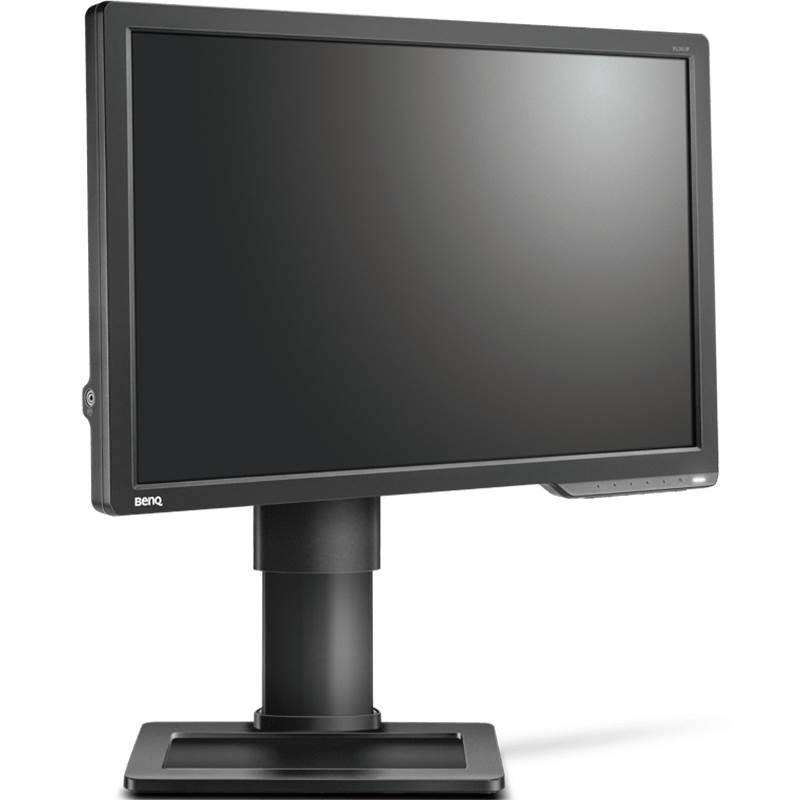
24" Asus MG248QE oyun izleme performansı kriterleri
Asus MG248QE , 12.5 ms toplam girdi gecikmesine sahiptir ve bu rekabet arasında mükemmeldir.. Asus MG248QE Ekran Bağlantı Noktasına sahiptir ve bu NVIDIA kartların AMD FreeSync ile çalışması için gereklidir.. Grafiksel olarak zorlu oyunları telafi etmek için, Asus MG248QE , daha düşük kare hızı düşüşlerine adapte olabilen çok iyi bir düşük son adaptif 40 Hz yenileme hızına sahiptir. AMD FreeSync desteğiyle, bu monitör hem AMD hem de NVIDIA grafik kartlarıyla uyumludur.. Asus MG248QE nispeten yeni bir monitör. Çok hızlı kare hızları için, Asus MG248QE daha yumuşak bir oyun imkanı sağlayan maksimum 144 Hz yenileme hızına sahiptir.. Monitörün bir VESA montajı vardır. Asgari yanıt oranı Asus MG248QE , 1 ms'dir ve bu, gölgelenme efektlerini ortadan kaldırır.. Ortalama yanıt oranı için, Asus MG248QE 3 ms'dir, bu da yüksek yenileme hızıyla etkili senkronizasyon sağlar.. Piksel yoğunluğu bakımından, Asus MG248QE , inç başına piksel başına 91 mükemmel bir yoğunluğa sahiptir ve daha net metin ve resim kalitesi sağlar.. Asus MG248QE parlaklığı diğer monitörlerden daha düşük. Grafik renk kalitesi için, Asus MG248QE ortalama renk derinliğine 6 -bit sahiptir, bu da farklı gradyanlara ve daha az doğru renklere neden olur. Monitörün etkileyici olmayan bir kontrast oranı 1000 : 1. Monitör, yatay ve dikey açılardan bakıldığında renk kaymasına maruz kalan ve IPS ve VA panellerine kıyasla biraz yıkanmış renklere sahip bir TN paneli kullanıyor.
24" Asus MG248QE Certificates, standards and licenses
Certificates, standards and licenses
BSMICBCCCCEcTickCUENERGY STAR 6.0ErPeStandbyFCC Class BJ-MOSSKCCPCBPSERCMRoHSTCO Certified Displays 6.0TÜV Low Blue LightTÜV Flicker-freeUL/cULVCCIWEEEWHQL (Windows 10; Windows 8.1; Windows 7)
24" Asus MG248QE Connectivity
Connectivity
1 x HDMI 1.4, 1 x DisplayPort 1.2, 1 x DVI-D Dual Link, 2 x 3.5 mm Audio Out
24" Asus MG248QE Dimensions, weight and color
Colors
Black
Depth
51 mm (millimeters) 5.1 cm (centimeters) 2.0079 in (inches) 0.1673 ft (feet)
Depth with stand
211 mm (millimeters) 21.1 cm (centimeters) 8.3071 in (inches) 0.6923 ft (feet)
Height
329 mm (millimeters) 32.9 cm (centimeters) 12.9528 in (inches) 1.0794 ft (feet)
Height with stand
415 mm (millimeters) 41.5 cm (centimeters) 16.3386 in (inches) 1.3615 ft (feet)
Weight
2.97 kg (kilograms) 6.55 lbs (pounds)
Weight with stand
4.8 kg (kilograms) 10.58 lbs (pounds)
Width
561 mm (millimeters) 56.1 cm (centimeters) 22.0866 in (inches) 1.8406 ft (feet)
Width with stand
561 mm (millimeters) 56.1 cm (centimeters) 22.0866 in (inches) 1.8406 ft (feet)
24" Asus MG248QE Display
Aspect ratio
1.778:116:9
Average response time
3 ms (milliseconds) 0.0030 s (seconds)
Backlight
W-LED
Brightness
350 cd/m² (candela per square meter)
Coating
Anti-glare/Matte
Colors
16777216 colors 24 bits
Diagonal
609.7 mm (millimeters) 60.97 cm (centimeters) 24.0039 in (inches) 2.0003 ft (feet)
Display area
86.08 % (percent)
Dynamic contrast
100000000 : 1
FRC
Yes
Height
298.94 mm (millimeters) 29.894 cm (centimeters) 11.7693 in (inches) 0.9808 ft (feet)
Horizontal viewing angle
170 ° (degrees)
Minimum response time
1 ms (milliseconds) 0.0010 s (seconds)
NTSC (1953)
72 % (percent)
Panel bit depth
8 bits (6 bits + FRC)
Panel type
TN
Pixel density
91 ppi (pixels per inch) 36 ppcm (pixels per centimeter)
Pixel pitch
0.277 mm (millimeters) 0.0277 cm (centimeters) 0.0109 in (inches) 0.0009 ft (feet)
Resolution
1920 x 1080 pixels Full HD / 1080p
Size class
24 in (inches)
Static contrast
1000 : 1
Vertical viewing angle
160 ° (degrees)
Width
531.46 mm (millimeters) 53.146 cm (centimeters) 20.9236 in (inches) 1.7436 ft (feet)
24" Asus MG248QE Ergonomics
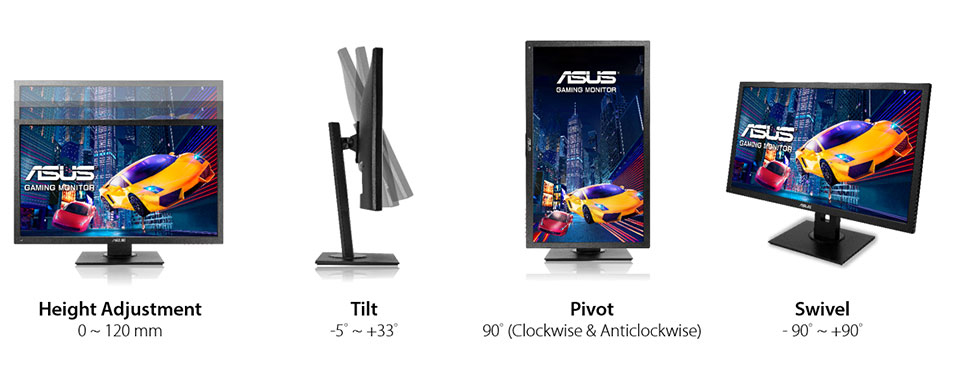
Backward tilt
33 ° (degrees)
Forward tilt
5 ° (degrees)
Forward/backward tilt
Yes
Height adjustment
No
Landscape/portrait pivot
Yes
Left pivot
90 ° (degrees)
Left/right swivel
No
Removable stand
Yes
Right pivot
90 ° (degrees)
VESA interface
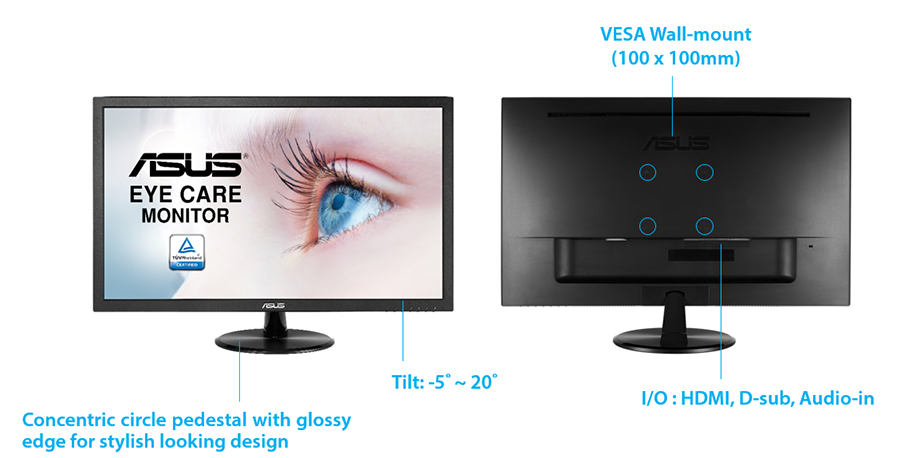
100 x 100 mm
VESA mount
Yes
24" Asus MG248QE Features
Features
5-way OSD joystickAdaptive-Sync TechnologyFlicker-free technology, GamePlus (Crosshair/Timer) GameVisualHDCP (High-bandwidth Digital Content Protection) Ultra-low Blue Light
24" Asus MG248QE Frequencies
Horizontal frequency (analog)
30 kHz - 160 kHz (kilohertz)
Horizontal frequency (digital)
30 kHz - 160 kHz (kilohertz)
Vertical frequency (analog)
50 Hz - 144 Hz (hertz)
Vertical frequency (digital)
40 Hz - 144 Hz (hertz)
24" Asus MG248QE Operating and storage conditions
Operating temperature
0 °C - 40 °C (degrees Celsius) 32 °F - 104 °F (degrees Fahrenheit)
Storage temperature
-20 °C - 60 °C (degrees Celsius) -4 °F - 140 °F (degrees Fahrenheit)
24" Asus MG248QE Power supply and consumption
110V
100 V - 120 V (volts)
220V
220 V - 240 V (volts)
Alternating current frequency
50 Hz - 60 Hz (hertz)
Power consumption (maximum)
40 W (watts)
Power consumption (off)
0.5 W (watts)
Power consumption (sleep)
0.5 W (watts)
24" Asus MG248QE oyun izleme performansı kriterleri - List of Max Refresh Rate Compatible GPUs
Question ASUS Terrible Service. A bad dream on MG248QE
I Buy a Asus MG248QE. The crosshair just moves alone in cyclical periods. I tested under gaming, in windows, and in windows emergency mode to see if any software was creating the problem. I also tested with hdmi and display port. The stupid crosshair simple doesn't stop moving. Theoreticaly it is supposed to help in gaming, not make it more hard... Someone knows about this problem? Thanks to you all for help.
00
M
Marath6 years ago
Question ASUS Terrible Service. A bad dream on MG248QE
I Buy a Asus MG248QE. The crosshair just moves alone in cyclical periods. I tested under gaming, in windows, and in windows emergency mode to see if any software was creating the problem. I also tested with hdmi and display port. The stupid crosshair simple doesn't stop moving. Theoreticaly it is supposed to help in gaming, not make it more hard... Someone knows about this problem? Thanks to you all for help.
00
R
rcfaro7 years ago
Asus Mg248QE Vs Mg248QR explain diferences?
Hi,
Can Simeone explain me diference betwen this two? QE is 20€ cheaper than QR
Here link comparation- https://www.asus.com/Product-Compare/
00
D
Doutor7 years ago
Asus MG248QE hdmi 144hz support?
I just bought the Asus MG248QE gaming monitor to use with my laptop (it only arrives in a few days), but will it be able to run 144hz with a hdmi 2.0? I heard that HDMI 2.0 supports 144HZ but does the monitor support it as well? I do have a mini display port so I could buy a displayport to mini displayport cable but it would cost me more 30€ and I already paid a good amount for the monitor itself. I would assume it supports it but I rather be sure.































Grafik Kartı Satın Almadan Önce Neler Dikkat Edilmeli?
Yeni bir grafik kartı satın alarak sisteminizi yükseltmeyi planlıyorsanız. O zaman dikkate alınması gereken bazı önemli faktörler var.
Çözünürlük VS Kalitesi: Oyun Performansına Etkisi
Oyun performansını neler etkiler? Netlik veya Detaylar?
PC Oyunlarında Ultra VS Yüksek Kalite Ayarları
Her oyuncunun PC oyunları için ideal ayar hakkında farklı bir fikri vardır. Ancak çoğu durumda, Yüksek kaliteli bir grafik yapılandırması seçerek gitmek yoludur.
CPU veya GPU Darboğazları nedir?
Ani çerçeve damlaları alıyor musunuz? bir darboğazınız olabilir.
Benim için kabul edilebilir FPS hızı nedir?
Bazı oyunlarda, daha düşük kare hızlarında hala mükemmel garfiklerin tadını çıkarabilirsiniz.
GPU Hierarchy
GPU Compare
CPU Compare
Gaming Laptops
Gaming Monitors
Gaming Headsets
Tartışma ve Yorumlar
Yorumlarınızı paylaşın
I Buy a Asus MG248QE. The crosshair just moves alone in cyclical periods. I tested under gaming, in windows, and in windows emergency mode to see if any software was creating the problem. I also tested with hdmi and display port. The stupid crosshair simple doesn't stop moving. Theoreticaly it is supposed to help in gaming, not make it more hard... Someone knows about this problem? Thanks to you all for help.
I Buy a Asus MG248QE. The crosshair just moves alone in cyclical periods. I tested under gaming, in windows, and in windows emergency mode to see if any software was creating the problem. I also tested with hdmi and display port. The stupid crosshair simple doesn't stop moving. Theoreticaly it is supposed to help in gaming, not make it more hard... Someone knows about this problem? Thanks to you all for help.
Hi,
Can Simeone explain me diference betwen this two? QE is 20€ cheaper than QR
Here link comparation- https://www.asus.com/Product-Compare/
I just bought the Asus MG248QE gaming monitor to use with my laptop (it only arrives in a few days), but will it be able to run 144hz with a hdmi 2.0? I heard that HDMI 2.0 supports 144HZ but does the monitor support it as well? I do have a mini display port so I could buy a displayport to mini displayport cable but it would cost me more 30€ and I already paid a good amount for the monitor itself. I would assume it supports it but I rather be sure.