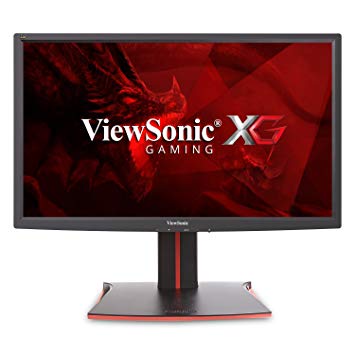
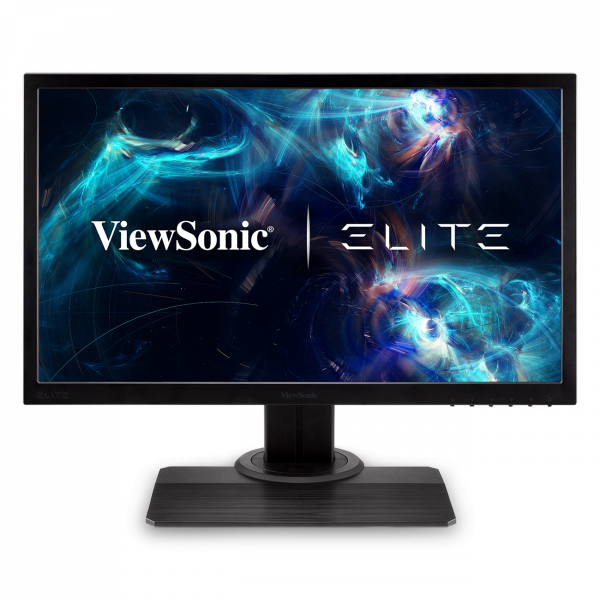
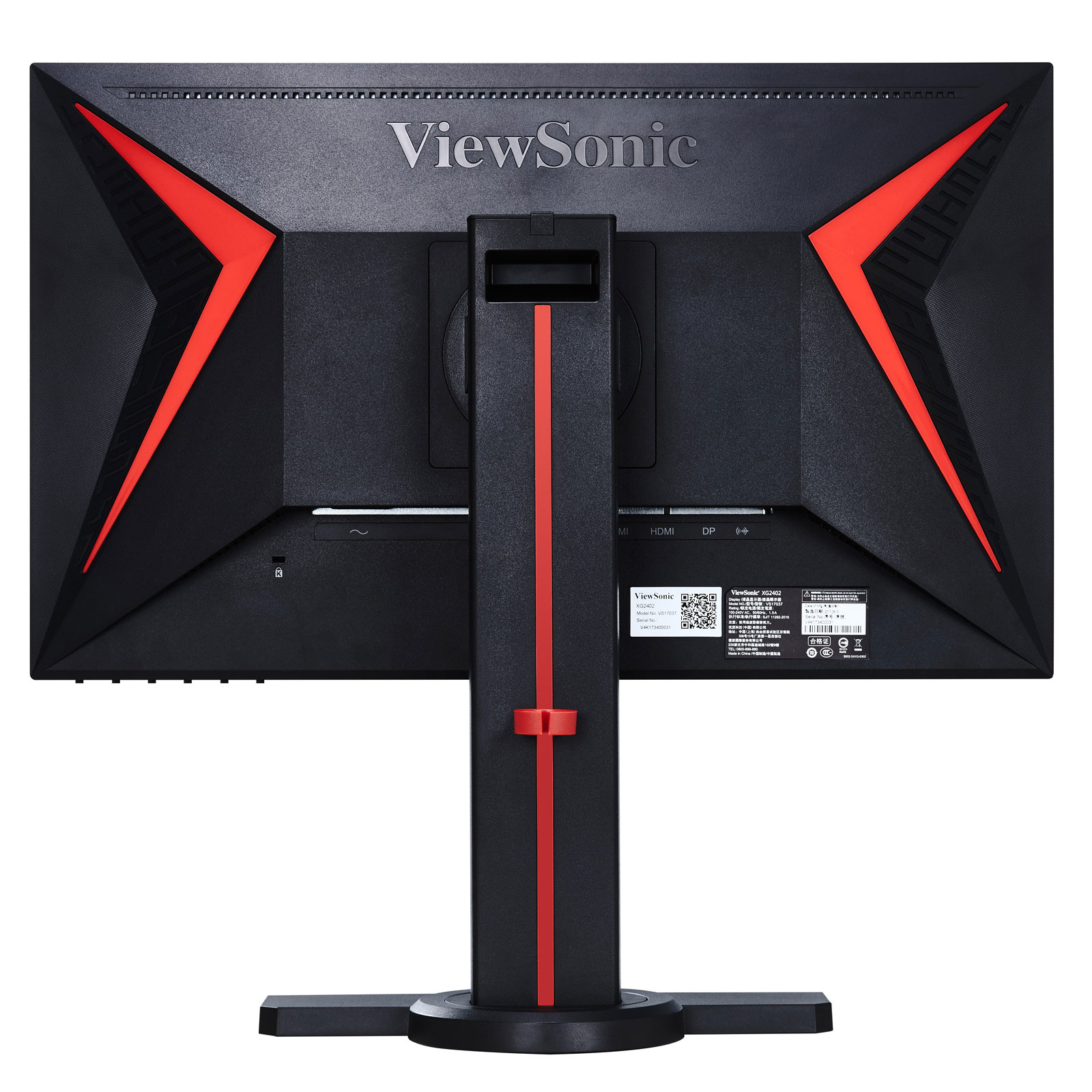
Med AMD FreeSync-stöd är denna skärm kompatibel med både AMD- och NVIDIA-grafikkort. När det gäller pixeldensitet har ViewSonic XG2401 en utmärkt densitet på 91 pixlar per tum, vilket resulterar i skarpare text- och bildkvalitet. För den genomsnittliga svarsfrekvensen är ViewSonic XG2401 poängen 5 ms, vilket säkerställer effektiv synkronisering med hög uppdateringshastighet. ViewSonic XG2401 har bildskärmsporten och det är viktigt för NVIDIA-kort att fungera med AMD FreeSync. För de extremt snabba bildhastigheterna har ViewSonic XG2401 en upplösningshastighet på 144 Hz som möjliggör en mjukare spelning. Skärmen har en VESA-montering. För att kompensera för grafiskt krävande spel har ViewSonic XG2401 en mycket bra lågändig adaptiv uppdateringshastighet på 24 Hz som kan anpassa sig till mer lägre bildhastighetsdroppar. Minsta svarsfrekvensen för ViewSonic XG2401 är 1.45 ms, vilket eliminerar spökeffekter. Det är värt att notera att ViewSonic XG2401 är en relativt gammal bildskärm. Skärmen har ett imponerande kontrastförhållande av 1000 : 1. ViewSonic XG2401 har en total ingångsslag på 20 ms, vilket är dåligt bland tävlingen. För grafisk färgkvalitet har ViewSonic XG2401 ett genomsnittligt färgdjup på 6 -bit, vilket resulterar i dithered-gradienter och mer något mindre noggranna färger. Ljusstyrkan på ViewSonic XG2401 är lägre än andra skärmar. Skärmen använder en TN-panel som lider av färgskiftning när den ses från horisontella och vertikala vinklar och har något tvättade färger jämfört med IPS- och VA-paneler.
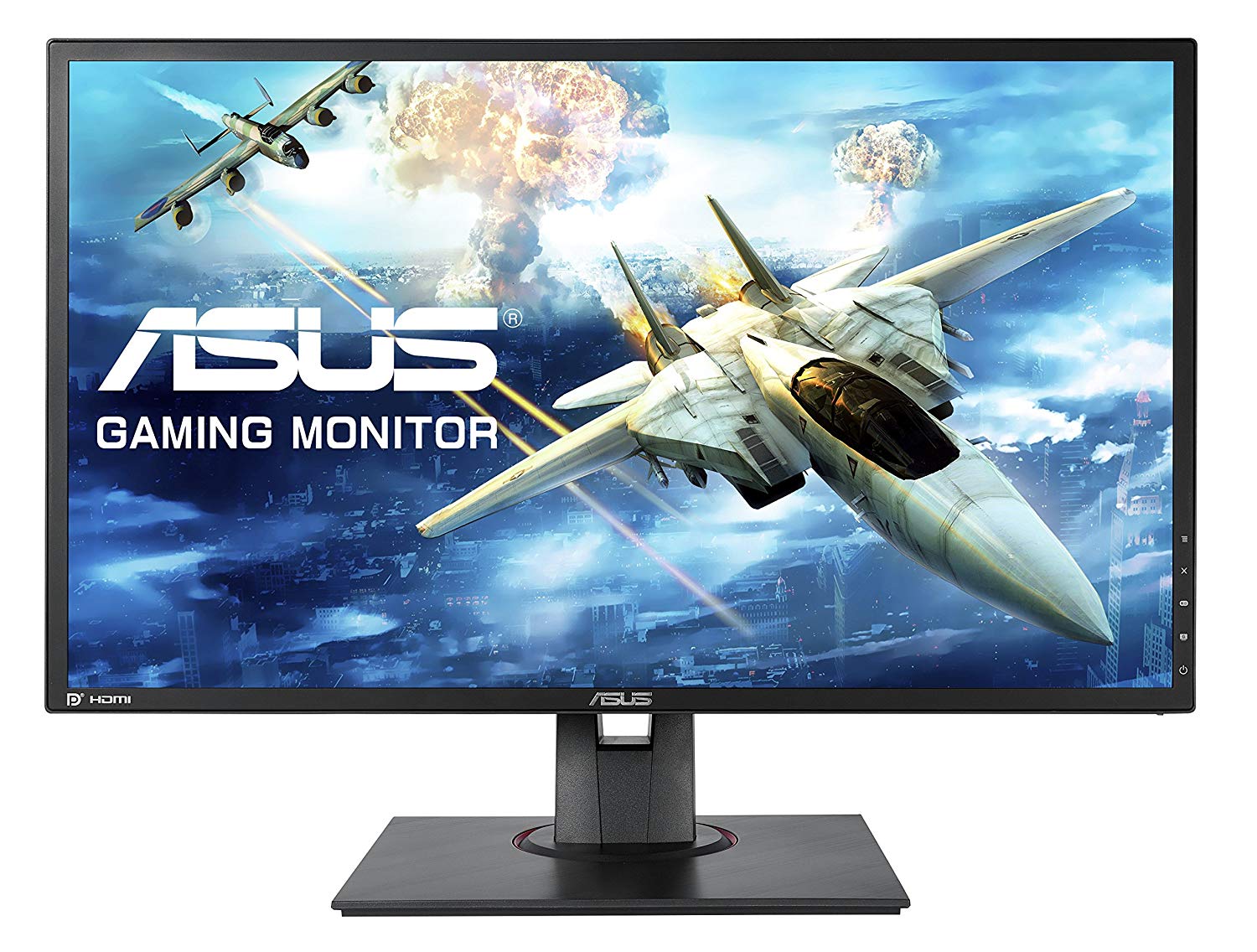
Viewsonic XG2401 – Design and Features. At this end of the monitor market there are few truly stylish-looking gaming monitors. The Asus MG248Q is the best looking of the lot but it costs over £300.
Page 2 Image Quality and Verdict Review Viewsonic XG2401 – Image Quality The single best thing about this display is that right out of the box it has great image quality for a TN-LCD gaming monitor.
The Verdict The ViewSonic XG2401 is a decent gaming monitor, but not top notch. The mediocre black levels detract from gameplay, and its gaming features aren't terribly useful.
ViewSonic XG2401 Review – Super-Responsive Gaming ... Verdict. The ViewSonic XG2401 gaming monitor offers crisp 1080p images, ridiculously fast response times and plenty of useful bells and ...
ViewSonic XG2401 24-inch FreeSync Monitor Review. by Christian Eberle April 3, ... we're giving the ViewSonic XG2401 our Tom's Editor Approved Award. ... Verdict. For less than $300, the XG2401 is ...
The OSD has a cool red background, which we think fits the XG2401's role as a gaming display. There isn't anything unusual to report here but you will need to visit a few specific options to ...
The ViewSonic XG2401 is a moderately priced 24-inch gaming monitor that delivers great performance and some nice features for gamers. Its viewing angles and color accuracy could be better, though.
Page 8: Conclusion; Brightness And Contrast. ... The XG2401 has light output to spare with brightness over 400cd/m 2. While most of us would burn our retinas at this level indoors, it's helpful ...
Question Asus Strix Gtx 960 4gb OC and View Sonic XG2401 possible to set up Gsync?
I have updated my graphics card and i dont see the option Set Up GSync . I saw a video on youtube using my same monitor to set up gSync on nvidia but a different Graphics Card
00
I
idontknow22547 years ago
ViewSonic XG2401 Monitor vs XG2402
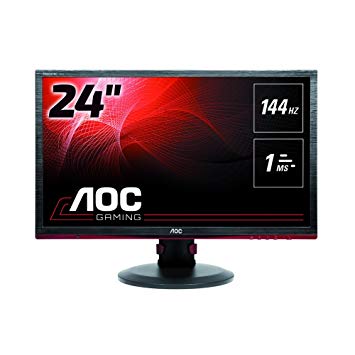
Hi, so I have a build planned out, and was considering an AOC monitor when I found the ViewSonic XG2401 monitor, which had better colors, and had FreeSync too. However, there is a newer version, the XG2402, and I don’t know if I should get the newer 2402 or save 50 dollars and stick with the 2401. Or, if these monitors are bad and I should get another one, please let me know. Any feedback would be appreciated.
00
G
Glenwing7 years ago
XG2402 adds support for FreeSync over HDMI. If they're around the same price then you might as well, but if it's more expensive there isn't much difference, the XG2401 will do just fine.
00
G
geri22geri8 years ago
Definitive answer: XG2401, C24FG73, XL2411, VG248QE, HP OMEN 25.
I don't care about the price, I want the best option. I would prefer to have a display port, so the BenQ may not be the best option.
I suppose I want the best image quality. I am not a purist, so response time I don't think is a handicap for me. I also want a monitor that doesn't usually have problems, because I have heard of some problems with the Samsung model, but if it is and isolated problem I don't mind.
The value it's not important neither.
00
P
poutanenonni18 years ago
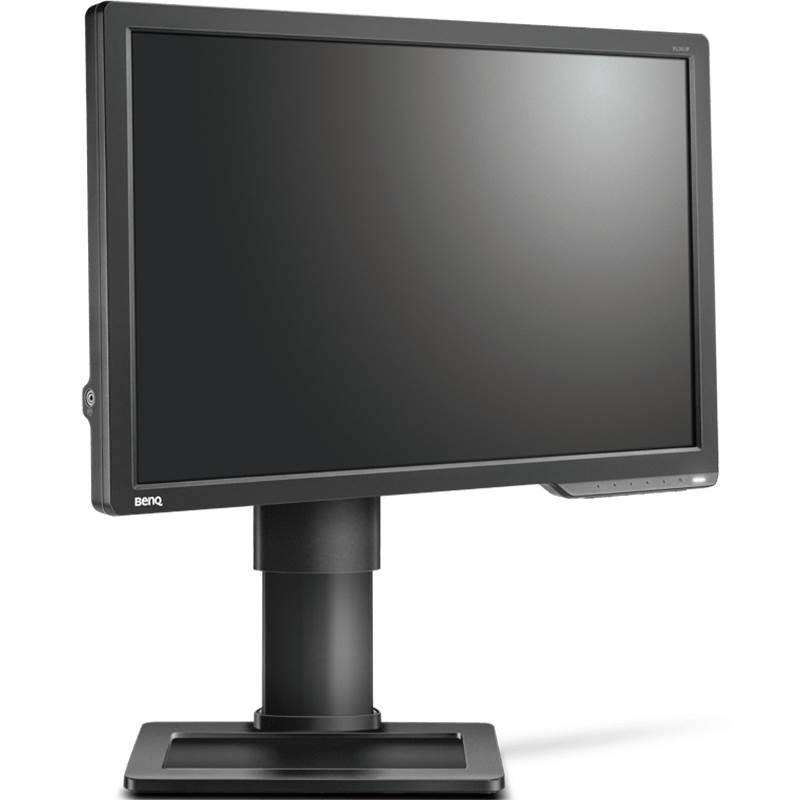
Benq xl2411z vs viewsonic XG2401
I ended up with these 2 options for me, which one you people would suggest? I'm playing some singleplayers where color is important, and for my understanding viewsonic has a slight edge on that. Also I'm playing cs:go and I think they are pretty equal on fast paced games (?).
You can also suggest some monitors, in same price range +/-40 euros. 144hz is basically the only requirement, but I still want a solid all-arounder.
Last question, could it be wise to invest 100 more and buy g-sync monitor, as I'm planning to buy Gtx1070?
00
G
Glenwing8 years ago
The XL2411Z is quite outdated and there is really no reason to be buying it today unless it's really discounted.
00
B
BL____8 years ago
GPU or Display scaling VIEWSONIC XG2401
Hello, I have a viewsonic xg2401 monitor connected via displayport from my laptop and I am using 144hz. In nvidia control panel there are 2 options, GPU and Display scaling. Which one should I use if I am playing FPS games such as csgo using 4:3 resolution?
00
H
Hasitha_18 years ago
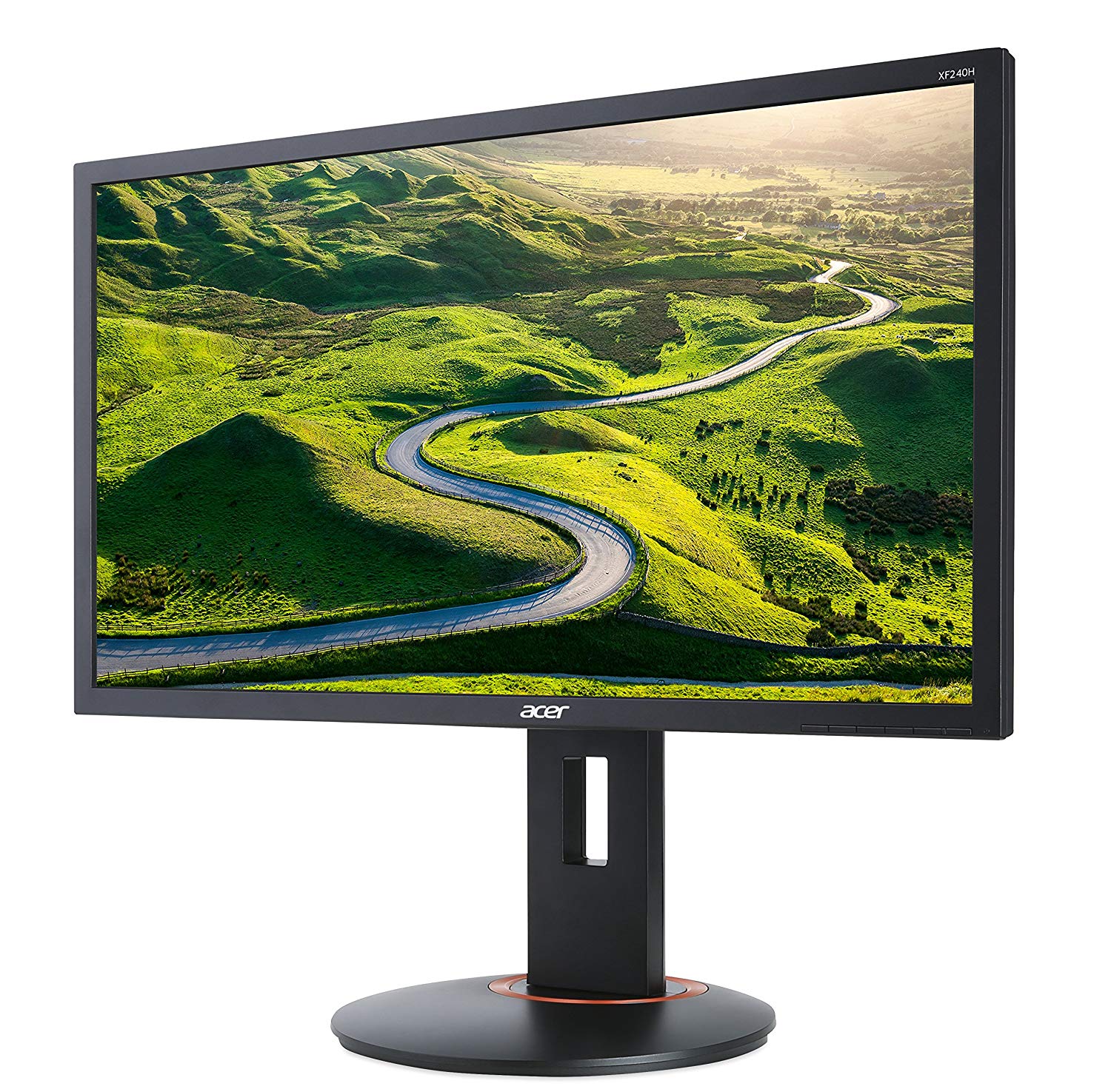
Acer XF240H vs Viewsonic XG2401
Hello,
I'm looking to buy a 1080p 144Hz monitor with Freesync since I have a RX480 Nitro. However, the Acer XF240H and the Viewsonic XG2401 are my only options as they both have all the features I need while the XG2401 being 30 USD more expensive then the XF240H (In my country). Although, I heard that the Viewsonic XG2401 has better color accuracy for a TN panel though I couldn't find a direct comparison between these two monitors. And I mainly play Overwatch if that matters. So, is it worth spending that extra $30 on the Viewsonic one or am I better off with the Acer one?
Thanks.
00
C
Chugalug_8 years ago
Get the XF240H, trust me on this, Viewsonic haev some seriously dodgy panels.
I run a store and they get returned more than AOCs with backlight bleed and pixel issues.























Vad du bör tänka på innan du köper ett grafikkort
Om du har planerat att uppgradera ditt system genom att köpa ett nytt grafikkort. Då finns det några viktiga faktorer att tänka på.
Upplösning VS Kvalitet: Påverkan på spelprestanda
Vad påverkar spelprestanda? Klarhet eller detaljer?
Ultra VS Högkvalitetsinställningar i PC-spel
Varje spelare har en annan uppfattning om den perfekta inställningen för PC-spel. Men i de flesta fall väljer man en högkvalitativ grafikkonfiguration.
Vad är CPU eller GPU-flaskhalsar?
Får du plötsliga ramdroppar? du kanske har en flaskhals.
Vad är den acceptabla FPS-hastigheten för mig?
För vissa spel kan du fortfarande njuta av stora kläder på lägre bildräntor.
GPU Hierarchy
GPU Compare
CPU Compare
Gaming Laptops
Gaming Monitors
Gaming Headsets
Diskussion och kommentarer
Dela dina kommentarer
I have updated my graphics card and i dont see the option Set Up GSync . I saw a video on youtube using my same monitor to set up gSync on nvidia but a different Graphics Card
Hi, so I have a build planned out, and was considering an AOC monitor when I found the ViewSonic XG2401 monitor, which had better colors, and had FreeSync too. However, there is a newer version, the XG2402, and I don’t know if I should get the newer 2402 or save 50 dollars and stick with the 2401. Or, if these monitors are bad and I should get another one, please let me know. Any feedback would be appreciated.
XG2402 adds support for FreeSync over HDMI. If they're around the same price then you might as well, but if it's more expensive there isn't much difference, the XG2401 will do just fine.
I don't care about the price, I want the best option. I would prefer to have a display port, so the BenQ may not be the best option.
I suppose I want the best image quality. I am not a purist, so response time I don't think is a handicap for me. I also want a monitor that doesn't usually have problems, because I have heard of some problems with the Samsung model, but if it is and isolated problem I don't mind.
The value it's not important neither.
I ended up with these 2 options for me, which one you people would suggest? I'm playing some singleplayers where color is important, and for my understanding viewsonic has a slight edge on that. Also I'm playing cs:go and I think they are pretty equal on fast paced games (?).
You can also suggest some monitors, in same price range +/-40 euros. 144hz is basically the only requirement, but I still want a solid all-arounder.
Last question, could it be wise to invest 100 more and buy g-sync monitor, as I'm planning to buy Gtx1070?
The XL2411Z is quite outdated and there is really no reason to be buying it today unless it's really discounted.
Hello, I have a viewsonic xg2401 monitor connected via displayport from my laptop and I am using 144hz. In nvidia control panel there are 2 options, GPU and Display scaling. Which one should I use if I am playing FPS games such as csgo using 4:3 resolution?
Hello,
I'm looking to buy a 1080p 144Hz monitor with Freesync since I have a RX480 Nitro. However, the Acer XF240H and the Viewsonic XG2401 are my only options as they both have all the features I need while the XG2401 being 30 USD more expensive then the XF240H (In my country). Although, I heard that the Viewsonic XG2401 has better color accuracy for a TN panel though I couldn't find a direct comparison between these two monitors. And I mainly play Overwatch if that matters. So, is it worth spending that extra $30 on the Viewsonic one or am I better off with the Acer one?
Thanks.
Get the XF240H, trust me on this, Viewsonic haev some seriously dodgy panels.
I run a store and they get returned more than AOCs with backlight bleed and pixel issues.