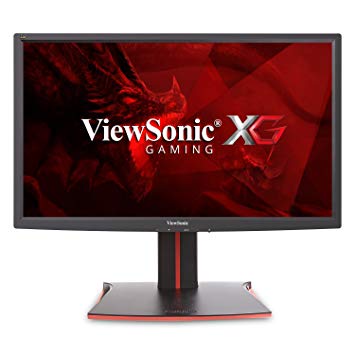
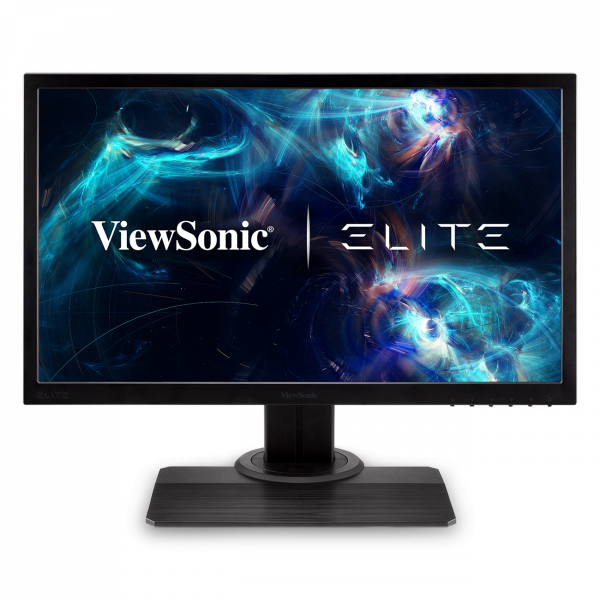
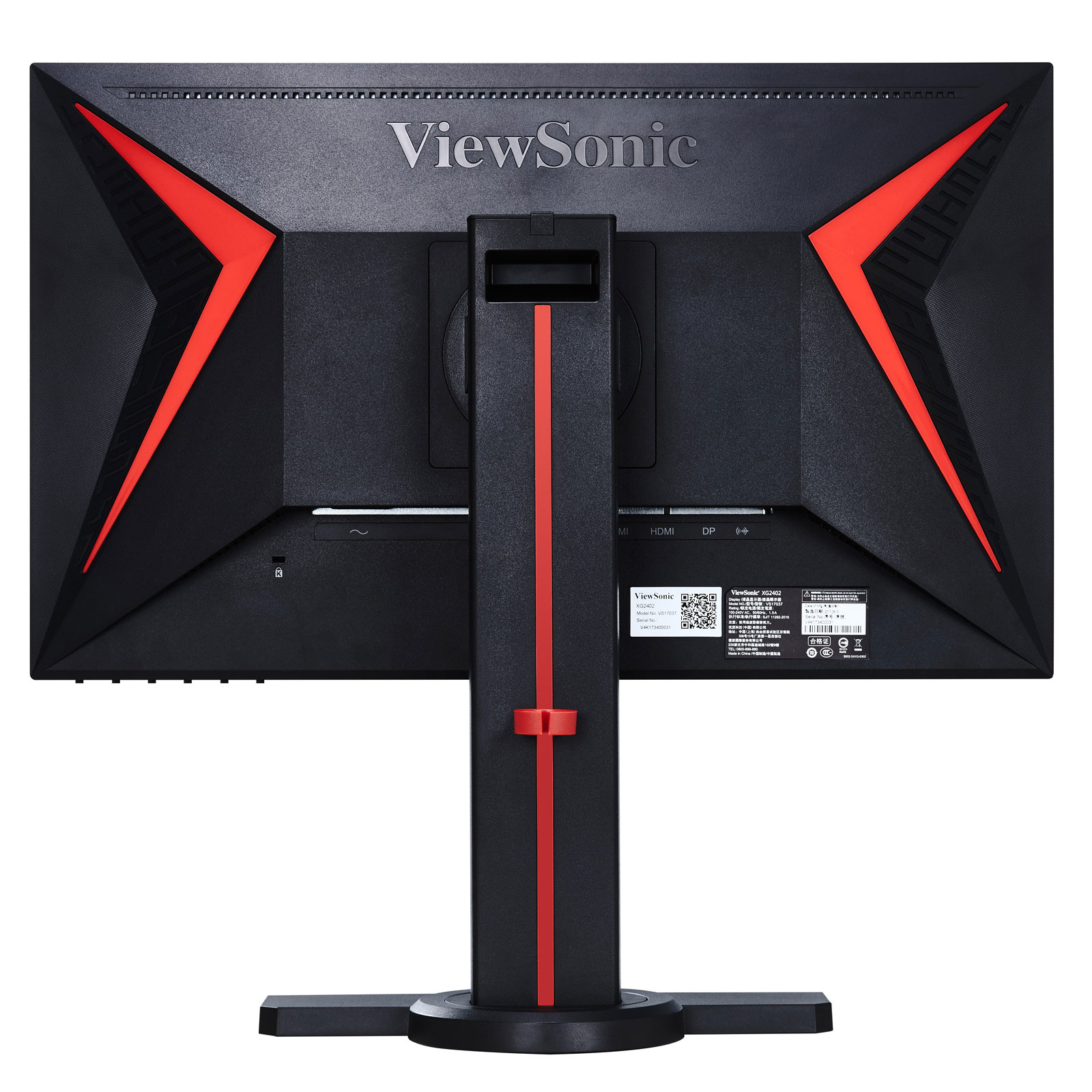
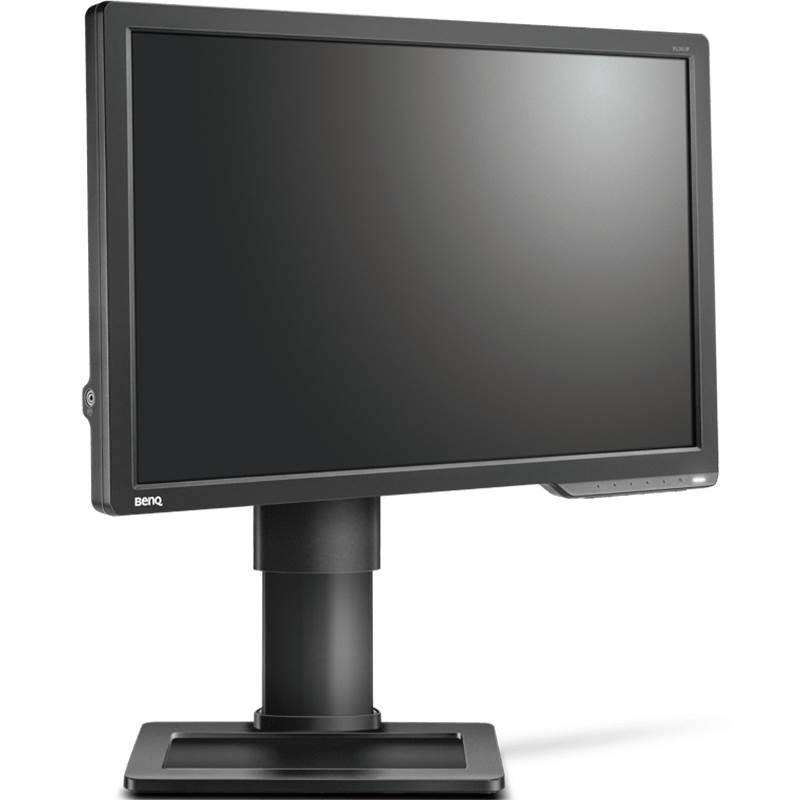
فيما يتعلق بكثافة البكسل ، ViewSonic XG2401 بها كثافة ممتازة 91 بكسل لكل بوصة ، مما ينتج عنه جودة نص وصورة أكثر حدة. يحتوي ViewSonic XG2401 على منفذ العرض وهذا ضروري لبطاقات NVIDIA للعمل مع AMD FreeSync. الشاشة لديها جبل VESA. مع دعم AMD FreeSync ، تكون هذه الشاشة متوافقة مع كل من بطاقات الرسومات AMD و NVIDIA. الحد الأدنى لمعدل الاستجابة ViewSonic XG2401 هو 1.45 مللي ثانية ، وهو ما يلغي آثار الظلال. بالنسبة لمتوسط معدل الاستجابة ، تسجل ViewSonic XG2401 الدرجات 5 ms ، مما يضمن التزامن الفعال مع معدل التحديث العالي. بالنسبة لمعدلات الإطارات السريعة للغاية ، لدى ViewSonic XG2401 معدل تحديث أقصى يبلغ 144 هرتز والذي يسمح باللعب بطريقة أكثر سلاسة. للتعويض عن الألعاب التي تتطلب رسومًا بيانية ، يتمتع ViewSonic XG2401 بمعدل تحديث منخفض للغاية جيد للغاية قدره 24 هرتز يمكنه التكيف مع المزيد من انخفاض معدل الإطارات. ViewSonic XG2401 بها تأخر إدخال كلي قدره 20 ms ، وهو أمر سيء بين المنافسة. بالنسبة لجودة ألوان الرسومات ، يحتوي ViewSonic XG2401 على متوسط عمق ألوان يبلغ 6 -bit ، مما ينتج عنه تدرجات متدرجة وألوان أقل دقة قليلاً. سطوع ViewSonic XG2401 أقل من الشاشات الأخرى. تستخدم الشاشة لوحة TN التي تعاني من تغيير اللون عند عرضها من الزوايا الأفقية والرأسية وتم غسلها قليلاً مقارنةً بألواح IPS و VA. تجدر الإشارة إلى أن ViewSonic XG2401 جهاز قديم نسبياً. تحتوي الشاشة على نسبة تباين غير مبهرة من 1000 : 1.
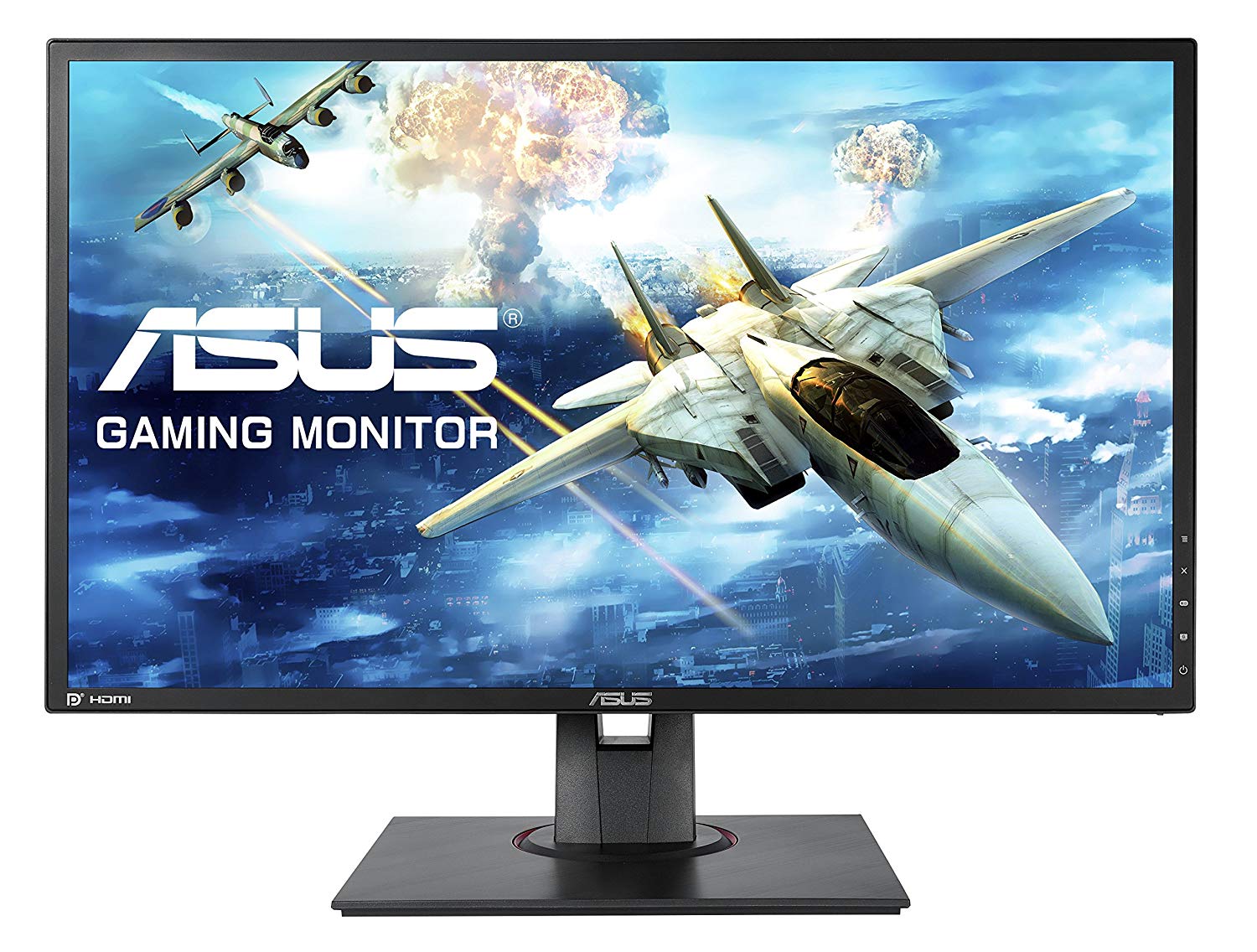
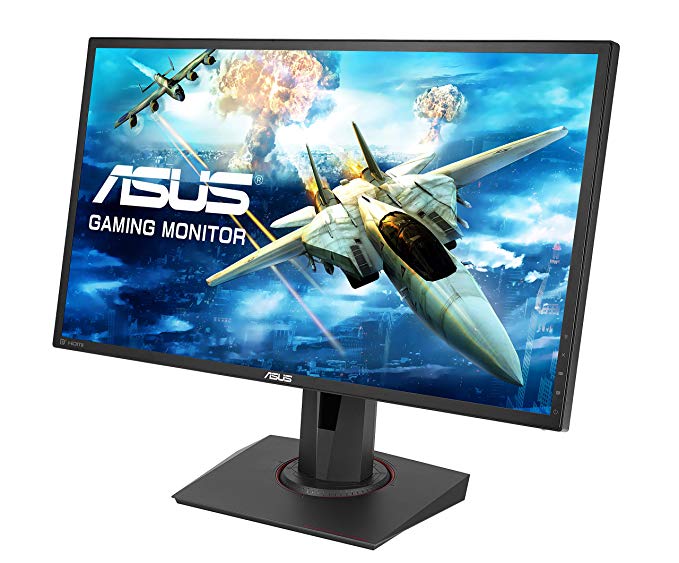
Viewsonic XG2401 – Design and Features. At this end of the monitor market there are few truly stylish-looking gaming monitors. The Asus MG248Q is the best looking of the lot but it costs over £300.
Page 2 Image Quality and Verdict Review Viewsonic XG2401 – Image Quality The single best thing about this display is that right out of the box it has great image quality for a TN-LCD gaming monitor.
The Verdict The ViewSonic XG2401 is a decent gaming monitor, but not top notch. The mediocre black levels detract from gameplay, and its gaming features aren't terribly useful.
ViewSonic XG2401 Review – Super-Responsive Gaming ... Verdict. The ViewSonic XG2401 gaming monitor offers crisp 1080p images, ridiculously fast response times and plenty of useful bells and ...
ViewSonic XG2401 24-inch FreeSync Monitor Review. by Christian Eberle April 3, ... we're giving the ViewSonic XG2401 our Tom's Editor Approved Award. ... Verdict. For less than $300, the XG2401 is ...
The OSD has a cool red background, which we think fits the XG2401's role as a gaming display. There isn't anything unusual to report here but you will need to visit a few specific options to ...
The ViewSonic XG2401 is a moderately priced 24-inch gaming monitor that delivers great performance and some nice features for gamers. Its viewing angles and color accuracy could be better, though.
Page 8: Conclusion; Brightness And Contrast. ... The XG2401 has light output to spare with brightness over 400cd/m 2. While most of us would burn our retinas at this level indoors, it's helpful ...
Question Asus Strix Gtx 960 4gb OC and View Sonic XG2401 possible to set up Gsync?
I have updated my graphics card and i dont see the option Set Up GSync . I saw a video on youtube using my same monitor to set up gSync on nvidia but a different Graphics Card
00
I
idontknow22547 years ago
ViewSonic XG2401 Monitor vs XG2402
Hi, so I have a build planned out, and was considering an AOC monitor when I found the ViewSonic XG2401 monitor, which had better colors, and had FreeSync too. However, there is a newer version, the XG2402, and I don’t know if I should get the newer 2402 or save 50 dollars and stick with the 2401. Or, if these monitors are bad and I should get another one, please let me know. Any feedback would be appreciated.
00
G
Glenwing7 years ago
XG2402 adds support for FreeSync over HDMI. If they're around the same price then you might as well, but if it's more expensive there isn't much difference, the XG2401 will do just fine.
00
G
geri22geri8 years ago
Definitive answer: XG2401, C24FG73, XL2411, VG248QE, HP OMEN 25.
I don't care about the price, I want the best option. I would prefer to have a display port, so the BenQ may not be the best option.
I suppose I want the best image quality. I am not a purist, so response time I don't think is a handicap for me. I also want a monitor that doesn't usually have problems, because I have heard of some problems with the Samsung model, but if it is and isolated problem I don't mind.
The value it's not important neither.
00
P
poutanenonni18 years ago
Benq xl2411z vs viewsonic XG2401
I ended up with these 2 options for me, which one you people would suggest? I'm playing some singleplayers where color is important, and for my understanding viewsonic has a slight edge on that. Also I'm playing cs:go and I think they are pretty equal on fast paced games (?).
You can also suggest some monitors, in same price range +/-40 euros. 144hz is basically the only requirement, but I still want a solid all-arounder.
Last question, could it be wise to invest 100 more and buy g-sync monitor, as I'm planning to buy Gtx1070?
00
G
Glenwing8 years ago
The XL2411Z is quite outdated and there is really no reason to be buying it today unless it's really discounted.
00
B
BL____8 years ago
GPU or Display scaling VIEWSONIC XG2401
Hello, I have a viewsonic xg2401 monitor connected via displayport from my laptop and I am using 144hz. In nvidia control panel there are 2 options, GPU and Display scaling. Which one should I use if I am playing FPS games such as csgo using 4:3 resolution?
00
H
Hasitha_19 years ago
Acer XF240H vs Viewsonic XG2401
Hello,
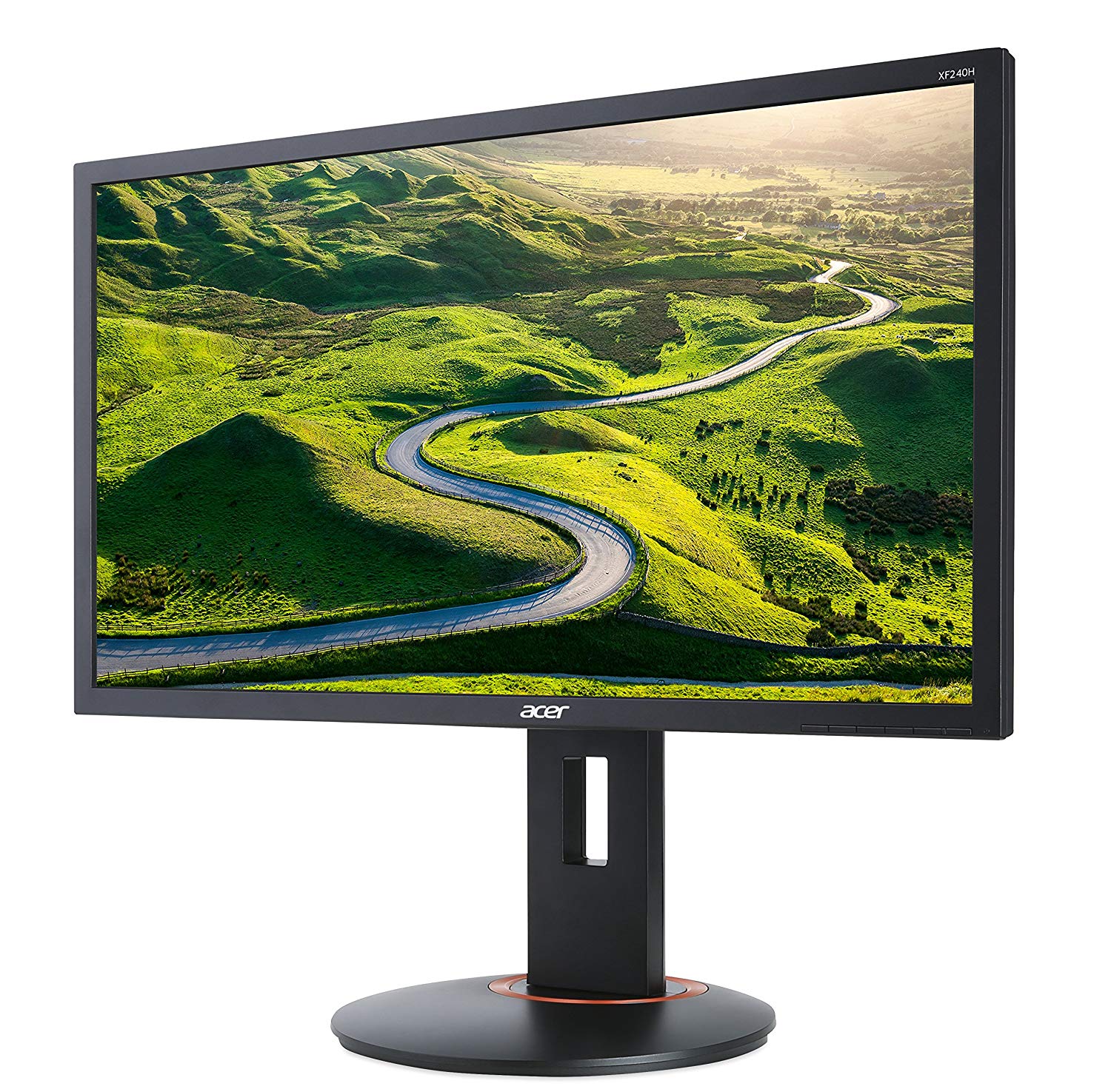
I'm looking to buy a 1080p 144Hz monitor with Freesync since I have a RX480 Nitro. However, the Acer XF240H and the Viewsonic XG2401 are my only options as they both have all the features I need while the XG2401 being 30 USD more expensive then the XF240H (In my country). Although, I heard that the Viewsonic XG2401 has better color accuracy for a TN panel though I couldn't find a direct comparison between these two monitors. And I mainly play Overwatch if that matters. So, is it worth spending that extra $30 on the Viewsonic one or am I better off with the Acer one?
Thanks.
00
C
Chugalug_9 years ago
Get the XF240H, trust me on this, Viewsonic haev some seriously dodgy panels.
I run a store and they get returned more than AOCs with backlight bleed and pixel issues.























ما النظر قبل شراء بطاقة الرسومات
إذا كنت تخطط لترقية النظام الخاص بك عن طريق شراء بطاقة رسومات جديدة. ثم هناك بعض العوامل الهامة للنظر فيها.
جودة القرار الجودة: التأثير على أداء اللعبة
ما يؤثر على أداء اللعبة؟ الوضوح أو التفاصيل؟
إعدادات Ultra VS High Quality في ألعاب الكمبيوتر الشخصي
كل لاعب لديه فكرة مختلفة حول الإعداد المثالي لألعاب الكمبيوتر. ولكن في معظم الحالات ، يعد اختيار تهيئة رسومات عالية الجودة هو الطريق المناسب.
ما هي المعامِلات CPU أو GPU؟
هل تحصل على قطرات إطار مفاجئ؟ قد يكون لديك عنق الزجاجة.
ما هي سرعة FPS المقبولة بالنسبة لي؟
بالنسبة إلى بعض الألعاب ، لا يزال بإمكانك الاستمتاع بحفل كبير في أسعار الإطارات المنخفضة.
GPU Hierarchy
GPU Compare
CPU Compare
Gaming Laptops
Gaming Monitors
Gaming Headsets
مناقشة وتعليقات
شارك تعليقاتك
I have updated my graphics card and i dont see the option Set Up GSync . I saw a video on youtube using my same monitor to set up gSync on nvidia but a different Graphics Card
Hi, so I have a build planned out, and was considering an AOC monitor when I found the ViewSonic XG2401 monitor, which had better colors, and had FreeSync too. However, there is a newer version, the XG2402, and I don’t know if I should get the newer 2402 or save 50 dollars and stick with the 2401. Or, if these monitors are bad and I should get another one, please let me know. Any feedback would be appreciated.
XG2402 adds support for FreeSync over HDMI. If they're around the same price then you might as well, but if it's more expensive there isn't much difference, the XG2401 will do just fine.
I don't care about the price, I want the best option. I would prefer to have a display port, so the BenQ may not be the best option.
I suppose I want the best image quality. I am not a purist, so response time I don't think is a handicap for me. I also want a monitor that doesn't usually have problems, because I have heard of some problems with the Samsung model, but if it is and isolated problem I don't mind.
The value it's not important neither.
I ended up with these 2 options for me, which one you people would suggest? I'm playing some singleplayers where color is important, and for my understanding viewsonic has a slight edge on that. Also I'm playing cs:go and I think they are pretty equal on fast paced games (?).
You can also suggest some monitors, in same price range +/-40 euros. 144hz is basically the only requirement, but I still want a solid all-arounder.
Last question, could it be wise to invest 100 more and buy g-sync monitor, as I'm planning to buy Gtx1070?
The XL2411Z is quite outdated and there is really no reason to be buying it today unless it's really discounted.
Hello, I have a viewsonic xg2401 monitor connected via displayport from my laptop and I am using 144hz. In nvidia control panel there are 2 options, GPU and Display scaling. Which one should I use if I am playing FPS games such as csgo using 4:3 resolution?
Hello,
I'm looking to buy a 1080p 144Hz monitor with Freesync since I have a RX480 Nitro. However, the Acer XF240H and the Viewsonic XG2401 are my only options as they both have all the features I need while the XG2401 being 30 USD more expensive then the XF240H (In my country). Although, I heard that the Viewsonic XG2401 has better color accuracy for a TN panel though I couldn't find a direct comparison between these two monitors. And I mainly play Overwatch if that matters. So, is it worth spending that extra $30 on the Viewsonic one or am I better off with the Acer one?
Thanks.
Get the XF240H, trust me on this, Viewsonic haev some seriously dodgy panels.
I run a store and they get returned more than AOCs with backlight bleed and pixel issues.