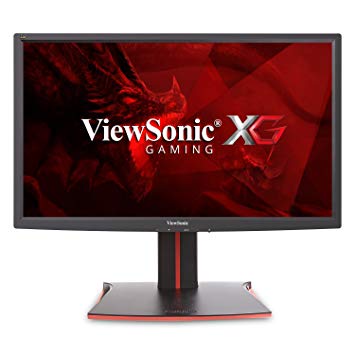
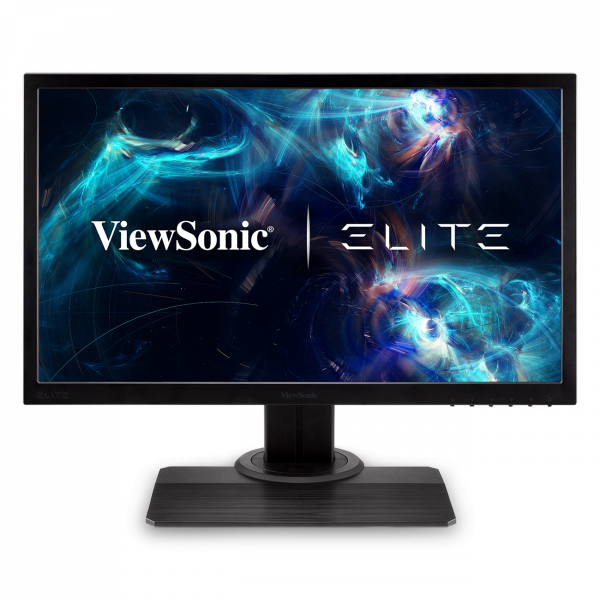
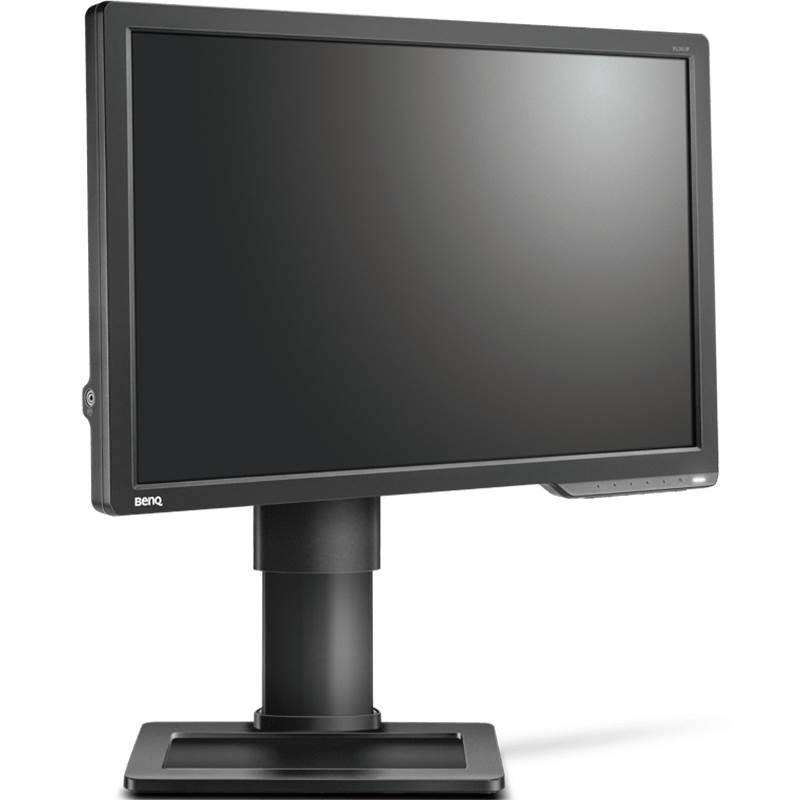
24" ViewSonic XG2401 benchmark delle prestazioni del monitor di gioco
ViewSonic XG2401 ha la porta Display e questo è essenziale per le schede NVIDIA per funzionare con AMD FreeSync. In termini di densità dei pixel, il ViewSonic XG2401 ha un'eccellente densità di 91 pixel per pollice, risultando in testo più nitido e qualità delle immagini. Per compensare giochi graficamente esigenti, il ViewSonic XG2401 ha una frequenza di aggiornamento adattiva di fascia bassa molto buona di 24 Hz che può adattarsi a cadute più basse della frequenza fotogrammi. Il tasso di risposta minimo di ViewSonic XG2401 è 1.45 ms, che elimina gli effetti ghosting. Per il tasso di risposta medio, i ViewSonic XG2401 punteggi 5 ms, che garantiscono una sincronizzazione efficace con l'alta frequenza di aggiornamento. Il monitor ha un attacco VESA. Per i frame rate estremamente veloci, il ViewSonic XG2401 ha una frequenza di aggiornamento massima di 144 Hz che consente un gameplay più fluido. Con il supporto AMD FreeSync, questo monitor è compatibile con entrambe le schede grafiche AMD e NVIDIA. Il monitor utilizza un pannello TN che risente dello spostamento del colore quando viene visualizzato da angoli orizzontali e verticali e presenta colori leggermente lavati rispetto ai pannelli IPS e VA. Il monitor ha un rapporto di contrasto insignificante di 1000 : 1. La luminosità di ViewSonic XG2401 è inferiore rispetto ad altri monitor. Per la qualità del colore della grafica, la ViewSonic XG2401 ha una profondità di colore media di 6 -bit, con conseguente sfumatura retinata e colori leggermente meno precisi. ViewSonic XG2401 ha un ritardo di input totale di 20 ms, che è negativo tra la concorrenza. Vale la pena notare che il ViewSonic XG2401 è un monitor relativamente vecchio.
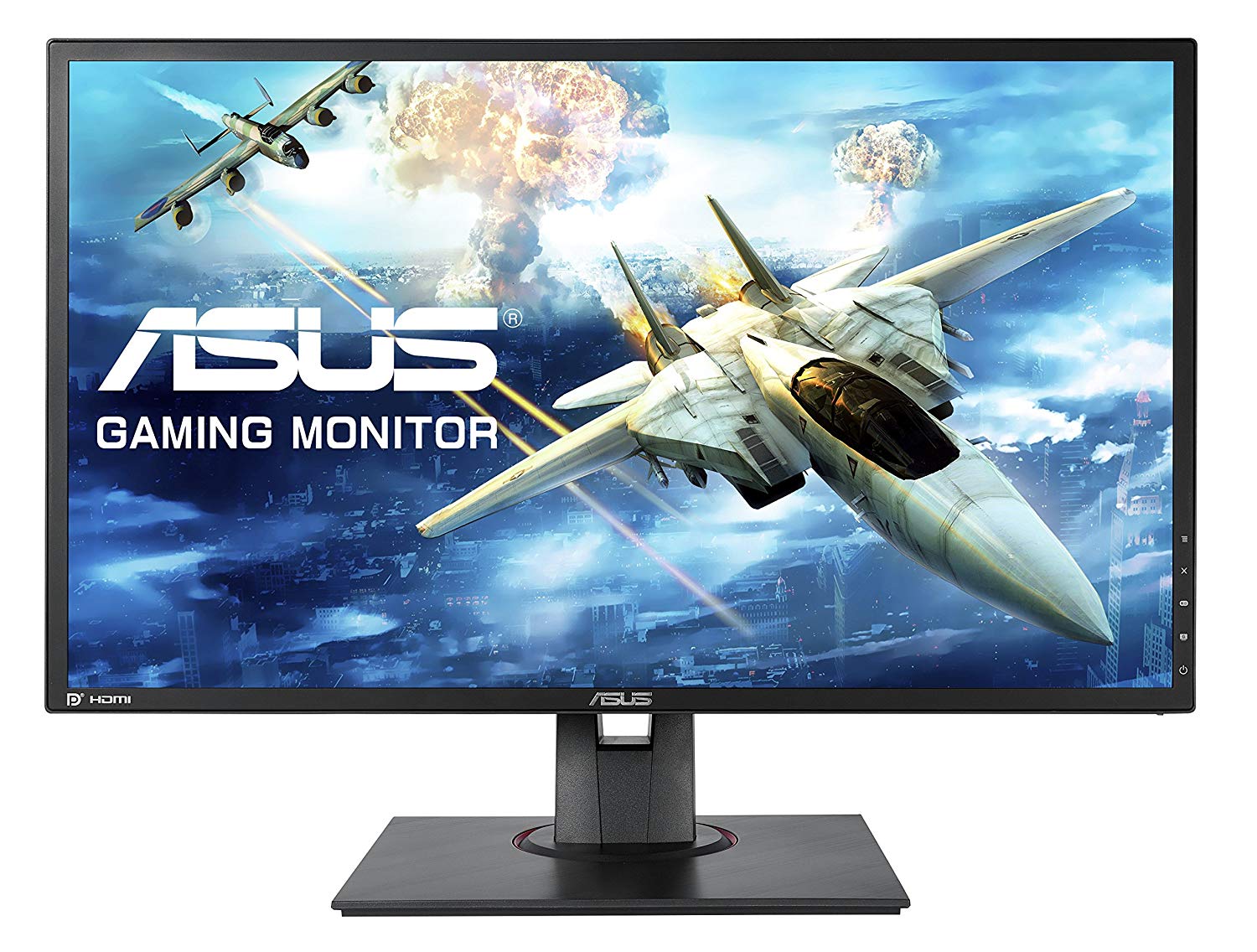
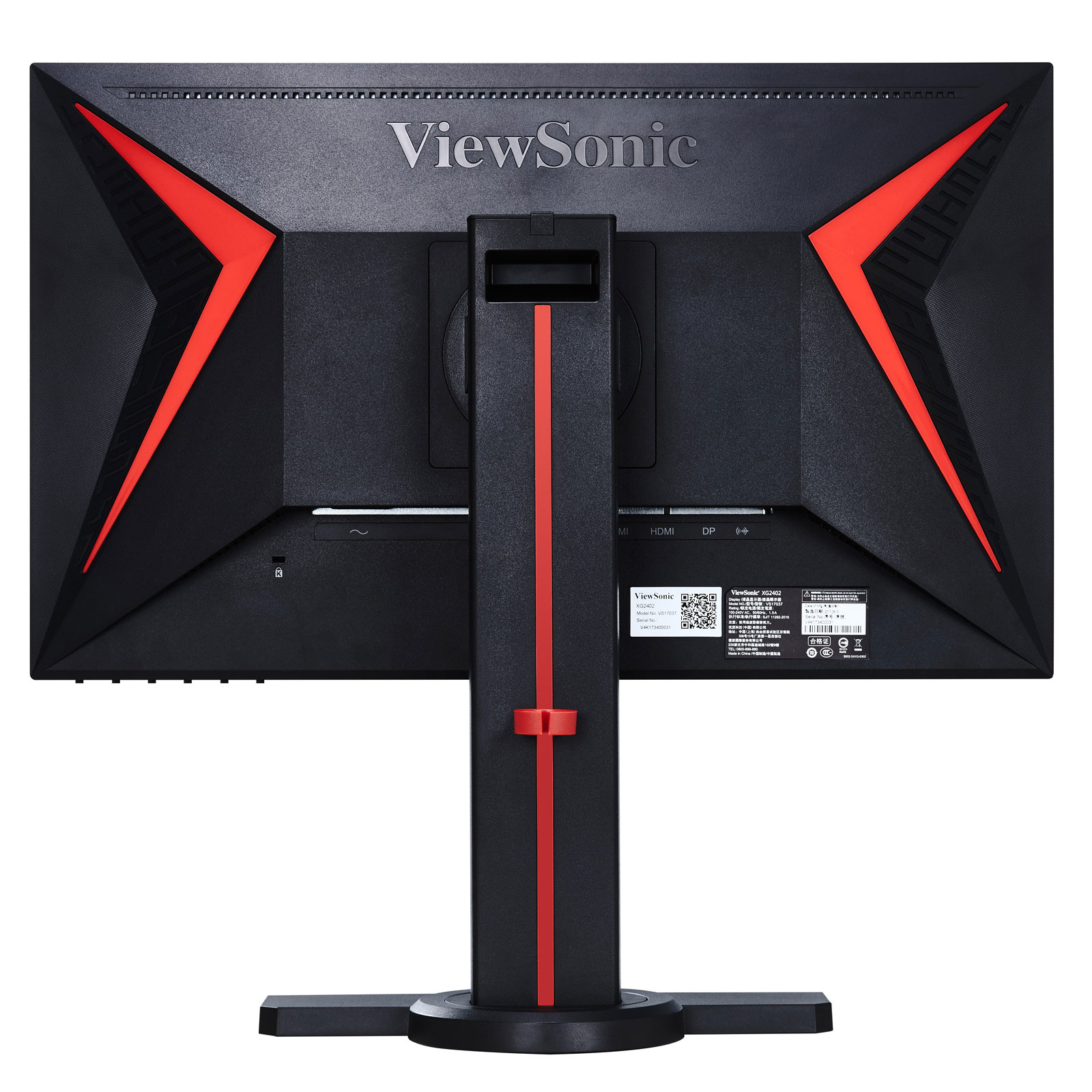
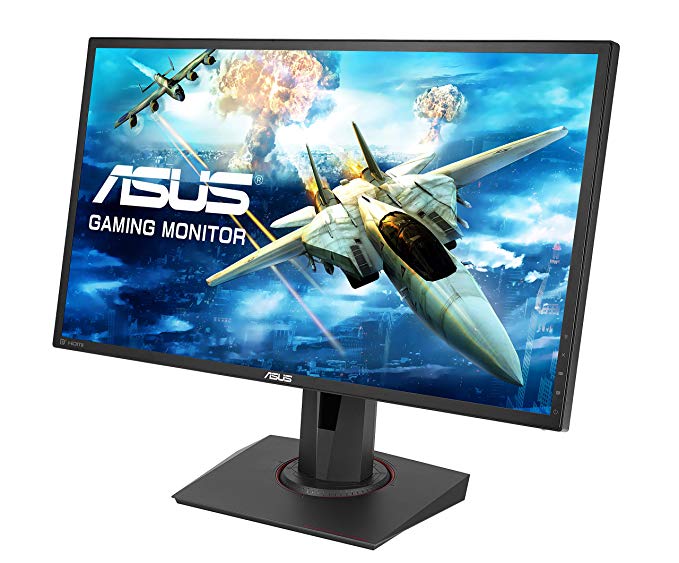
Viewsonic XG2401 – Design and Features. At this end of the monitor market there are few truly stylish-looking gaming monitors. The Asus MG248Q is the best looking of the lot but it costs over £300.
Page 2 Image Quality and Verdict Review Viewsonic XG2401 – Image Quality The single best thing about this display is that right out of the box it has great image quality for a TN-LCD gaming monitor.
The Verdict The ViewSonic XG2401 is a decent gaming monitor, but not top notch. The mediocre black levels detract from gameplay, and its gaming features aren't terribly useful.
ViewSonic XG2401 Review – Super-Responsive Gaming ... Verdict. The ViewSonic XG2401 gaming monitor offers crisp 1080p images, ridiculously fast response times and plenty of useful bells and ...
ViewSonic XG2401 24-inch FreeSync Monitor Review. by Christian Eberle April 3, ... we're giving the ViewSonic XG2401 our Tom's Editor Approved Award. ... Verdict. For less than $300, the XG2401 is ...
The OSD has a cool red background, which we think fits the XG2401's role as a gaming display. There isn't anything unusual to report here but you will need to visit a few specific options to ...
The ViewSonic XG2401 is a moderately priced 24-inch gaming monitor that delivers great performance and some nice features for gamers. Its viewing angles and color accuracy could be better, though.
Page 8: Conclusion; Brightness And Contrast. ... The XG2401 has light output to spare with brightness over 400cd/m 2. While most of us would burn our retinas at this level indoors, it's helpful ...
Question Asus Strix Gtx 960 4gb OC and View Sonic XG2401 possible to set up Gsync?
I have updated my graphics card and i dont see the option Set Up GSync . I saw a video on youtube using my same monitor to set up gSync on nvidia but a different Graphics Card
00
I
idontknow22547 years ago
ViewSonic XG2401 Monitor vs XG2402
Hi, so I have a build planned out, and was considering an AOC monitor when I found the ViewSonic XG2401 monitor, which had better colors, and had FreeSync too. However, there is a newer version, the XG2402, and I don’t know if I should get the newer 2402 or save 50 dollars and stick with the 2401. Or, if these monitors are bad and I should get another one, please let me know. Any feedback would be appreciated.
00
G
Glenwing7 years ago
XG2402 adds support for FreeSync over HDMI. If they're around the same price then you might as well, but if it's more expensive there isn't much difference, the XG2401 will do just fine.
00
G
geri22geri8 years ago
Definitive answer: XG2401, C24FG73, XL2411, VG248QE, HP OMEN 25.
I don't care about the price, I want the best option. I would prefer to have a display port, so the BenQ may not be the best option.
I suppose I want the best image quality. I am not a purist, so response time I don't think is a handicap for me. I also want a monitor that doesn't usually have problems, because I have heard of some problems with the Samsung model, but if it is and isolated problem I don't mind.
The value it's not important neither.
00
P
poutanenonni18 years ago
Benq xl2411z vs viewsonic XG2401
I ended up with these 2 options for me, which one you people would suggest? I'm playing some singleplayers where color is important, and for my understanding viewsonic has a slight edge on that. Also I'm playing cs:go and I think they are pretty equal on fast paced games (?).
You can also suggest some monitors, in same price range +/-40 euros. 144hz is basically the only requirement, but I still want a solid all-arounder.
Last question, could it be wise to invest 100 more and buy g-sync monitor, as I'm planning to buy Gtx1070?
00
G
Glenwing8 years ago
The XL2411Z is quite outdated and there is really no reason to be buying it today unless it's really discounted.
00
B
BL____8 years ago
GPU or Display scaling VIEWSONIC XG2401
Hello, I have a viewsonic xg2401 monitor connected via displayport from my laptop and I am using 144hz. In nvidia control panel there are 2 options, GPU and Display scaling. Which one should I use if I am playing FPS games such as csgo using 4:3 resolution?
00
H
Hasitha_18 years ago
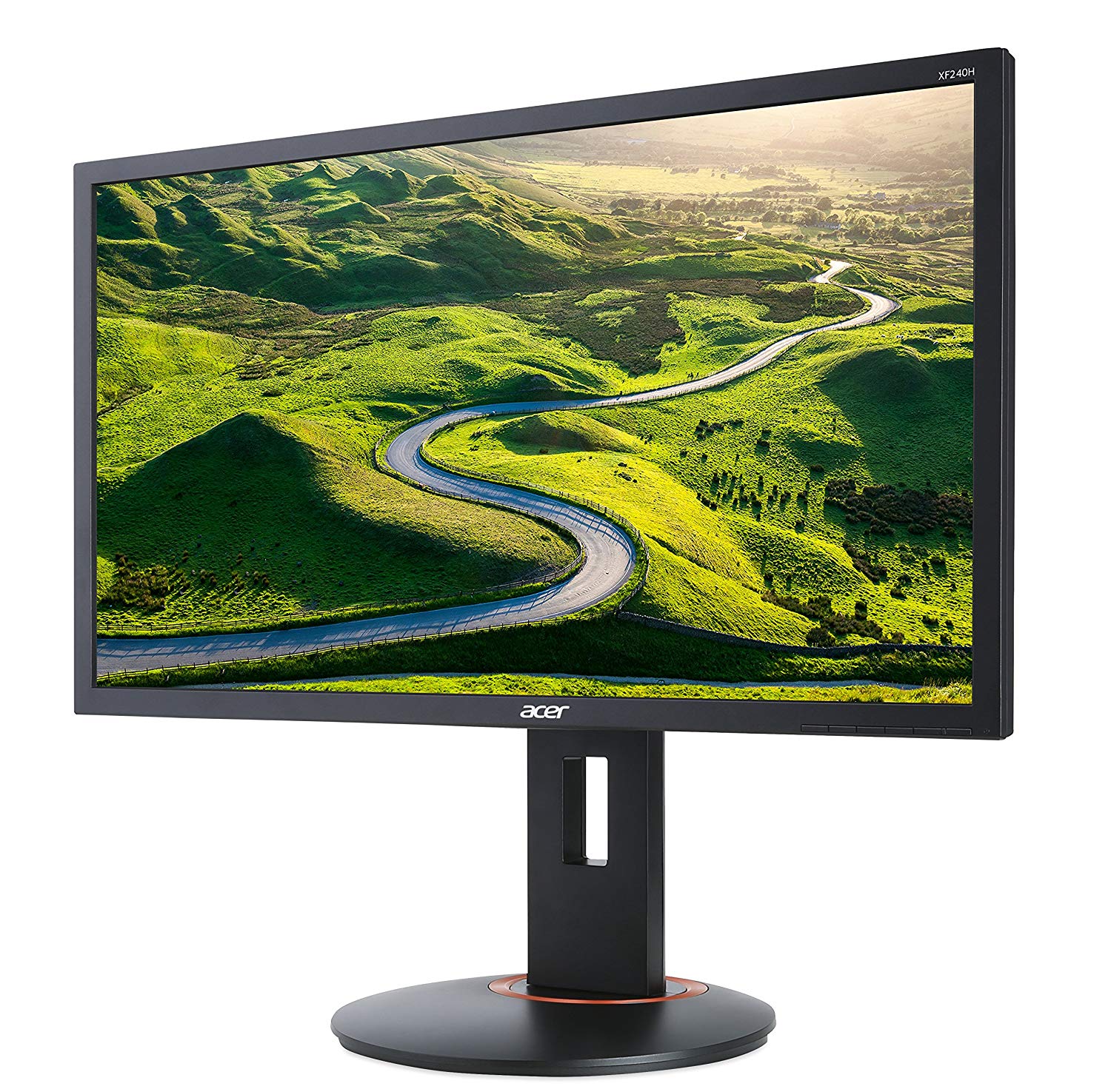
Acer XF240H vs Viewsonic XG2401
Hello,
I'm looking to buy a 1080p 144Hz monitor with Freesync since I have a RX480 Nitro. However, the Acer XF240H and the Viewsonic XG2401 are my only options as they both have all the features I need while the XG2401 being 30 USD more expensive then the XF240H (In my country). Although, I heard that the Viewsonic XG2401 has better color accuracy for a TN panel though I couldn't find a direct comparison between these two monitors. And I mainly play Overwatch if that matters. So, is it worth spending that extra $30 on the Viewsonic one or am I better off with the Acer one?
Thanks.
00
C
Chugalug_8 years ago
Get the XF240H, trust me on this, Viewsonic haev some seriously dodgy panels.
I run a store and they get returned more than AOCs with backlight bleed and pixel issues.























Cosa prendere in considerazione prima di acquistare una scheda grafica
Se hai intenzione di aggiornare il tuo sistema acquistando una nuova scheda grafica. Quindi ci sono alcuni fattori importanti da considerare.
Risoluzione VS Qualità: impatto sulle prestazioni del gioco
Cosa influenza le prestazioni del gioco? Chiarezza o dettagli?
Impostazioni Ultra VS di alta qualità nei giochi per PC
Ogni giocatore ha una nozione diversa sull'impostazione ideale per i giochi per PC. Ma nella maggior parte dei casi, optare per una configurazione grafica di alta qualità è la strada da percorrere.
Cosa sono i colli di bottiglia della CPU o della GPU?
Stai subendo improvvise cadute di frame? potresti avere un collo di bottiglia.
Qual è la velocità FPS accettabile per me?
Per alcuni giochi, puoi comunque goderti fantastici panorami con frame rate più bassi.
GPU Hierarchy
GPU Compare
CPU Compare
Gaming Laptops
Gaming Monitors
Gaming Headsets
Discussione e commenti
Condividi i tuoi commenti
I have updated my graphics card and i dont see the option Set Up GSync . I saw a video on youtube using my same monitor to set up gSync on nvidia but a different Graphics Card
Hi, so I have a build planned out, and was considering an AOC monitor when I found the ViewSonic XG2401 monitor, which had better colors, and had FreeSync too. However, there is a newer version, the XG2402, and I don’t know if I should get the newer 2402 or save 50 dollars and stick with the 2401. Or, if these monitors are bad and I should get another one, please let me know. Any feedback would be appreciated.
XG2402 adds support for FreeSync over HDMI. If they're around the same price then you might as well, but if it's more expensive there isn't much difference, the XG2401 will do just fine.
I don't care about the price, I want the best option. I would prefer to have a display port, so the BenQ may not be the best option.
I suppose I want the best image quality. I am not a purist, so response time I don't think is a handicap for me. I also want a monitor that doesn't usually have problems, because I have heard of some problems with the Samsung model, but if it is and isolated problem I don't mind.
The value it's not important neither.
I ended up with these 2 options for me, which one you people would suggest? I'm playing some singleplayers where color is important, and for my understanding viewsonic has a slight edge on that. Also I'm playing cs:go and I think they are pretty equal on fast paced games (?).
You can also suggest some monitors, in same price range +/-40 euros. 144hz is basically the only requirement, but I still want a solid all-arounder.
Last question, could it be wise to invest 100 more and buy g-sync monitor, as I'm planning to buy Gtx1070?
The XL2411Z is quite outdated and there is really no reason to be buying it today unless it's really discounted.
Hello, I have a viewsonic xg2401 monitor connected via displayport from my laptop and I am using 144hz. In nvidia control panel there are 2 options, GPU and Display scaling. Which one should I use if I am playing FPS games such as csgo using 4:3 resolution?
Hello,
I'm looking to buy a 1080p 144Hz monitor with Freesync since I have a RX480 Nitro. However, the Acer XF240H and the Viewsonic XG2401 are my only options as they both have all the features I need while the XG2401 being 30 USD more expensive then the XF240H (In my country). Although, I heard that the Viewsonic XG2401 has better color accuracy for a TN panel though I couldn't find a direct comparison between these two monitors. And I mainly play Overwatch if that matters. So, is it worth spending that extra $30 on the Viewsonic one or am I better off with the Acer one?
Thanks.
Get the XF240H, trust me on this, Viewsonic haev some seriously dodgy panels.
I run a store and they get returned more than AOCs with backlight bleed and pixel issues.