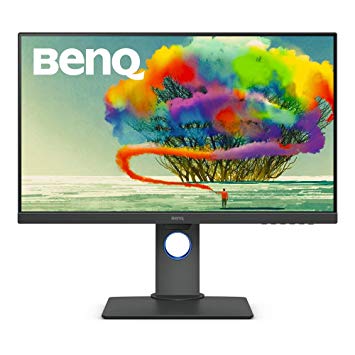
27" BenQ PD2700U gaming monitor performance benchmarks: response, input and full specs review
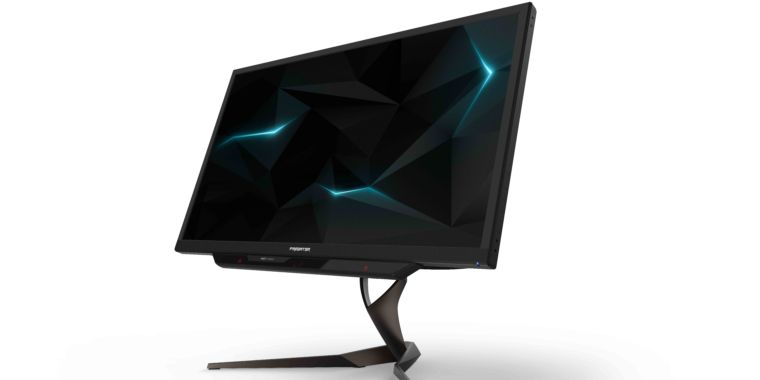
The monitor panel has good viewing angles and offers better contrast and colors than TN panels. To compensate for graphically demanding games, the BenQ PD2700U has a very good low end adaptive refresh rate of 24 Hz that can adapt to more lower frame rate drops. The BenQ PD2700U is a relatively new monitor. In terms of pixel density, the BenQ PD2700U has an excellent density of 163 pixels-per-inch, resulting in sharper text and picture quality. The BenQ PD2700U has the Display Port and this is essential for NVIDIA cards to work with AMD FreeSync. The monitor has a VESA mount. With the AMD FreeSync support, this monitor is compatible with both AMD and NVIDIA graphics cards. For graphics color quality, the BenQ PD2700U has an excellent color depth of 8 -bit, resulting in smoother gradients and more accurate colors. The minimum response rate of BenQ PD2700U is 5 ms, which is can cause ghosting effects. The brightness of BenQ PD2700U is lower than other monitors. For the average response rate, the BenQ PD2700U scores 14 ms, which can cause motion blurring due to ineffective synchronization with the high refresh rate. BenQ PD2700U has a total input lag of 21.5 ms, which is bad among the competition. The monitor has an unimpressive contrast ratio of 1300 : 1. The BenQ PD2700U has a maximum refresh rate of 76 Hz and this may be too low for the extremely fast frame rates in competitive games.
27" BenQ PD2700U Certificates, standards and licenses
Certificates, standards and licenses
ENERGY STAR 7.0Epeat GoldTCO 7.0WHQL (Windows 10; Windows 8.1; Windows 8; Windows 7)
27" BenQ PD2700U Connectivity
Connectivity
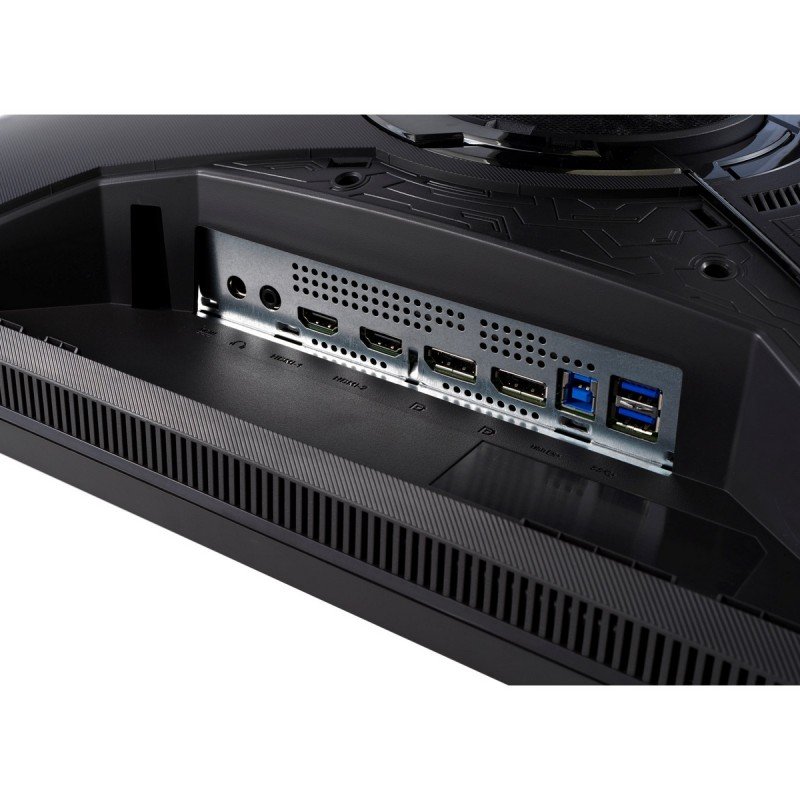
1 x USB (KVM keyboard connection) 4 x USB 3.0 (downstream) , 2 x USB 3.0 (upstream) , 1 x HDMI 2.0, 1 x DisplayPort 1.4, 1 x DisplayPort 1.4 (Input mini) , 1 x DisplayPort 1.4 (Output MST) , 1 x 3.5 mm Audio Out
27" BenQ PD2700U Dimensions, weight and color
Colors
Black
Depth
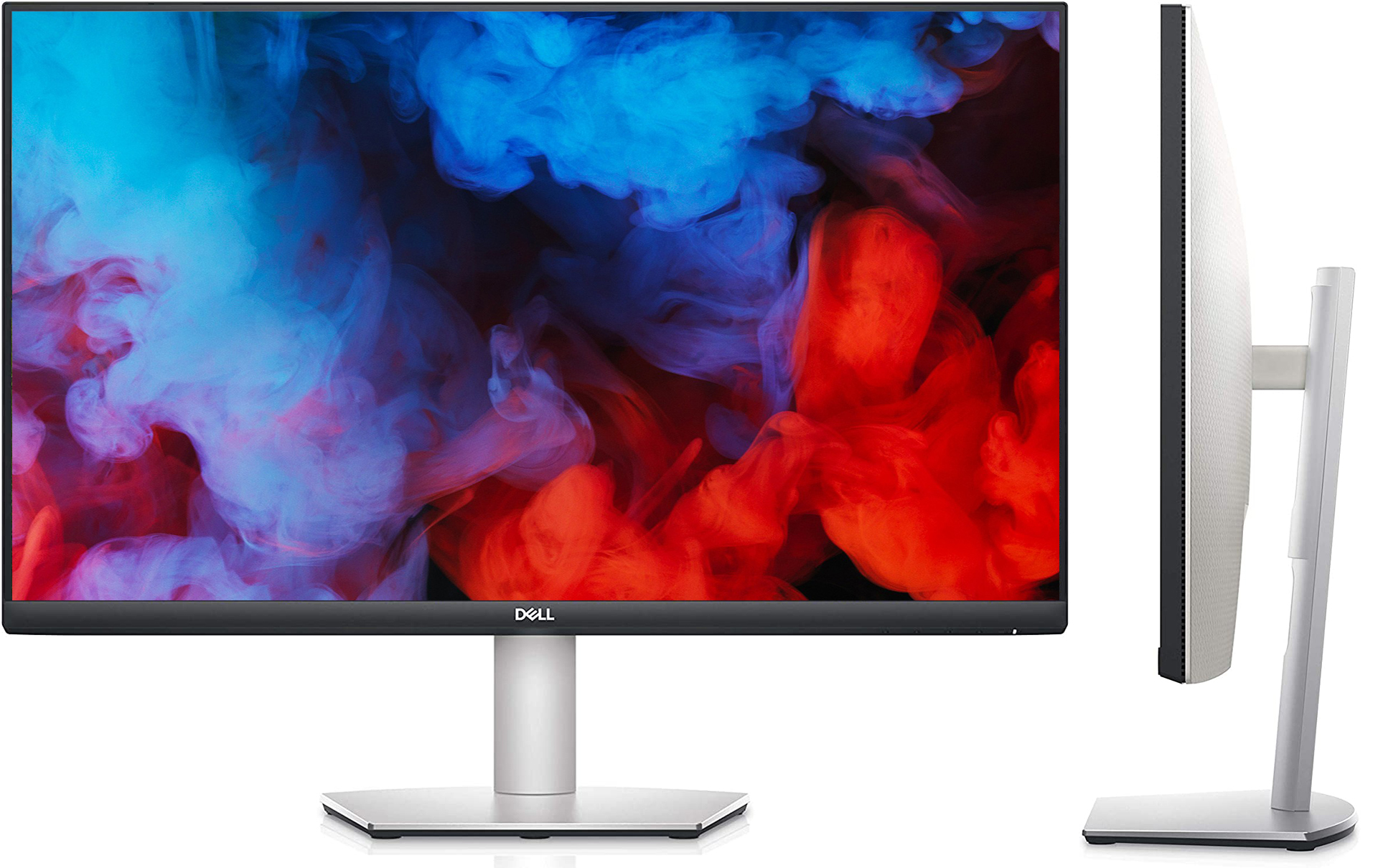
58.8 mm (millimeters) 5.88 cm (centimeters) 2.315 in (inches) 0.1929 ft (feet)
Depth with stand
230.7 mm (millimeters) 23.07 cm (centimeters) 9.0827 in (inches) 0.7569 ft (feet)
Height
367.9 mm (millimeters) 36.79 cm (centimeters) 14.4843 in (inches) 1.207 ft (feet)
Height with stand
427.5 mm (millimeters) 42.75 cm (centimeters) 16.8307 in (inches) 1.4026 ft (feet)
Weight
5 kg (kilograms) 11.02 lbs (pounds)
Weight with stand
7.7 kg (kilograms) 16.98 lbs (pounds)
Width
613.8 mm (millimeters) 61.38 cm (centimeters) 24.1654 in (inches) 2.0138 ft (feet)
Width with stand
613.8 mm (millimeters) 61.38 cm (centimeters) 24.1654 in (inches) 2.0138 ft (feet)
27" BenQ PD2700U Display
Adobe RGB (1998)
70 % (percent)
Aspect ratio
1.778:116:9
Average response time
14 ms (milliseconds) 0.0140 s (seconds)
Backlight
W-LED
Brightness
350 cd/m² (candela per square meter)
Coating
Anti-glare/Matte (3H)
Colors
1073741824 colors 30 bits
Diagonal
684 mm (millimeters) 68.4 cm (centimeters) 26.9291 in (inches) 2.2441 ft (feet)
Display area
88.7 % (percent)
FRC
Yes
HDR
HDR10
Height
335.664 mm (millimeters) 33.5664 cm (centimeters) 13.2151 in (inches) 1.1013 ft (feet)
Horizontal viewing angle
178 ° (degrees)
Input lag
15 ms (milliseconds) 0.0150 s (seconds)
Minimum response time
5 ms (milliseconds) 0.0050 s (seconds)
NTSC (1953)
75 % (percent)
Panel bit depth
10 bits (8 bits + FRC)
Panel manufacturer
LG Display
Panel model
LM270WR3-????
Panel type
AH-IPS
Peak brightness
400 cd/m² (candela per square meter)
Pixel density
163 ppi (pixels per inch) 64 ppcm (pixels per centimeter)
Pixel pitch
0.155 mm (millimeters) 0.0155 cm (centimeters) 0.0061 in (inches) 0.0005 ft (feet)
Resolution
3840 x 2160 pixels Ultra HD (UHD) / 4K / 2160p
Size class
27 in (inches)
Static contrast
1300 : 1
Vertical viewing angle
178 ° (degrees)
Width
596.736 mm (millimeters) 59.6736 cm (centimeters) 23.4935 in (inches) 1.9578 ft (feet)
sRGB
100 % (percent)
27" BenQ PD2700U Ergonomics
Backward tilt
20 ° (degrees)
Forward tilt
5 ° (degrees)
Forward/backward tilt
Yes
Height adjustment
Yes
Height adjustment range
140 mm (millimeters) 14 cm (centimeters) 5.5118 in (inches) 0.4593 ft (feet)
Landscape/portrait pivot
Yes
Left pivot
0 ° (degrees)
Left swivel
45 ° (degrees)
Left/right swivel
Yes
Removable stand
Yes
Right pivot
90 ° (degrees)
Right swivel
45 ° (degrees)
VESA interface
100 x 100 mm
VESA mount
Yes
27" BenQ PD2700U Features
Features
AMA (Advanced Motion Accelerator) AMD FreeSync technology, Animation modeCAD/CAM modeDisplay PilotFlicker-free technology, HDCP (High-bandwidth Digital Content Protection) Low Blue Light
27" BenQ PD2700U Frequencies
Horizontal frequency (digital)
27 kHz - 140 kHz (kilohertz)
Vertical frequency (digital)
24 Hz - 76 Hz (hertz)
27" BenQ PD2700U Power supply and consumption
110V
100 V - 120 V (volts)
220V
220 V - 240 V (volts)
Alternating current frequency
50 Hz - 60 Hz (hertz)
Power consumption (average)
30 W (watts)
Power consumption (maximum)
80 W (watts)
Power consumption (off)
0.5 W (watts)
Power consumption (sleep)
0.5 W (watts)
27" BenQ PD2700U gaming monitor performance benchmarks: response, input and full specs review - List of Max Refresh Rate Compatible GPUs
BenQ PD2700U review ... Our Verdict. BenQ’s new 27 incher is a no-nonsense 4K monitor with a quality IPS panel and its sights set on serious computing and content creators. For
The BenQ PD2700U delivers professional-grade performance at a reasonable price. We test out the 27-inch IPS panel with 4K/UHD resolution, HDR10 and factory-certified calibration.
Verdict Budget shoppers will find the PD2700U checks all the important boxes for color accuracy and support of the latest signal formats. 400 nits means decent HDR and a detailed, luminescent picture.
Conclusion. For some, a professional monitor is mandatory, and price is no object. But it’s possible to get all the color accuracy and most of the same features in an enterprise display if you ...























What to Consider Before Buying a Graphics Card
If you have been planning to upgrade your system by purchasing a new graphics card. Then there are some important factors to consider.
Resolution VS Quality: Impact on Game Performance
What affects game performance? Clarity or Details?
Ultra VS High Quality Settings in PC Games
Every player has a different notion about the ideal setting for PC games. But in most cases, opting for a High quality graphics configuration is the way to go.
What are CPU or GPU Bottlenecks?
Are you getting sudden frame drops? you might have a bottleneck.
What is the acceptable FPS speed for me?
For some games, you can still enjoy great garphics at lower frame rates.
GPU Hierarchy
GPU Compare
CPU Compare
Gaming Laptops
Gaming Monitors
Gaming Headsets
Discussion and Comments
Share Your Comments