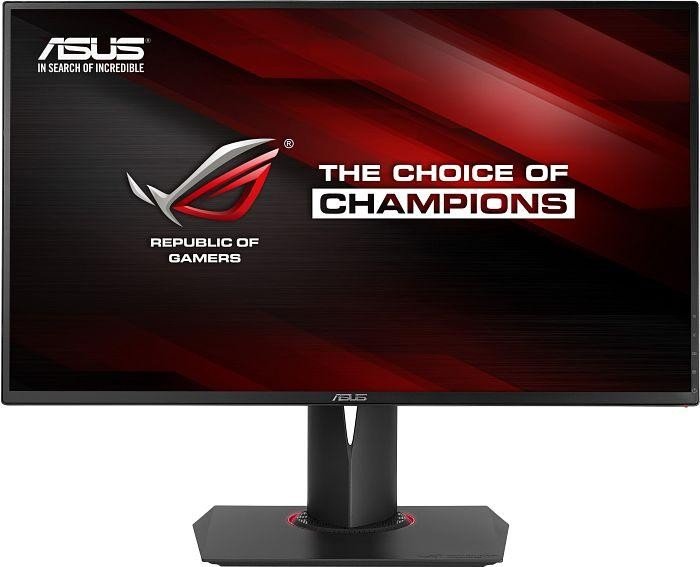
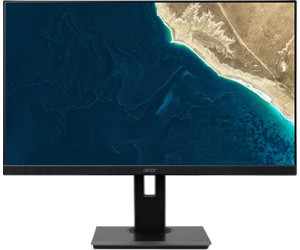
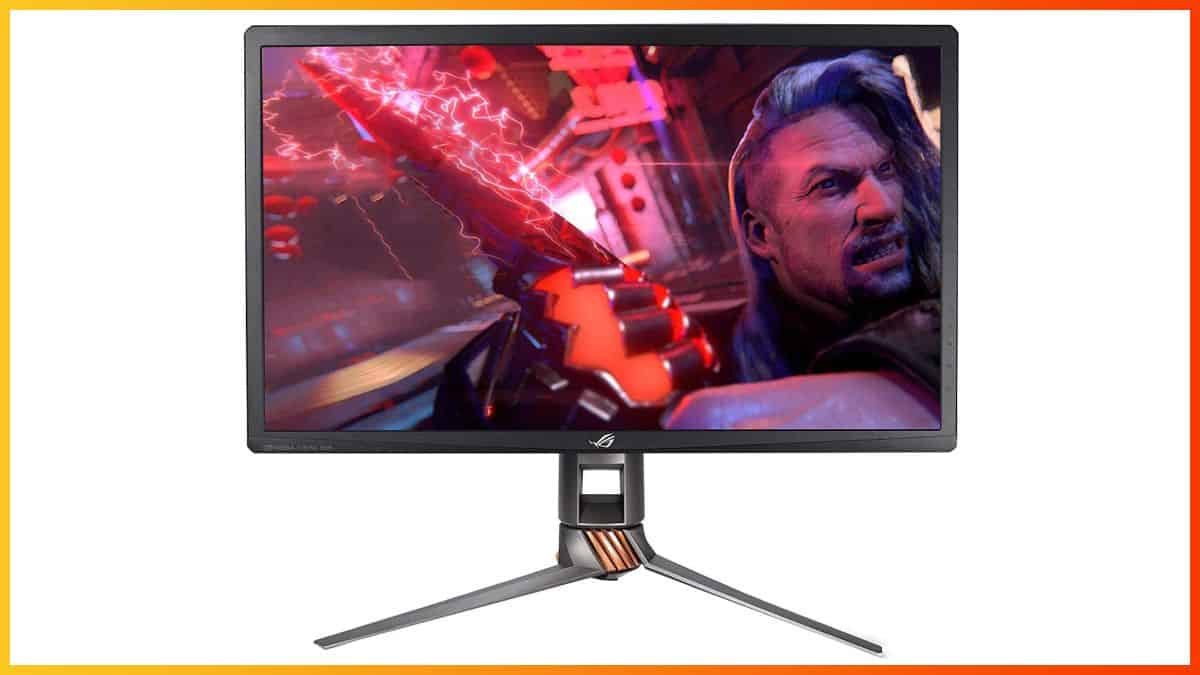
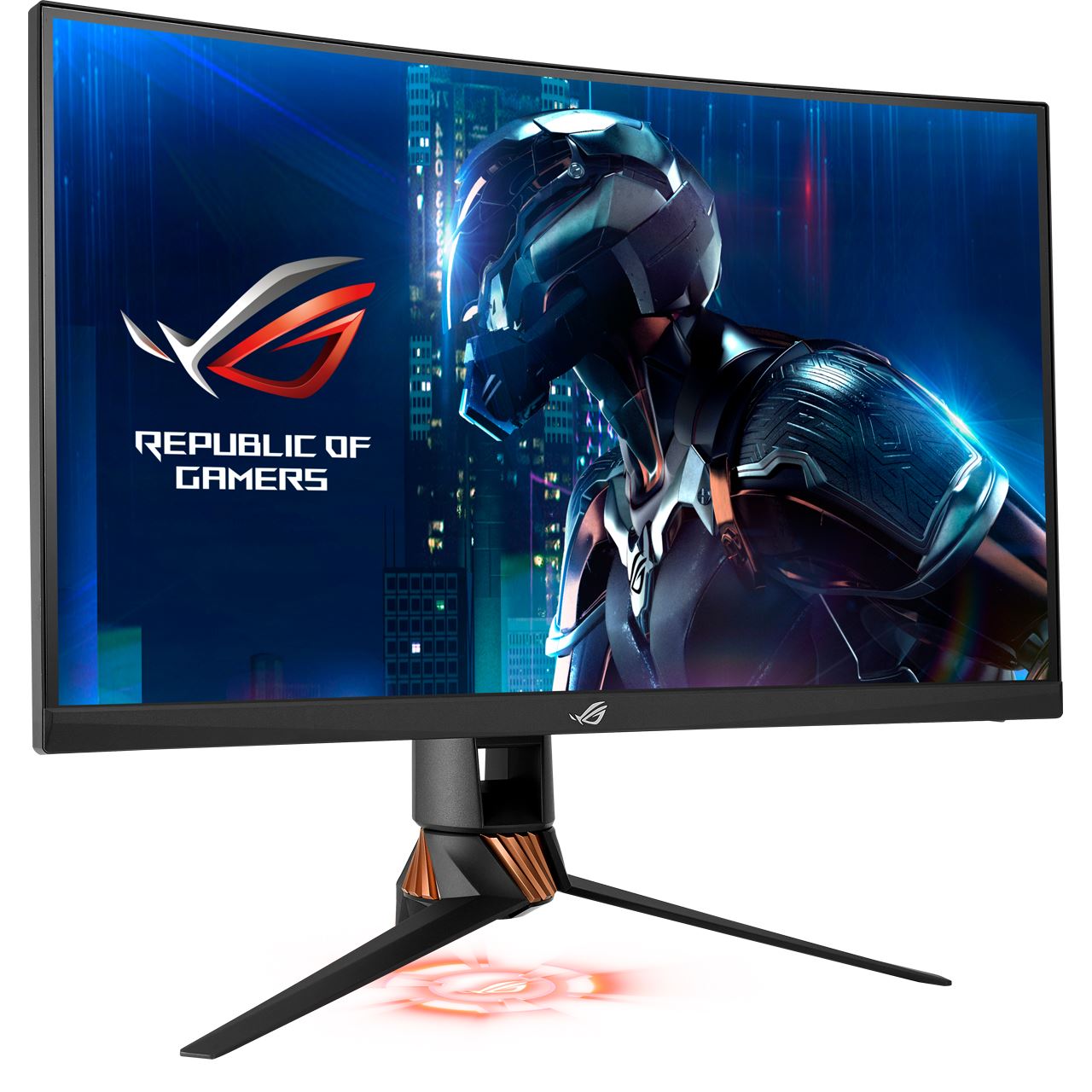
27" Asus RoG Swift PG278QR oyun izleme performansı kriterleri
Ortalama yanıt oranı için, Asus RoG Swift PG278QR 3 ms'dir, bu da yüksek yenileme hızıyla etkili senkronizasyon sağlar.. Asgari yanıt oranı Asus RoG Swift PG278QR , 1 ms'dir ve bu, gölgelenme efektlerini ortadan kaldırır.. Monitörün bir VESA montajı vardır. Piksel yoğunluğu bakımından, Asus RoG Swift PG278QR , inç başına piksel başına 109 mükemmel bir yoğunluğa sahiptir ve daha net metin ve resim kalitesi sağlar.. Asus RoG Swift PG278QR , 10.5 ms toplam girdi gecikmesine sahiptir ve bu rekabet arasında mükemmeldir.. Çok hızlı kare hızları için, Asus RoG Swift PG278QR daha yumuşak bir oyun imkanı sağlayan maksimum 165 Hz yenileme hızına sahiptir.. Grafik renk kalitesi için, Asus RoG Swift PG278QR mükemmel bir renk derinliğine sahiptir ve 8 -bit. Grafiksel olarak zorlu oyunları telafi etmek için, Asus RoG Swift PG278QR , daha düşük kare hızı düşüşlerine adapte olabilen çok iyi bir düşük son adaptif 24 Hz yenileme hızına sahiptir. Asus RoG Swift PG278QR Ekran Bağlantı Noktasına sahiptir ve bu NVIDIA kartların AMD FreeSync ile çalışması için gereklidir.. Monitör, yatay ve dikey açılardan bakıldığında renk kaymasına maruz kalan ve IPS ve VA panellerine kıyasla biraz yıkanmış renklere sahip bir TN paneli kullanıyor. Asus RoG Swift PG278QR nin nispeten eski bir monitör olduğunu belirtmekte fayda var.. AMD FreeSync desteği olmadan, bu monitör AMD grafik kartlarıyla uyumlu değildir. Asus RoG Swift PG278QR parlaklığı diğer monitörlerden daha düşük. Monitörün etkileyici olmayan bir kontrast oranı 1000 : 1.
DisplayPort cable , HDMI cable USB 3.0 upstream cable
27" Asus RoG Swift PG278QR Brand, series, model
Brand
Asus
Model
RoG Swift PG278QR
27" Asus RoG Swift PG278QR Camera
Camera
No
27" Asus RoG Swift PG278QR Certificates, standards and licenses
Certificates, standards and licenses
BSMICBCCCCECEL level 1cTickCUeStandbyENERGY STARFCC Class BJ-MOSSKCCPSERCMRoHSTÜV Low Blue LightTÜV Flicker-freeUL/cULVCCIWEEEWHQL (Windows 10; Windows 8.1; Windows 7)
27" Asus RoG Swift PG278QR Connectivity
Connectivity
2 x USB 3.0 (downstream) , 1 x USB 3.0 (upstream) , 1 x HDMI 1.4, 1 x DisplayPort 1.2, 1 x 3.5 mm Audio Out
27" Asus RoG Swift PG278QR Dimensions, weight and color
Colors
Black
Depth
66 mm (millimeters) 6.6 cm (centimeters) 2.5984 in (inches) 0.2165 ft (feet)
Depth with stand
238 mm (millimeters) 23.8 cm (centimeters) 9.3701 in (inches) 0.7808 ft (feet)
Height
363 mm (millimeters) 36.3 cm (centimeters) 14.2913 in (inches) 1.1909 ft (feet)
Height with stand
433 mm (millimeters) 43.3 cm (centimeters) 17.0472 in (inches) 1.4206 ft (feet)
Weight with stand
7 kg (kilograms) 15.43 lbs (pounds)
Width
620 mm (millimeters) 62 cm (centimeters) 24.4094 in (inches) 2.0341 ft (feet)
Width with stand
620 mm (millimeters) 62 cm (centimeters) 24.4094 in (inches) 2.0341 ft (feet)
27" Asus RoG Swift PG278QR Display
Adobe RGB (1998)
68.1 % (percent)
Aspect ratio
1.778:116:9
Backlight
W-LED
Brightness
350 cd/m² (candela per square meter)
Coating
Anti-glare/Matte
Colors
16777216 colors 24 bits
Diagonal
685.8 mm (millimeters) 68.58 cm (centimeters) 27 in (inches) 2.25 ft (feet)
Display area
89 % (percent)
Dynamic contrast
20000000 : 1
FRC
No
Height
335.664 mm (millimeters) 33.5664 cm (centimeters) 13.2151 in (inches) 1.1013 ft (feet)
Horizontal viewing angle
170 ° (degrees)
Minimum response time
1 ms (milliseconds) 0.0010 s (seconds)
NTSC (1953)
72 % (percent)
Panel bit depth
8 bits
Panel type
TN
Pixel density
109 ppi (pixels per inch) 42 ppcm (pixels per centimeter)
Pixel pitch
0.233 mm (millimeters) 0.0233 cm (centimeters) 0.0092 in (inches) 0.0008 ft (feet)
Resolution
2560 x 1440 pixels Quad HD (QHD) / 1440p
Size class
27 in (inches)
Static contrast
1000 : 1
Vertical viewing angle
160 ° (degrees)
Width
596.736 mm (millimeters) 59.6736 cm (centimeters) 23.4935 in (inches) 1.9578 ft (feet)
sRGB
100 % (percent)
27" Asus RoG Swift PG278QR Ergonomics
Backward tilt
20 ° (degrees)
Forward tilt
5 ° (degrees)
Forward/backward tilt
Yes
Height adjustment
Yes
Height adjustment range
120 mm (millimeters) 12 cm (centimeters) 4.7244 in (inches) 0.3937 ft (feet)
ASUS ROG SWIFT PG278QR OSD Calibration settings
Hi guys, anyone got calibration settings for a ASUS ROG SWIFT PG278QR for best colour representation? There seems to be alot of PG278Q OSD settings out there but very few specifically for the QR. I understand the panels are very similar however, there are more OSD settings avaliable on the QR and would like a definitive set for it.....
Also if there are any NVIDIA control panel settings i should be making, please include in response!
00
J
Jayhawker328 years ago
Okay, so as far as I can tell the QR uses the same panel as the Q so if you found a reliable source for calibration settings for the Q they should be identical to what you would use on the QR. I personally prefer
tftcentral
; that link should take you to the page for the PG278Q as I couldn't find a calibration test they did specifically on the QR likely for the reason I stated above.
00
S
SmashyP8 years ago
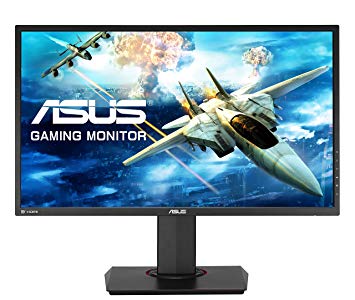
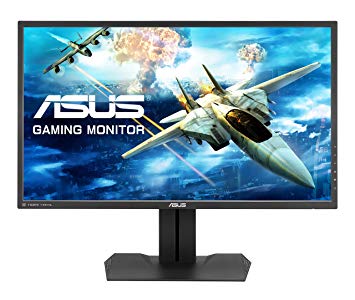
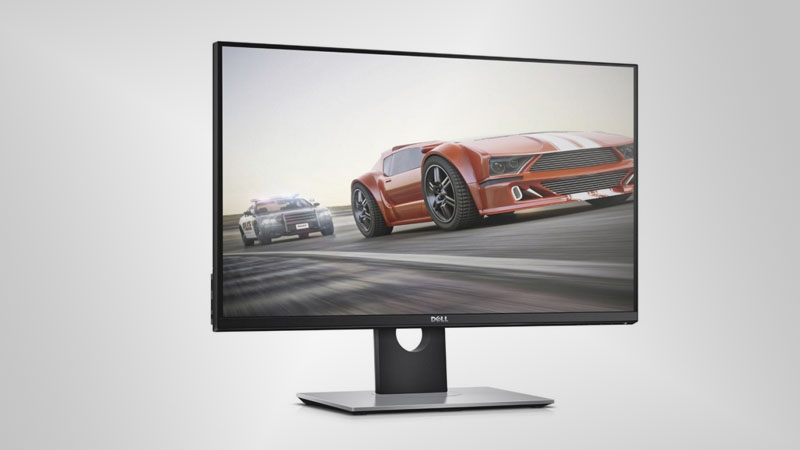
ASUS VG278HV vs ASUS ROG Swift PG278QR vs Dell S2716DG
Hey, there. I'm currently using a MX279H, which gives me huge pain when I play FPS games. I plan to get a new monitor for gaming and have a dual setup with my MX279H. Here are the monitors I am looking for, ASUS VG278HV, ASUS PG278QR, Dell S2716DG. If you are making this decision, which would you choose?


























Grafik Kartı Satın Almadan Önce Neler Dikkat Edilmeli?
Yeni bir grafik kartı satın alarak sisteminizi yükseltmeyi planlıyorsanız. O zaman dikkate alınması gereken bazı önemli faktörler var.
Çözünürlük VS Kalitesi: Oyun Performansına Etkisi
Oyun performansını neler etkiler? Netlik veya Detaylar?
PC Oyunlarında Ultra VS Yüksek Kalite Ayarları
Her oyuncunun PC oyunları için ideal ayar hakkında farklı bir fikri vardır. Ancak çoğu durumda, Yüksek kaliteli bir grafik yapılandırması seçerek gitmek yoludur.
CPU veya GPU Darboğazları nedir?
Ani çerçeve damlaları alıyor musunuz? bir darboğazınız olabilir.
Benim için kabul edilebilir FPS hızı nedir?
Bazı oyunlarda, daha düşük kare hızlarında hala mükemmel garfiklerin tadını çıkarabilirsiniz.
GPU Hierarchy
GPU Compare
CPU Compare
Gaming Laptops
Gaming Monitors
Gaming Headsets
Tartışma ve Yorumlar
Yorumlarınızı paylaşın
Hi guys, anyone got calibration settings for a ASUS ROG SWIFT PG278QR for best colour representation? There seems to be alot of PG278Q OSD settings out there but very few specifically for the QR. I understand the panels are very similar however, there are more OSD settings avaliable on the QR and would like a definitive set for it.....
Also if there are any NVIDIA control panel settings i should be making, please include in response!
Okay, so as far as I can tell the QR uses the same panel as the Q so if you found a reliable source for calibration settings for the Q they should be identical to what you would use on the QR. I personally prefer
tftcentral
; that link should take you to the page for the PG278Q as I couldn't find a calibration test they did specifically on the QR likely for the reason I stated above.
Hey, there. I'm currently using a MX279H, which gives me huge pain when I play FPS games. I plan to get a new monitor for gaming and have a dual setup with my MX279H. Here are the monitors I am looking for, ASUS VG278HV, ASUS PG278QR, Dell S2716DG. If you are making this decision, which would you choose?