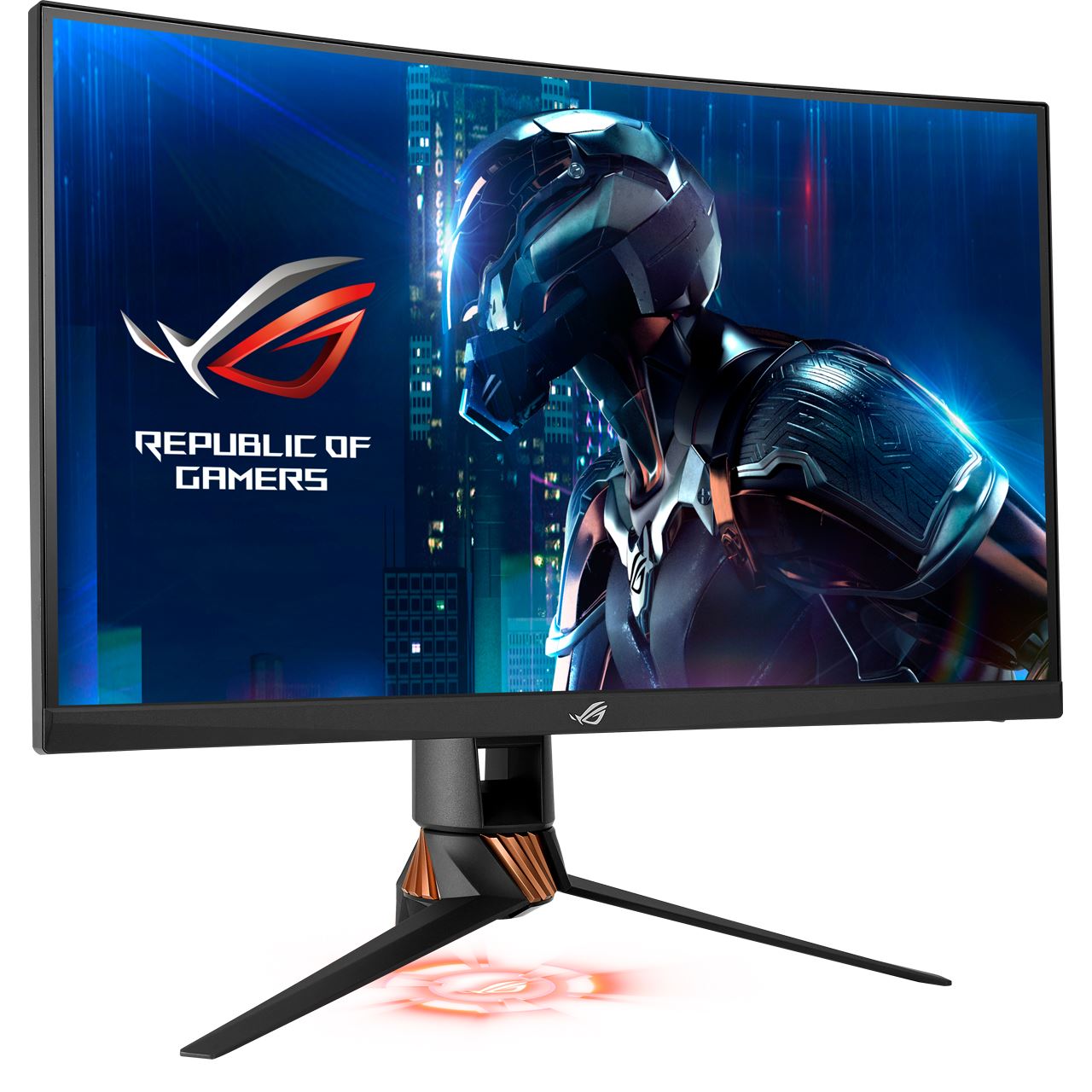
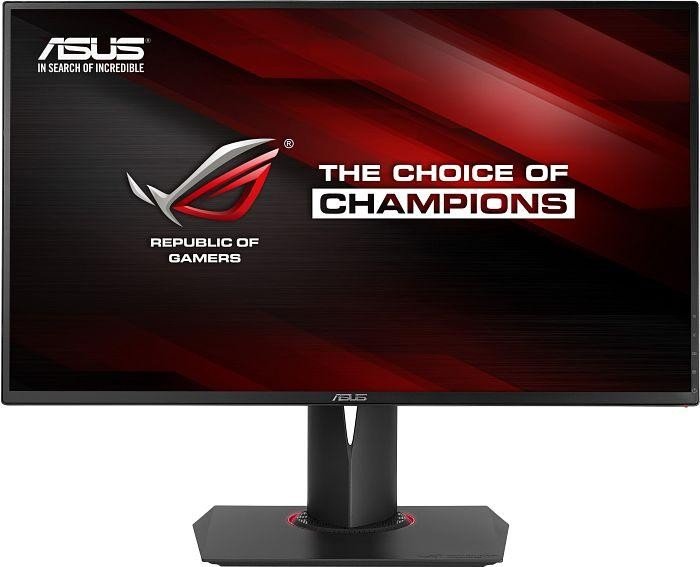
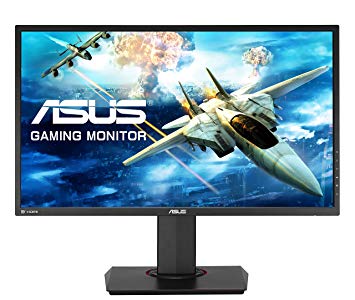
27" Asus RoG Swift PG279Q prestatiemaatstaven voor spelmonitor
Voor de extreem snelle framesnelheden heeft de Asus RoG Swift PG279Q een maximale vernieuwingsfrequentie van 165 Hz voor een soepeler gameplay. De monitor heeft een VESA-vatting. Om grafisch veeleisende games te compenseren, heeft de Asus RoG Swift PG279Q een zeer goede low-end adaptieve verversingssnelheid van 30 Hz die zich kan aanpassen aan lagere framesnelheidsdalingen. In termen van pixeldichtheid heeft de Asus RoG Swift PG279Q een uitstekende dichtheid van 109 pixels per inch, wat resulteert in een scherpere tekst- en beeldkwaliteit. Het monitorpaneel heeft goede kijkhoeken en biedt beter contrast en kleuren dan TN-panelen. De Asus RoG Swift PG279Q heeft de Display Port en dit is essentieel voor NVIDIA-kaarten om met AMD FreeSync te werken. Voor de kleurkwaliteit van afbeeldingen heeft de Asus RoG Swift PG279Q een uitstekende kleurdiepte van 8 -bit, wat resulteert in vloeiendere verlopen en nauwkeurigere kleuren. Voor de gemiddelde responsratio scoort de Asus RoG Swift PG279Q score 5 ms, die zorgt voor effectieve synchronisatie met de hoge vernieuwingsfrequentie. Asus RoG Swift PG279Q heeft een totale invoervertraging van 12.5 ms, wat uitstekend is in de competitie. De helderheid van Asus RoG Swift PG279Q is lager dan bij andere monitors. Zonder de AMD FreeSync-ondersteuning is deze monitor niet compatibel met AMD grafische kaarten. De minimale respons van Asus RoG Swift PG279Q is 4 ms, wat kan leiden tot ghosting-effecten. De monitor heeft een niet-indrukwekkende contrastverhouding van 1000 : 1. Het is vermeldenswaard dat de Asus RoG Swift PG279Q een relatief oude monitor is.
Question Asus ROG SWIFT PG279Q minimal and maximal dimensions
Hi,
what is the maximum and minimum height of this monitor with the stand? From the table to the top of the monitor? I have a shelf above the monitor and I want it to fit under it.
thank you
00
B
brennensandberg7 years ago
Asus ROG Swift PG279Q Monitor 144Hz/165Hz Issue
Hi,
My new Asus monitor arrived in the mail a couple of days ago. It seems to be in working condition, but I cannot get it to display anything higher than 85 Hz. I have been all over the Internet and I have not found any fix for this problem.
There seem to be some small bugs, and I am wondering if the monitor is simply defective. I sometimes log in to my computer and my Hz has gone from 85 to 24. I often don't have an option in Windows settings or in Nvidia settings to go to a higher setting. After messing around with the overclock settings and turning them off, options for up to 144Hz will appear. However, whenever I select 144Hz in the Windows settings and select that I want to keep the display changes and then close the window to go change the Nvidia settings to 144Hz, not only will the Nvidia settings not offer an option above 85Hz, but when I check the monitor's Hz readout and the Windows settings, the changes I just made in Windows settings seem to be reverted.
Here are the various things I have tried so far:
- Updated drivers for both the monitor and my GTX 1080
- Messed with all of the monitor's built-in settings
- Reset all the monitor's settings
- Attempted to change the adapter mode (which also changes the Hz, but it just does the same thing and doesn't actually apply the change when it says it does)
- Used 3 different DP cables (current one is a DisplayPort 1.4 HBR3)
- Plugging both the monitor and my computer directly into the wall (I read somewhere that this might work, it didn't)
- Unplugging the monitor and plugging it back in after awhile (helps with the 24Hz problem, but my 144Hz settings still don't save)
- Used various resolutions
- Messed with GSync
- Messed with VSync
- Messed with various Nvidia settings
- Various other things people have tried
I have spent 6 hours all over the internet trying to fix this. I am not super tech savvy, so some of the suggested solutions have taken me awhile to test out. I feel like there is some small thing I am doing wrong or I didn't finish doing something, or the cable is wrong. I have read that certain cables (DP 1.2 or less I think) are capped at 1440p and 85Hz, but shouldn't the DP 1.4 be plenty for 1440p and 144Hz/165Hz?
I really would like to not have to return this monitor because I really like the picture quality. Any suggestions on how to fix this? I would greatly appreciate any help at this point.
Thanks in advance!
00
K
Kashimi7 years ago
I plugged my monitor in > I turned on the computer > I installed the GPU drivers for my 1080ti > I went to Nvidia Control Panel > I turned on G-Sync > I set the refresh rate to 165Hz.
That was it.
If your monitor isn't doing that, its not working properly. There shouldn't be anything else required.
00
A
AzureDragon897 years ago
ASUS ROG SWIFT PG279Q - Display port cable
Im looking for a good display port cable for my ASUS ROG SWIFT PG279Q I got 2 from best buy both don't work i found out after the fact they're not certified. currently pulling my hair out looking for the correct cable for this monitor - the one that came with the monitor died from my cat nibbling on it without me knowing
00
G
Glenwing7 years ago
AzureDragon89 :
Im looking for a good display port cable for my ASUS ROG SWIFT PG279Q I got 2 from best buy both don't work i found out after the fact they're not certified. currently pulling my hair out looking for the correct cable for this monitor - the one that came with the monitor died from my cat nibbling on it without me knowing
00
A
alec1234567890128 years ago
ASUS ROG SWIFT PG258Q vs ASUS ROG SWIFT PG279Q
Which one should I get?
The PG279Q is my dream monitor.
1440p the perfect size, 165hz, IPS, and 4ms response time.
Problem is my computer can't run a lot of the games I play at 165 FPS at 1440p, and I know I could put it in 1080p for the time but I'm just not sure.
The PG258Q is 1080p so I could run a lot of the games at a really high FPS since it has 240hz but it is TN and I've never had a TN panel before only IPS. So I don't know really how bad the color accuracy will be.
00
F
Firecheetah138 years ago
Well, this is quite the decision. For starters, what is your GPU? Do you plan on upgrading soon? The 1440p monitor will certainly be more "futureproofed". However, if you have ONLY ever had true IPS monitors, TN is going to be a whole new beast if you are like me and are very sensitive to color. Keep in mind that you are going to have to look right at it if you want anywhere close to the colors that you are used to, but then again, you will get that sweet 1ms response. Overall: If you don't plan on upgrading your GPU anytime soon and you are using this monitor strictly for gaming, get the PG258Q. If you are expecting a GPU upgrade in the near future and you want to stick with what you are used to in terms of color and viewing angles (and you don't just game), then go with the PG279Q.
00
K
K89P64K608 years ago
ASUS ROG Swift PG279Q vs ASUS ROG Swift PG27AQ
Hello. I was going to buy ASUS ROG Swift PG348Q, but after some more reading and suggestions given here, I gave up on the ultrawide sceen. After 3 days spend on reading, I cant decide, which one of those 2 monitors to buy and Im looking for some suggestions. My purpose is, to use the monitor only for gaming, nothing else and I play mostly RPGs, but from time to time, while I wait something new to catch my eye, I like to play all sort of games. To be honest. Im more leaning towards the first monitor and the small, or rather big difference, between the two, is that first is 1440p and second is 2160p. My reasons to buy the first are, that I would be able to play all kind of games, while maintain good fps, get good picture quality, my overall feeling of movanament will be smoother and better, due to the 144hz. My reasons to buy the second are, that 2160p picture quality is stunning and 4K look more future-proof.
Something important to note is, that my view distance to the monitor is 50-60cm or roughly 21inch. Would 2160p look much better, then 1440p from that distance?
Anyway, Ive got an answer, that my PC would be able to run 4K, but I will write it down for any case.
CPU - i7-2600K 4.6ghz (can get stable 4.8ghz)
MOBO - ASUS P8Z68 Deluxe Gen3
RAM - Corsair Vengeance 16gb 1600mhz 9-9-9-24
PSU - Corsair AX1200i
GPU - Either GTX 1080 or GTX 1080 Ti (depend which monitor I would buy)
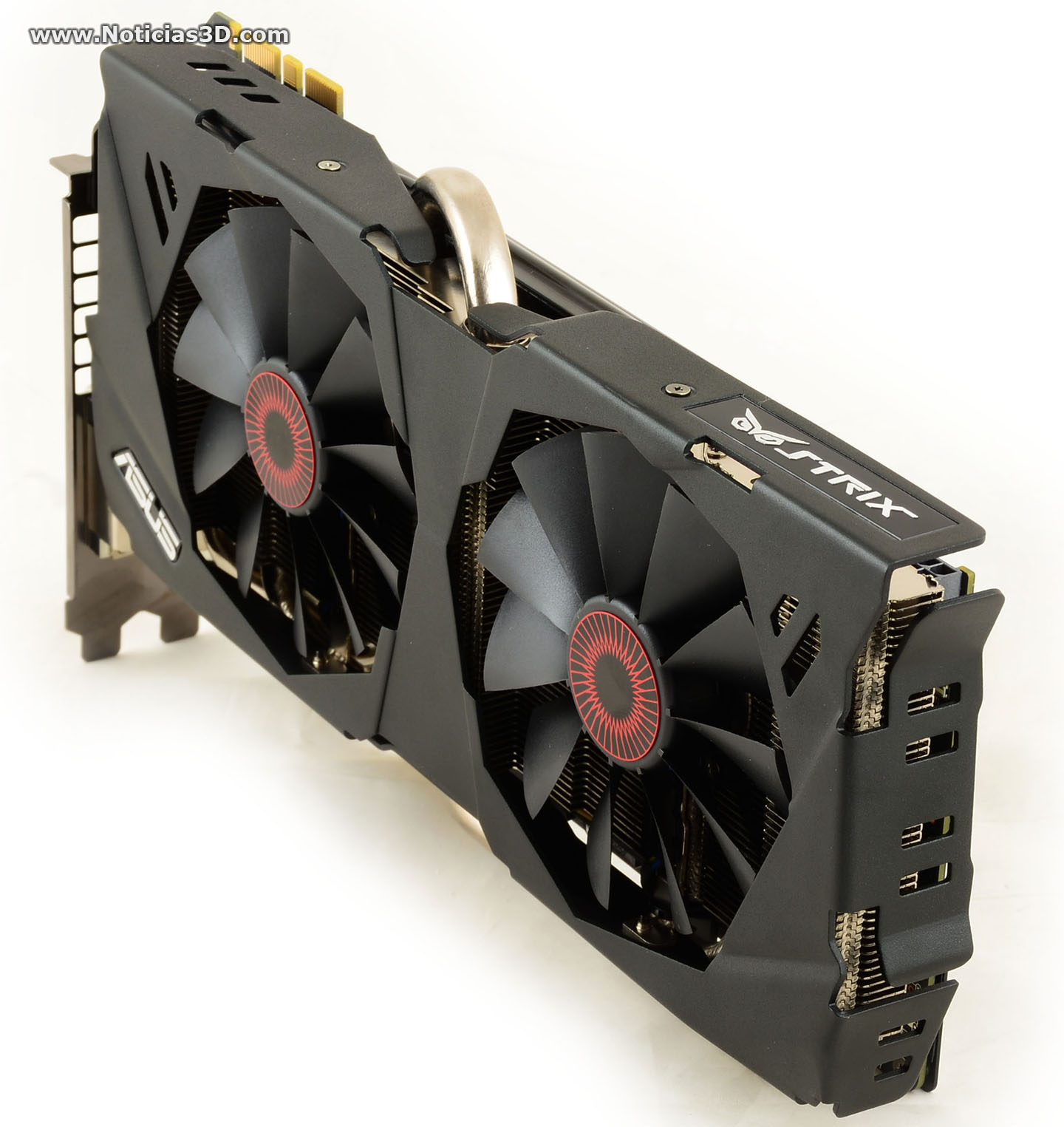



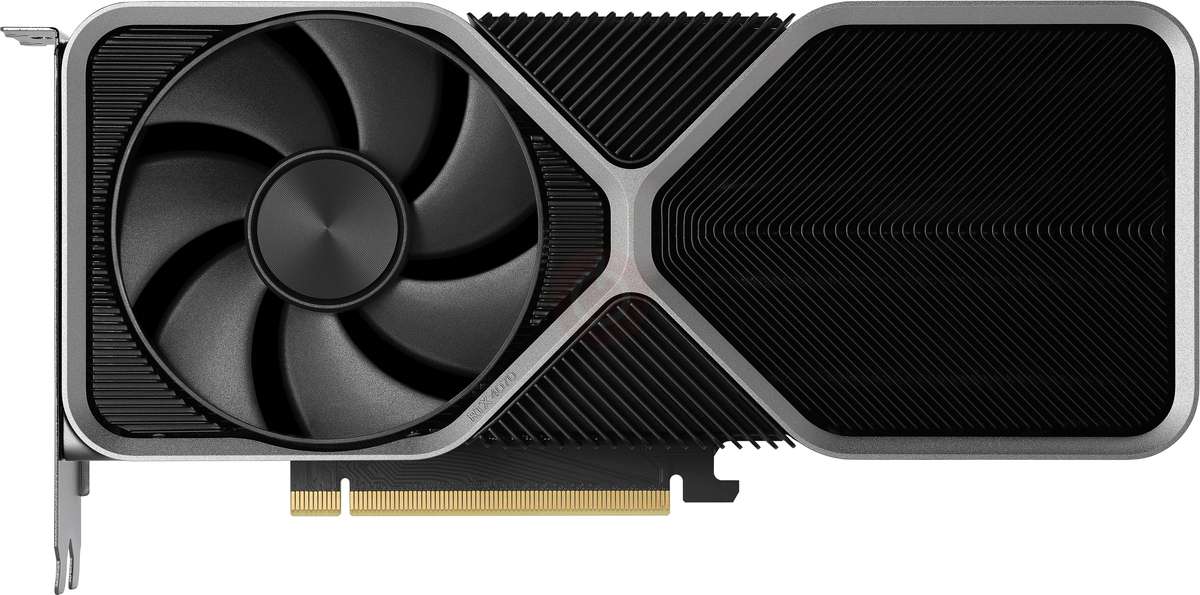

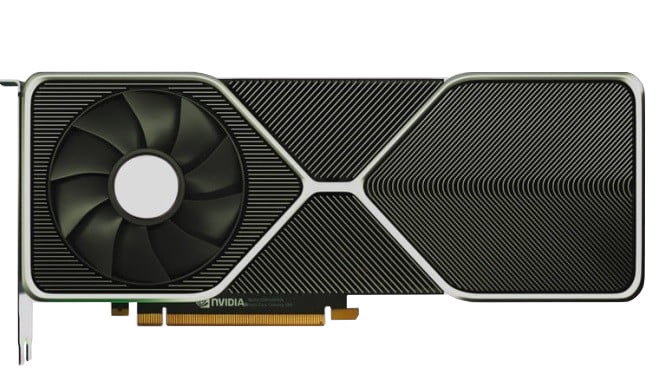




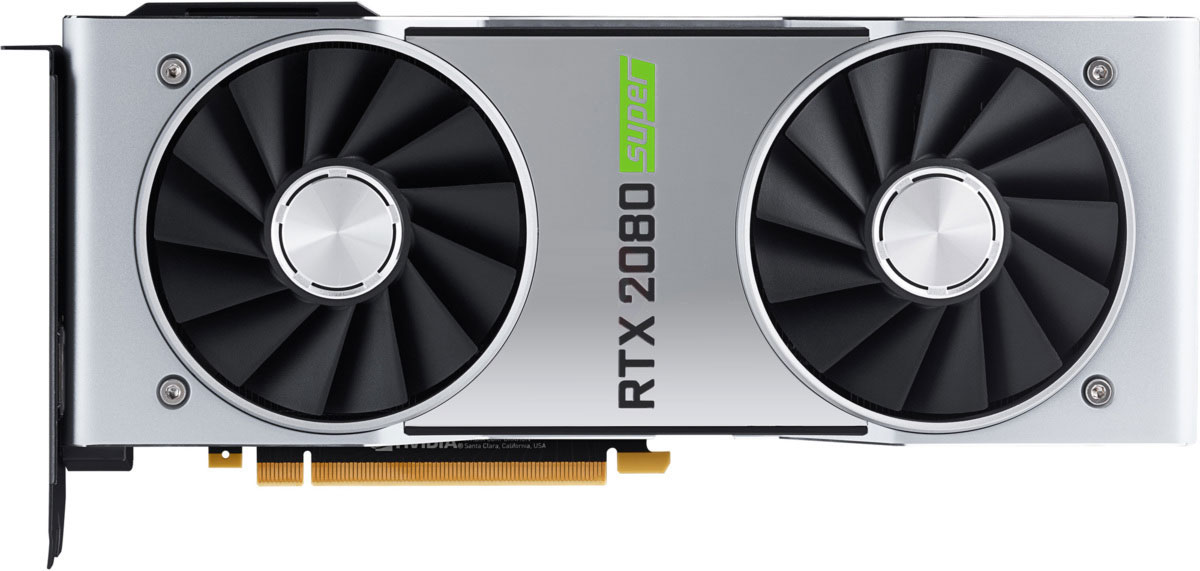













Wat u moet overwegen voordat u een grafische kaart koopt
Als u van plan bent om uw systeem te upgraden door een nieuwe grafische kaart te kopen. Dan zijn er enkele belangrijke factoren om te overwegen.
Resolutie VS Kwaliteit: impact op spelprestaties
Wat beïnvloedt de spelprestaties? Duidelijkheid of details?
Ultra VS Hoge kwaliteit instellingen in pc-spellen
Elke speler heeft een ander idee over de ideale instelling voor pc-spellen. Maar in de meeste gevallen is het kiezen van een hoogwaardige grafische configuratie de juiste keuze.
Wat zijn CPU- of GPU-knelpunten?
Krijgt u plotselinge framedruppels? je hebt misschien een knelpunt.
Wat is de acceptabele FPS-snelheid voor mij?
Voor sommige games kun je nog steeds genieten van geweldige garfieken met lagere framesnelheden.
GPU Hierarchy
GPU Compare
CPU Compare
Gaming Laptops
Gaming Monitors
Gaming Headsets
Discussie en opmerkingen
Deel uw opmerkingen
Hi,
what is the maximum and minimum height of this monitor with the stand? From the table to the top of the monitor? I have a shelf above the monitor and I want it to fit under it.
thank you
Hi,
My new Asus monitor arrived in the mail a couple of days ago. It seems to be in working condition, but I cannot get it to display anything higher than 85 Hz. I have been all over the Internet and I have not found any fix for this problem.
There seem to be some small bugs, and I am wondering if the monitor is simply defective. I sometimes log in to my computer and my Hz has gone from 85 to 24. I often don't have an option in Windows settings or in Nvidia settings to go to a higher setting. After messing around with the overclock settings and turning them off, options for up to 144Hz will appear. However, whenever I select 144Hz in the Windows settings and select that I want to keep the display changes and then close the window to go change the Nvidia settings to 144Hz, not only will the Nvidia settings not offer an option above 85Hz, but when I check the monitor's Hz readout and the Windows settings, the changes I just made in Windows settings seem to be reverted.
Here are the various things I have tried so far:
- Updated drivers for both the monitor and my GTX 1080
- Messed with all of the monitor's built-in settings
- Reset all the monitor's settings
- Attempted to change the adapter mode (which also changes the Hz, but it just does the same thing and doesn't actually apply the change when it says it does)
- Used 3 different DP cables (current one is a DisplayPort 1.4 HBR3)
- Plugging both the monitor and my computer directly into the wall (I read somewhere that this might work, it didn't)
- Unplugging the monitor and plugging it back in after awhile (helps with the 24Hz problem, but my 144Hz settings still don't save)
- Used various resolutions
- Messed with GSync
- Messed with VSync
- Messed with various Nvidia settings
- Various other things people have tried
I have spent 6 hours all over the internet trying to fix this. I am not super tech savvy, so some of the suggested solutions have taken me awhile to test out. I feel like there is some small thing I am doing wrong or I didn't finish doing something, or the cable is wrong. I have read that certain cables (DP 1.2 or less I think) are capped at 1440p and 85Hz, but shouldn't the DP 1.4 be plenty for 1440p and 144Hz/165Hz?
I really would like to not have to return this monitor because I really like the picture quality. Any suggestions on how to fix this? I would greatly appreciate any help at this point.
Thanks in advance!
I plugged my monitor in > I turned on the computer > I installed the GPU drivers for my 1080ti > I went to Nvidia Control Panel > I turned on G-Sync > I set the refresh rate to 165Hz.
That was it.
If your monitor isn't doing that, its not working properly. There shouldn't be anything else required.
Im looking for a good display port cable for my ASUS ROG SWIFT PG279Q I got 2 from best buy both don't work i found out after the fact they're not certified. currently pulling my hair out looking for the correct cable for this monitor - the one that came with the monitor died from my cat nibbling on it without me knowing
AzureDragon89 :
Im looking for a good display port cable for my ASUS ROG SWIFT PG279Q I got 2 from best buy both don't work i found out after the fact they're not certified. currently pulling my hair out looking for the correct cable for this monitor - the one that came with the monitor died from my cat nibbling on it without me knowing
Which one should I get?
The PG279Q is my dream monitor.
1440p the perfect size, 165hz, IPS, and 4ms response time.
Problem is my computer can't run a lot of the games I play at 165 FPS at 1440p, and I know I could put it in 1080p for the time but I'm just not sure.
The PG258Q is 1080p so I could run a lot of the games at a really high FPS since it has 240hz but it is TN and I've never had a TN panel before only IPS. So I don't know really how bad the color accuracy will be.
Well, this is quite the decision. For starters, what is your GPU? Do you plan on upgrading soon? The 1440p monitor will certainly be more "futureproofed". However, if you have ONLY ever had true IPS monitors, TN is going to be a whole new beast if you are like me and are very sensitive to color. Keep in mind that you are going to have to look right at it if you want anywhere close to the colors that you are used to, but then again, you will get that sweet 1ms response. Overall: If you don't plan on upgrading your GPU anytime soon and you are using this monitor strictly for gaming, get the PG258Q. If you are expecting a GPU upgrade in the near future and you want to stick with what you are used to in terms of color and viewing angles (and you don't just game), then go with the PG279Q.
Hello. I was going to buy ASUS ROG Swift PG348Q, but after some more reading and suggestions given here, I gave up on the ultrawide sceen. After 3 days spend on reading, I cant decide, which one of those 2 monitors to buy and Im looking for some suggestions. My purpose is, to use the monitor only for gaming, nothing else and I play mostly RPGs, but from time to time, while I wait something new to catch my eye, I like to play all sort of games. To be honest. Im more leaning towards the first monitor and the small, or rather big difference, between the two, is that first is 1440p and second is 2160p. My reasons to buy the first are, that I would be able to play all kind of games, while maintain good fps, get good picture quality, my overall feeling of movanament will be smoother and better, due to the 144hz. My reasons to buy the second are, that 2160p picture quality is stunning and 4K look more future-proof.
Something important to note is, that my view distance to the monitor is 50-60cm or roughly 21inch. Would 2160p look much better, then 1440p from that distance?
Anyway, Ive got an answer, that my PC would be able to run 4K, but I will write it down for any case.
CPU - i7-2600K 4.6ghz (can get stable 4.8ghz)
MOBO - ASUS P8Z68 Deluxe Gen3
RAM - Corsair Vengeance 16gb 1600mhz 9-9-9-24
PSU - Corsair AX1200i
GPU - Either GTX 1080 or GTX 1080 Ti (depend which monitor I would buy)