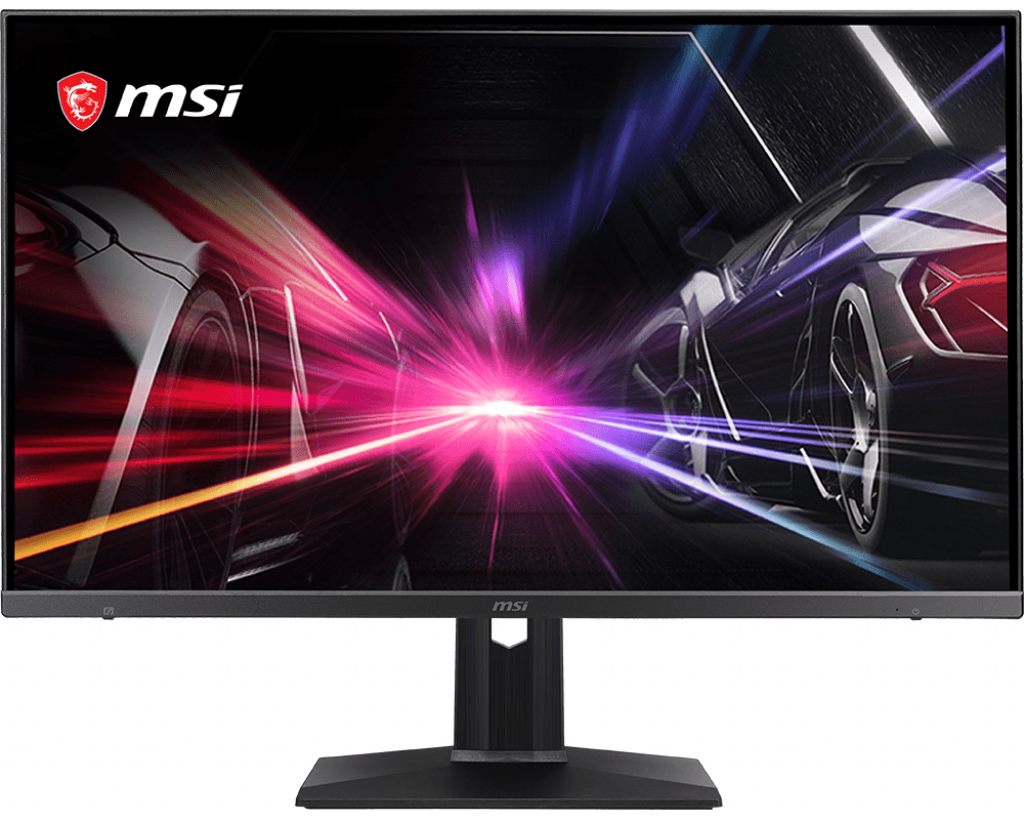
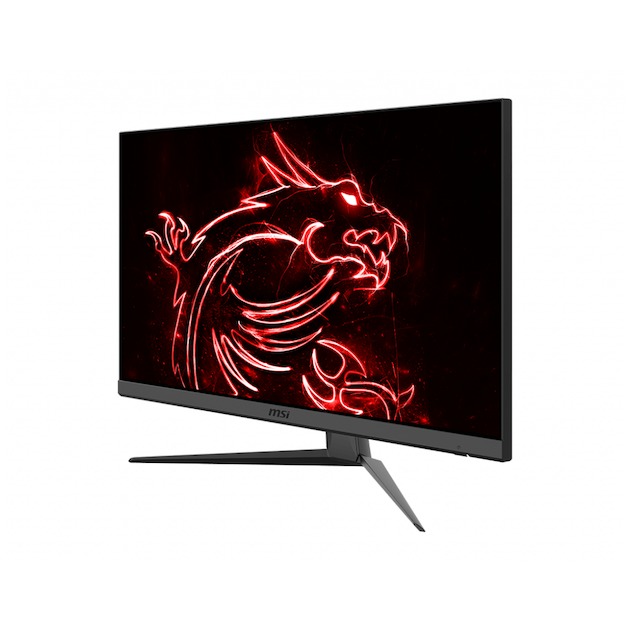
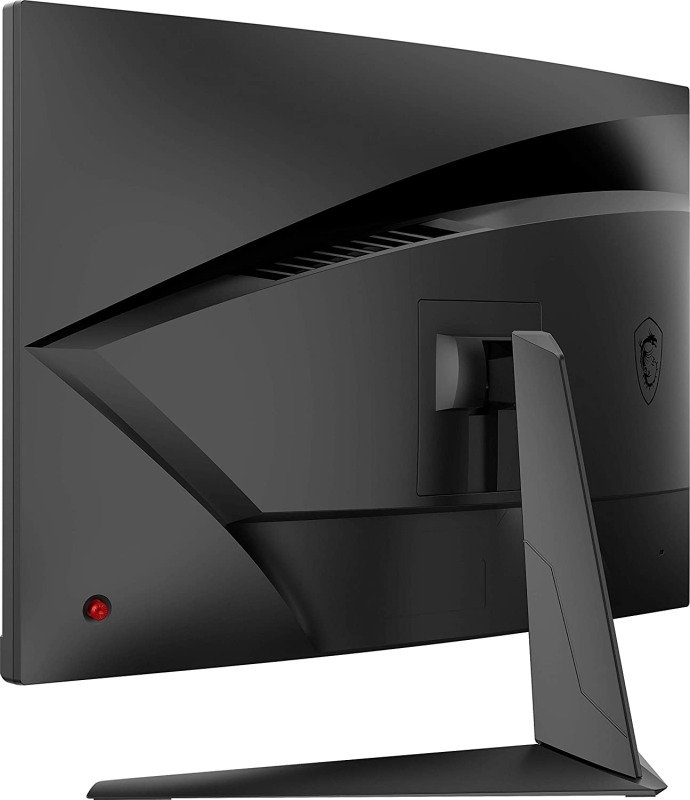
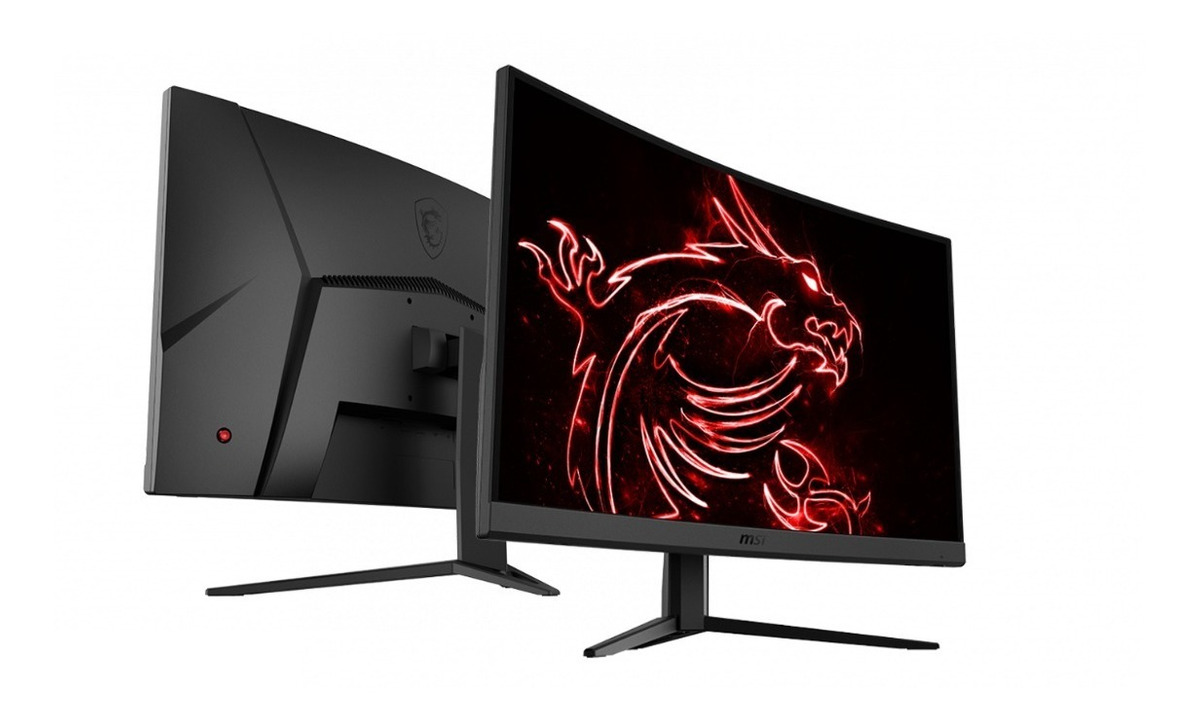
27" MSI Optix MAG271R ゲーミングモニターのパフォーマンスベンチマーク

モニターパネルは、視野角がよく、TNパネルよりも優れたコントラストと色を提供します。. MSI Optix MAG271R は比較的新しいモニターです. MSI Optix MAG271R コントラスト比は 3000 :1です。. 非常に速いフレームレートでは、 MSI Optix MAG271R の最大リフレッシュレートは 165 Hzであるため、ゲームプレイがスムーズになります。. AMD FreeSyncサポートにより、このモニターはAMDとNVIDIAの両方のグラフィックカードと互換性があります。. グラフィックスの色品質の場合、 MSI Optix MAG271R は 8 ビットの優れた色深度を持ち、滑らかなグラデーションとより正確な色になります。. MSI Optix MAG271R にはディスプレイポートがあり、これはNVIDIAカードがAMD FreeSyncで動作するために不可欠です。. モニターにはVESAマウントがあります. MSI Optix MAG271R は 19.5 msの合計入力遅れを持ちますが、これは競合他社の間では悪いです. 平均レスポンスレートの場合、 MSI Optix MAG271R スコアは 10 msです。これは、高いリフレッシュレートとの無効な同期により、モーションブラーを引き起こす可能性があります。. ピクセル密度に関しては、 MSI Optix MAG271R は1インチあたり 81 ピクセルという低い密度を持ち、ピクセル化されたテキストと画像品質をもたらします。. MSI Optix MAG271R の最小応答率は 5 msです。これはゴースト効果を引き起こす可能性があります. グラフィック要求の高いゲームでは、推奨リフレッシュレート 48 Hzの範囲外でフレームがドロップすることがあります 48 . MSI Optix MAG271R の明るさが他のモニターより低い.

 27" MSI Optix MAG271R ゲーミングモニターのパフォーマンスベンチマーク
ブランド MSI
2019
モデル Optix MAG271R
サイズ 27"
最小リフレッシュレート 48Hz
最大リフレッシュレート 165Hz
AMD FreeSync Yes
NVIDIA G-Sync No
最大解像度 1920 x 1080
パネルの種類 VA
画素密度 81 ppi
最小応答時間 5ms
平均応答時間 10ms
総応答+入力遅れ 19.5ms
最大の明るさ 300 cd/m^2
価格 ¥ 35,207.4
VESAマウント Yes
ネイティブ色数 8 bit
静的コントラスト比 3000 : 1
Display Port Yes
全体の組み合わせのスコア 72.5/100 非常にいいです

仕様

27" MSI Optix MAG271R 3D

3DNo

27" MSI Optix MAG271R Brand, series, model

BrandMSI
ModelOptix MAG271R

27" MSI Optix MAG271R Camera

CameraNo

27" MSI Optix MAG271R Connectivity

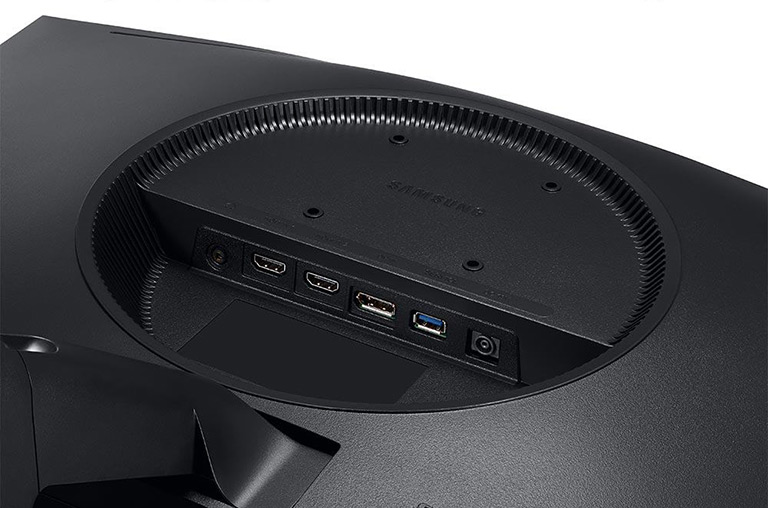
Connectivity2 x USB 2.0 (downstream) , 1 x USB 2.0 (upstream) , 2 x HDMI 2.0, 1 x DisplayPort 1.2, 1 x 3.5 mm Audio Out

27" MSI Optix MAG271R Dimensions, weight and color

ColorsBlack
Depth with stand182.4 mm (millimeters) 18.24 cm (centimeters) 7.1811 in (inches) 0.5984 ft (feet)
Height with stand405.3 mm (millimeters) 40.53 cm (centimeters) 15.9567 in (inches) 1.3297 ft (feet)
Weight with stand6.68 kg (kilograms) 14.73 lbs (pounds)
Width with stand617 mm (millimeters) 61.7 cm (centimeters) 24.2913 in (inches) 2.0243 ft (feet)

27" MSI Optix MAG271R Display

Aspect ratio1.778:116:9
BacklightW-LED
Brightness300 cd/m² (candela per square meter)
CoatingAnti-glare/Matte
Colors16777216 colors 24 bits
DCI P392 % (percent)
Diagonal685.8 mm (millimeters) 68.58 cm (centimeters) 27 in (inches) 2.25 ft (feet)
Dynamic contrast100000000 : 1
FRCNo
Height336.15 mm (millimeters) 33.615 cm (centimeters) 13.2343 in (inches) 1.1029 ft (feet)
Horizontal viewing angle178 ° (degrees)
Minimum response time1 ms (milliseconds) 0.0010 s (seconds)
Panel bit depth8 bits
Panel typeVA
Pixel density81 ppi (pixels per inch) 32 ppcm (pixels per centimeter)
Pixel pitch0.311 mm (millimeters) 0.0311 cm (centimeters) 0.0123 in (inches) 0.001 ft (feet)
Resolution1920 x 1080 pixels Full HD / 1080p
Size class27 in (inches)
Static contrast3000 : 1
Vertical viewing angle178 ° (degrees)
Width597.6 mm (millimeters) 59.76 cm (centimeters) 23.5276 in (inches) 1.9606 ft (feet)
sRGB118 % (percent)

27" MSI Optix MAG271R Ergonomics

Backward tilt20 ° (degrees)
Forward tilt5 ° (degrees)
Forward/backward tiltYes
Height adjustmentYes
Height adjustment range130 mm (millimeters) 13 cm (centimeters) 5.1181 in (inches) 0.4265 ft (feet)
Landscape/portrait pivotNo
Left/right swivelNo
Removable standYes
VESA interface100 x 100 mm
VESA mountYes

27" MSI Optix MAG271R Features

FeaturesAMD FreeSync technology, Flicker-free technology, Low Blue LightMSI Mystic LightMSI Remote Display App

27" MSI Optix MAG271R Frequencies

Horizontal frequency (digital)30 kHz - 160 kHz (kilohertz)
Vertical frequency (digital)48 Hz - 165 Hz (hertz)

27" MSI Optix MAG271R Operating and storage conditions

Operating humidity10 % - 80 % (percent)
Operating temperature10 °C - 40 °C (degrees Celsius) 50 °F - 104 °F (degrees Fahrenheit)

27" MSI Optix MAG271R Power supply and consumption

110V100 V - 120 V (volts)
220V220 V - 240 V (volts)
Alternating current frequency50 Hz - 60 Hz (hertz)
Power consumption (average)35 W (watts)
Power consumption (off)0.3 W (watts)
Power consumption (sleep)0.5 W (watts)

27" MSI Optix MAG271R ゲーミングモニターのパフォーマンスベンチマーク - List of Max Refresh Rate Compatible GPUs

競合他社との比較

Critics Reviews


議論とコメント

あなたのコメントを共有する