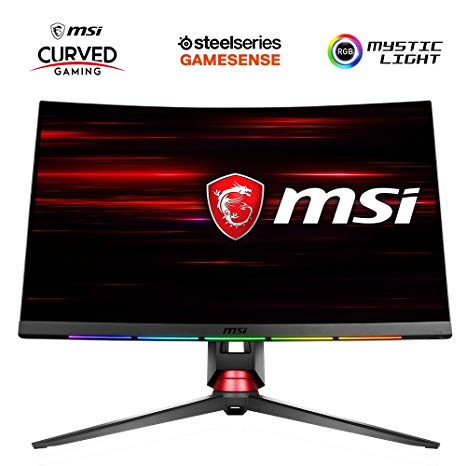
27" MSI Optix MPG27CQ gaming monitor performance benchmarks: response, input and full specs review
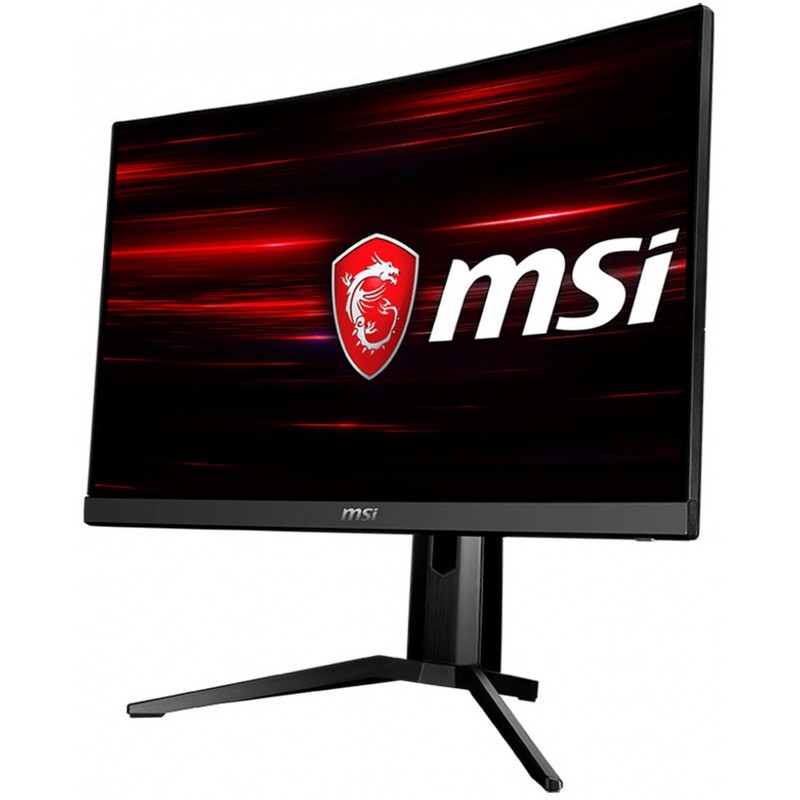
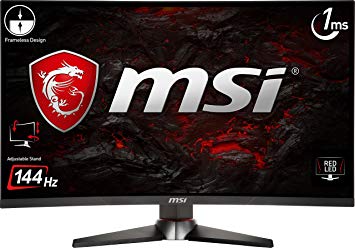
For the average response rate, the MSI Optix MPG27CQ scores 6 ms, which ensures effective synchronization with the high refresh rate. The MSI Optix MPG27CQ is a relatively new monitor. The monitor panel has good viewing angles and offers better contrast and colors than TN panels. In terms of pixel density, the MSI Optix MPG27CQ has an excellent density of 109 pixels-per-inch, resulting in sharper text and picture quality. For graphics color quality, the MSI Optix MPG27CQ has an excellent color depth of 8 -bit, resulting in smoother gradients and more accurate colors. MSI Optix MPG27CQ has an excellent contrast ratio of 3000 : 1. With the AMD FreeSync support, this monitor is compatible with both AMD and NVIDIA graphics cards. The MSI Optix MPG27CQ has the Display Port and this is essential for NVIDIA cards to work with AMD FreeSync. MSI Optix MPG27CQ has a total input lag of 14.5 ms, which is excellent among the competition. The brightness of MSI Optix MPG27CQ is significantly better than other monitors. The monitor has a VESA mount. For the extremely fast frame rates, the MSI Optix MPG27CQ has a maximum refresh rate of 144 Hz that allows smoother gameplay. Graphically demanding games may cause frame drops outside the adative refresh rate of 144 Hz. The minimum response rate of MSI Optix MPG27CQ is 5 ms, which is can cause ghosting effects.
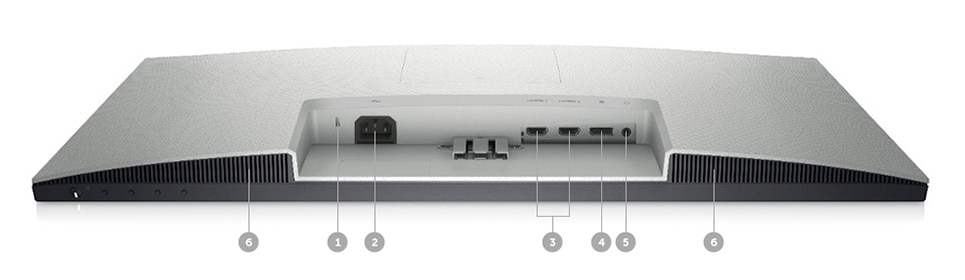
3 x USB 3.0 (downstream) , 1 x USB 3.0 (upstream) , 2 x HDMI 1.4, 1 x DisplayPort 1.2, 1 x DVI-D Dual Link, 1 x 3.5 mm Microphone In, 1 x 3.5 mm Audio Out
27" MSI Optix MPG27CQ Dimensions, weight and color
Colors
BlackRed
Depth with stand
379.3 mm (millimeters) 37.93 cm (centimeters) 14.9331 in (inches) 1.2444 ft (feet)
Height with stand
555.3 mm (millimeters) 55.53 cm (centimeters) 21.8622 in (inches) 1.8219 ft (feet)
Weight with stand
7.6 kg (kilograms) 16.76 lbs (pounds)
Width with stand
612 mm (millimeters) 61.2 cm (centimeters) 24.0945 in (inches) 2.0079 ft (feet)
27" MSI Optix MPG27CQ Display
Aspect ratio
1.778:116:9
Backlight
W-LED
Brightness
400 cd/m² (candela per square meter)
Coating
Anti-glare/Matte
Colors
16777216 colors 24 bits
Diagonal
685.8 mm (millimeters) 68.58 cm (centimeters) 27 in (inches) 2.25 ft (feet)
Dynamic contrast
100000000 : 1
Height
335.664 mm (millimeters) 33.5664 cm (centimeters) 13.2151 in (inches) 1.1013 ft (feet)
Horizontal viewing angle
178 ° (degrees)
Minimum response time
1 ms (milliseconds) 0.0010 s (seconds)
NTSC (1953)
100 % (percent)
Panel bit depth
8 bits
Panel type
VA
Pixel density
109 ppi (pixels per inch) 42 ppcm (pixels per centimeter)
Pixel pitch
0.233 mm (millimeters) 0.0233 cm (centimeters) 0.0092 in (inches) 0.0008 ft (feet)
Radius of curvature
1800 mm (millimeters) 180 cm (centimeters) 70.8661 in (inches) 5.9055 ft (feet)
Resolution
2560 x 1440 pixels Quad HD (QHD) / 1440p
Size class
27 in (inches)
Static contrast
3000 : 1
Vertical viewing angle
178 ° (degrees)
Width
596.736 mm (millimeters) 59.6736 cm (centimeters) 23.4935 in (inches) 1.9578 ft (feet)
sRGB
115 % (percent)
27" MSI Optix MPG27CQ Ergonomics
Backward tilt
20 ° (degrees)
Forward tilt
5 ° (degrees)
Forward/backward tilt
Yes
Height adjustment
Yes
Height adjustment range
120 mm (millimeters) 12 cm (centimeters) 4.7244 in (inches) 0.3937 ft (feet)
Landscape/portrait pivot
No
Left swivel
40 ° (degrees)
Left/right swivel
Yes
Removable stand
Yes
Right swivel
40 ° (degrees)
VESA interface
100 x 100 mm
VESA mount
Yes
27" MSI Optix MPG27CQ Features
Features
AMD FreeSync technology, Flicker-free technology, Low Blue Light
27" MSI Optix MPG27CQ Frequencies
Vertical frequency (digital)
144 Hz (hertz)
27" MSI Optix MPG27CQ Operating and storage conditions
Operating humidity
10 % - 80 % (percent)
Operating temperature
10 °C - 40 °C (degrees Celsius) 50 °F - 104 °F (degrees Fahrenheit)
27" MSI Optix MPG27CQ Power supply and consumption
110V
100 V - 120 V (volts)
220V
220 V - 240 V (volts)
Alternating current frequency
50 Hz - 60 Hz (hertz)
Power consumption (maximum)
65 W (watts)
Power consumption (off)
0.3 W (watts)
Power consumption (sleep)
0.5 W (watts)
27" MSI Optix MPG27CQ gaming monitor performance benchmarks: response, input and full specs review - List of Max Refresh Rate Compatible GPUs
The MSI Optix MPG27CQ delivers all sorts of gaming-oriented capability, from a wide color gamut and fast response times to AMD FreeSync support and fancy lighting that's more than just eye candy.
MSI Optix MPG27CQ Gaming Monitor Review. ... The MSI Optix MPG27CQ is consistently sold for $550 or more at most online merchants, ... The Verdict. If the list of supported games keeps growing ...
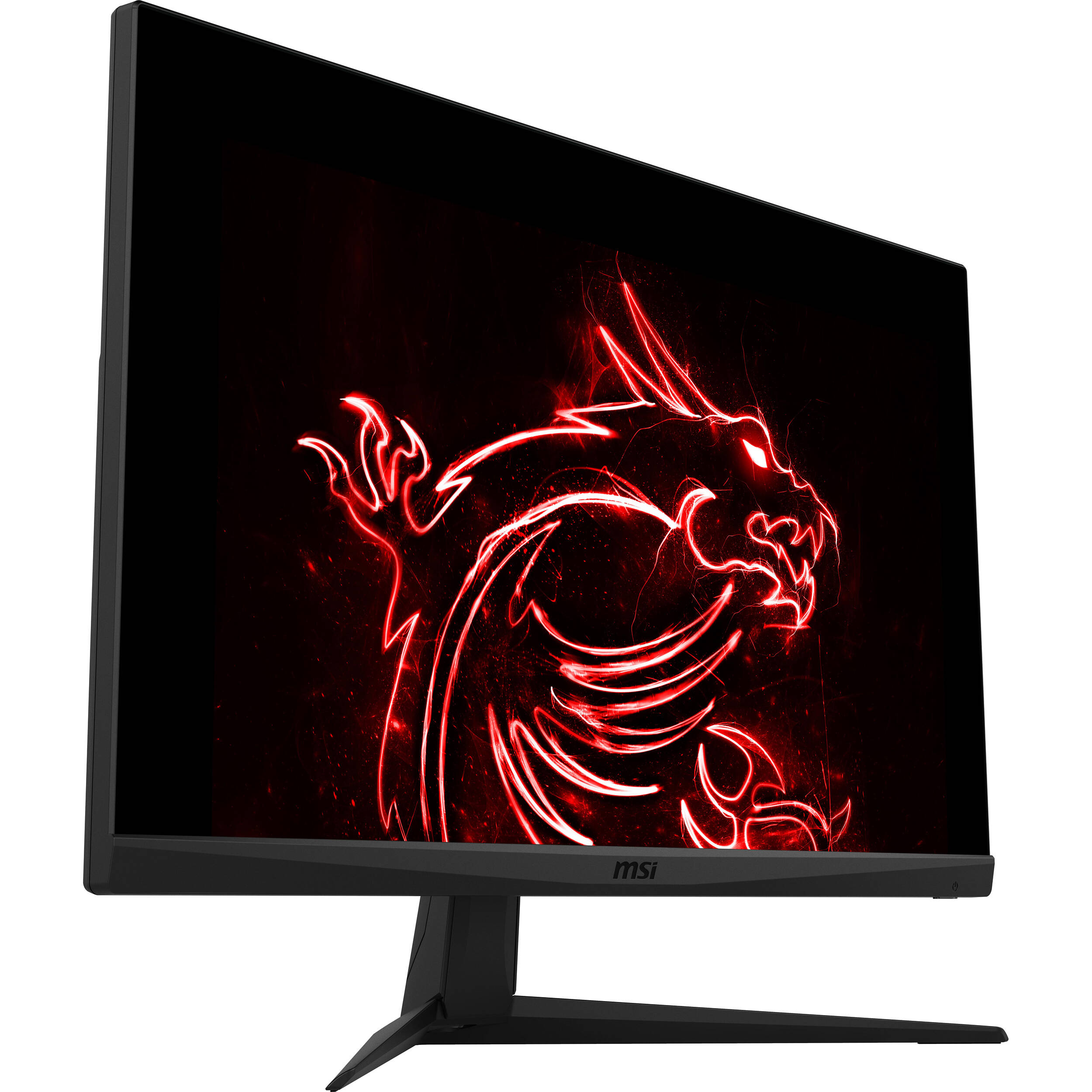
The Optix MPG27CQ takes up some major desk space for a 27-inch panel. It measures 21.9 by 24.1 by 14.9 inches (HWD). That last number may sound like a mistake, but the depth includes the extension ...
MSI’s 27-inch Optix MPG27CQ monitor offers extended color, FreeSync and a 144Hz refresh rate with cool lighting effects and the promise of premium gaming.
This is a review we’ve been looking forward to for a while, ever since we first saw the monitor demoed at an MSI press event. The Optix MPG27CQ is a screen with serious gaming credentials ...
MSI's Optix MAG27CQ and MPG27CQ monitors check a lot of boxes on the feature list: 27" curved monitors with 1440p resolutions, FreeSync support, 144Hz refresh rates, and 1ms response times. Let's ...
Viewing Angles VA panels aren’t the best for off-axis image quality, but the MPG27CQ offered similar performance to other examples we’ve tested. We saw an obvious red shift to the sides with a ...
The price tag here of just over £500 plants the MSI Optix MPG27CQ in premium territory, but it isn’t unreasonable given what you get: a high quality VA panel with low response times, minimum ...
Conclusion. MSI makes no bones about extended color support in the MPG27CQ. While the vendor doesn’t specifically mention DCI-P3 in its marketing, based on our testing this is clearly a DCI monitor.
Conclusion. The price tag here of just over £500 plants the MSI Optix MPG27CQ in premium territory, but it isn’t unreasonable given what you get: a high quality VA panel with low response times ...
The Optix MPG27CQ is a screen with serious gaming credentials, sporting as it does a curved 27” panel with a 2,560 x 1,440 resolution (1440p) and a 144Hz refresh rate with support for AMD ...




















































What to Consider Before Buying a Graphics Card
If you have been planning to upgrade your system by purchasing a new graphics card. Then there are some important factors to consider.
Resolution VS Quality: Impact on Game Performance
What affects game performance? Clarity or Details?
Ultra VS High Quality Settings in PC Games
Every player has a different notion about the ideal setting for PC games. But in most cases, opting for a High quality graphics configuration is the way to go.
What are CPU or GPU Bottlenecks?
Are you getting sudden frame drops? you might have a bottleneck.
What is the acceptable FPS speed for me?
For some games, you can still enjoy great garphics at lower frame rates.
GPU Hierarchy
GPU Compare
CPU Compare
Gaming Laptops
Gaming Monitors
Gaming Headsets
Discussion and Comments
Share Your Comments
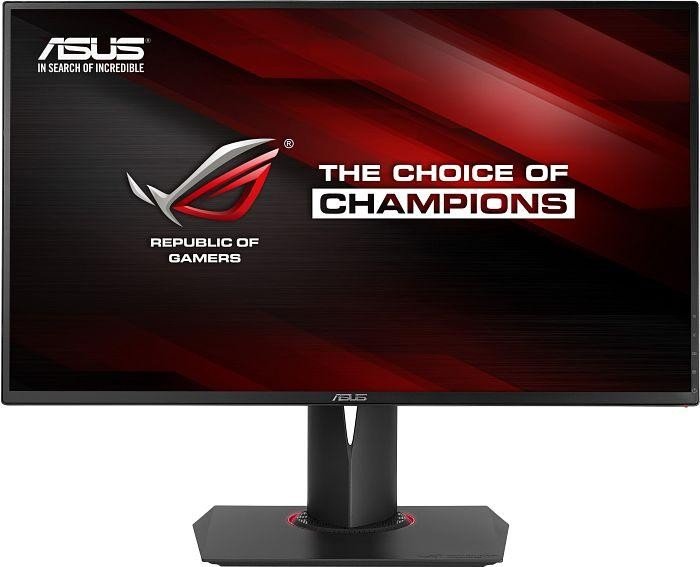
I need to decide between these two models.
MSI Optix MPG27CQ is VA
Asus ROG Swift PG278QR is TN
Both same specs in terms of size, speed, etc.... although the Asus has GSync.
I do some casual gaming and also internet browsing.
I'm more bothered by color than response times, not in a professional way: I just like the games to look neat.
I'm really afraid that VA panel is going to have some backlight bleed, but worried the TN one will have bad color reproduction and view angles.
Any opinion?
Hi every one !
i have asus mg279q , but old monitor , i intend to upgrade msi optix mpg27cq , msi better than asus , thanks all