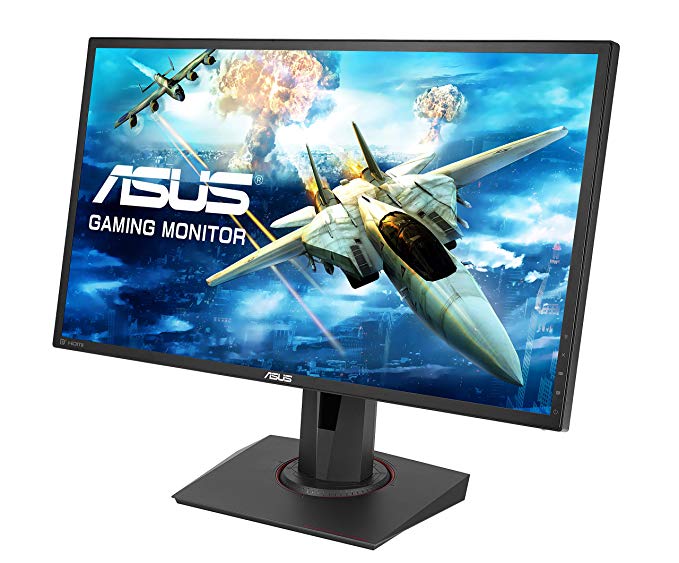
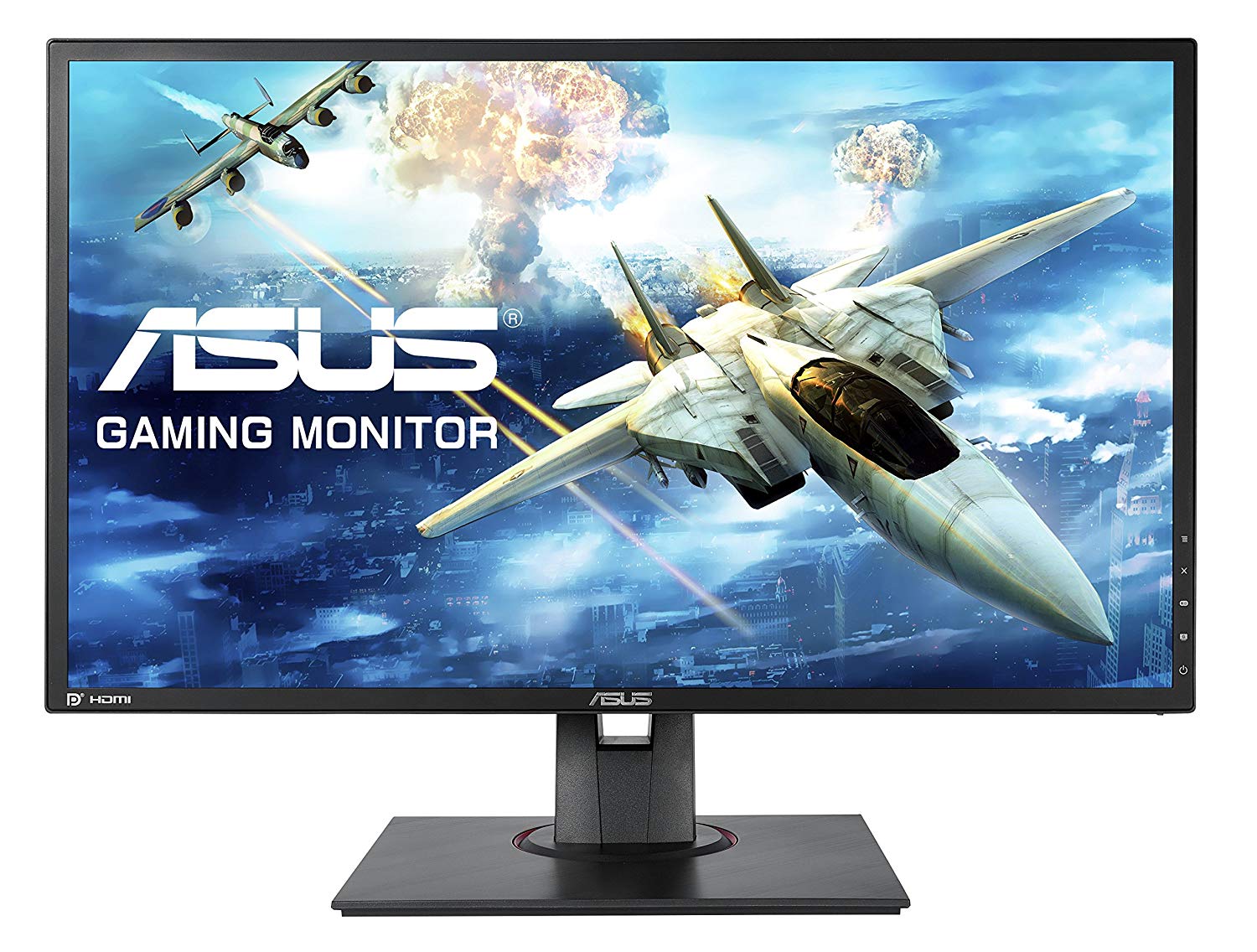
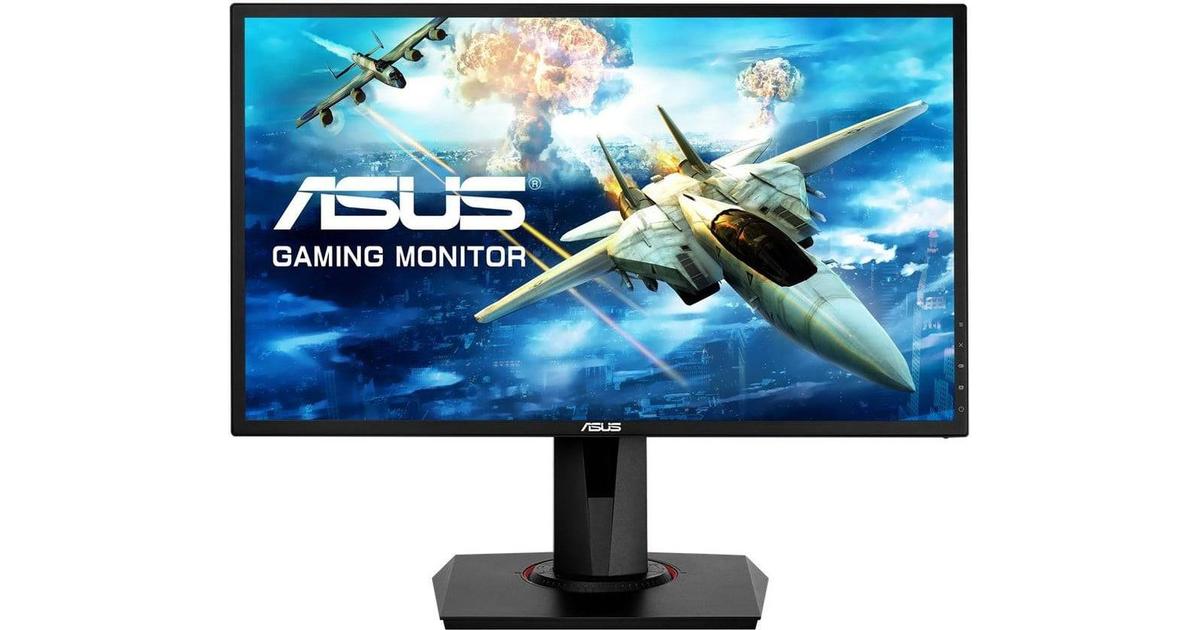
24" Asus MG248QR gaming monitor performance benchmarks: response, input and full specs review
The minimum response rate of Asus MG248QR is 1 ms, which is eliminates ghosting effects. In terms of pixel density, the Asus MG248QR has an excellent density of 91 pixels-per-inch, resulting in sharper text and picture quality. The monitor has a VESA mount. For the average response rate, the Asus MG248QR scores 3 ms, which ensures effective synchronization with the high refresh rate. With the AMD FreeSync support, this monitor is compatible with both AMD and NVIDIA graphics cards. To compensate for graphically demanding games, the Asus MG248QR has a very good low end adaptive refresh rate of 40 Hz that can adapt to more lower frame rate drops. The Asus MG248QR has the Display Port and this is essential for NVIDIA cards to work with AMD FreeSync. For the extremely fast frame rates, the Asus MG248QR has a maximum refresh rate of 144 Hz that allows smoother gameplay. Asus MG248QR has a total input lag of 13.5 ms, which is excellent among the competition. The monitor uses a TN panel which suffers from color shifting when viewed from horizontal and vertical angles and has slightly washed colors compared to IPS and VA panels. The monitor has an unimpressive contrast ratio of 1000 : 1. For graphics color quality, the Asus MG248QR has an average color depth of 6 -bit, resulting in dithered gradients and more slightly less accurate colors. It is worth noting that the Asus MG248QR is a relatively old monitor. The brightness of Asus MG248QR is lower than other monitors.
24" Asus MG248QR Certificates, standards and licenses
Certificates, standards and licenses
BSMICBCCCCEcTickCUENERGY STAR 6.0ErPeStandbyFCC Class BJ-MOSSKCCPCBPSERCMRoHSTCO Certified Displays 6.0TÜV Low Blue LightTÜV Flicker-freeUL/cULVCCIWEEEWHQL (Windows 10; Windows 8.1; Windows 7)
24" Asus MG248QR Connectivity
Connectivity
1 x HDMI 1.4, 1 x DisplayPort 1.2, 1 x DVI-D Dual Link, 2 x 3.5 mm Audio Out
24" Asus MG248QR Dimensions, weight and color
Colors
Black
Depth
50.45 mm (millimeters) 5.045 cm (centimeters) 1.9862 in (inches) 0.1655 ft (feet)
Depth with stand
211 mm (millimeters) 21.1 cm (centimeters) 8.3071 in (inches) 0.6923 ft (feet)
Height
329.1 mm (millimeters) 32.91 cm (centimeters) 12.9567 in (inches) 1.0797 ft (feet)
Height with stand
359 mm (millimeters) 35.9 cm (centimeters) 14.1339 in (inches) 1.1778 ft (feet)
Weight with stand
5.2 kg (kilograms) 11.46 lbs (pounds)
Width
561 mm (millimeters) 56.1 cm (centimeters) 22.0866 in (inches) 1.8406 ft (feet)
Width with stand
561 mm (millimeters) 56.1 cm (centimeters) 22.0866 in (inches) 1.8406 ft (feet)
24" Asus MG248QR Display
Aspect ratio
1.778:116:9
Average response time
3 ms (milliseconds) 0.0030 s (seconds)
Backlight
W-LED
Brightness
350 cd/m² (candela per square meter)
Coating
Anti-glare/Matte
Colors
16777216 colors 24 bits
Diagonal
609.7 mm (millimeters) 60.97 cm (centimeters) 24.0039 in (inches) 2.0003 ft (feet)
Display area
86.05 % (percent)
Dynamic contrast
100000000 : 1
FRC
Yes
Height
298.94 mm (millimeters) 29.894 cm (centimeters) 11.7693 in (inches) 0.9808 ft (feet)
Horizontal viewing angle
170 ° (degrees)
Input lag
4 ms (milliseconds) 0.0040 s (seconds)
Maximum response time
5 ms (milliseconds) 0.0050 s (seconds)
Minimum response time
1 ms (milliseconds) 0.0010 s (seconds)
NTSC (1953)
72 % (percent)
Panel bit depth
8 bits (6 bits + FRC)
Panel manufacturer
AU Optronics
Panel model
M240Q007 V0
Panel type
TN
Pixel density
91 ppi (pixels per inch) 36 ppcm (pixels per centimeter)
Pixel pitch
0.277 mm (millimeters) 0.0277 cm (centimeters) 0.0109 in (inches) 0.0009 ft (feet)
Resolution
1920 x 1080 pixels Full HD / 1080p
Size class
24 in (inches)
Static contrast
1000 : 1
Vertical viewing angle
160 ° (degrees)
Width
531.46 mm (millimeters) 53.146 cm (centimeters) 20.9236 in (inches) 1.7436 ft (feet)
24" Asus MG248QR Ergonomics
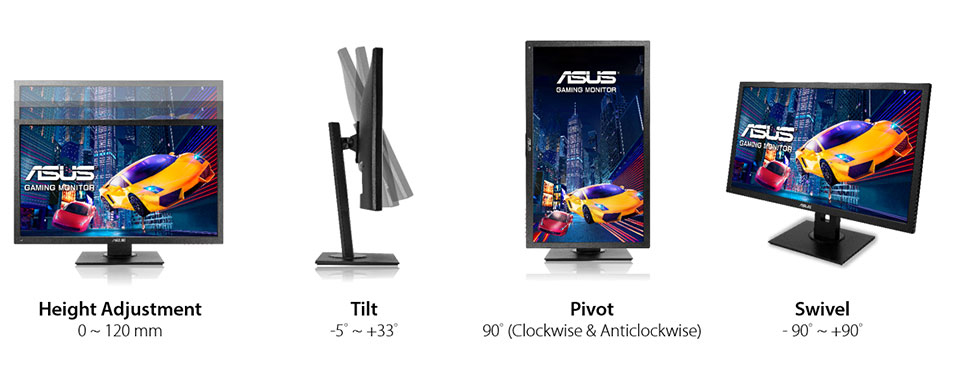
Backward tilt
33 ° (degrees)
Forward tilt
5 ° (degrees)
Forward/backward tilt
Yes
Height adjustment
Yes
Height adjustment range
130 mm (millimeters) 13 cm (centimeters) 5.1181 in (inches) 0.4265 ft (feet)
Landscape/portrait pivot
Yes
Left pivot
90 ° (degrees)
Left swivel
90 ° (degrees)
Left/right swivel
Yes
Removable stand
Yes
Right pivot
90 ° (degrees)
Right swivel
90 ° (degrees)
VESA interface
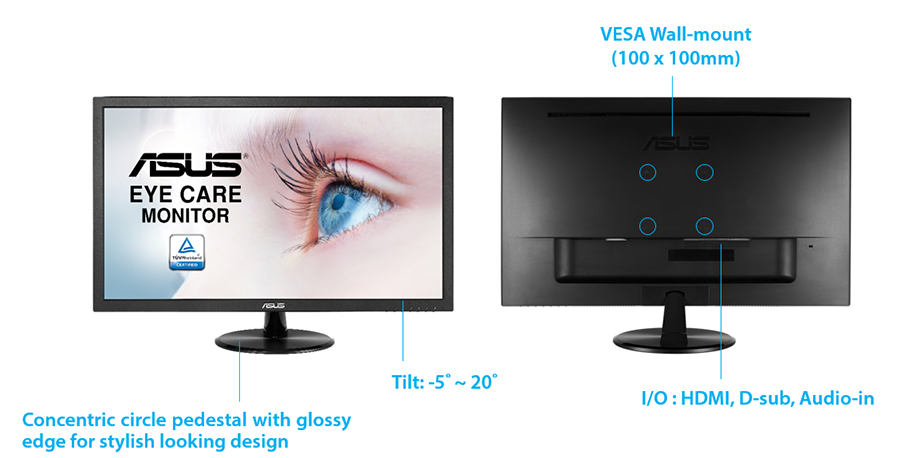
100 x 100 mm
VESA mount
Yes
24" Asus MG248QR Features
Features
5-way OSD joystickAdaptive-Sync TechnologyFlicker-free technology, GamePlus (Crosshair/Timer) GameVisualHDCP (High-bandwidth Digital Content Protection) Ultra-low Blue Light
24" Asus MG248QR Frequencies
Horizontal frequency (analog)
30 kHz - 160 kHz (kilohertz)
Horizontal frequency (digital)
160 kHz (kilohertz)
Vertical frequency (analog)
50 Hz - 144 Hz (hertz)
Vertical frequency (digital)
40 Hz - 144 Hz (hertz)
24" Asus MG248QR Operating and storage conditions
Operating temperature
0 °C - 40 °C (degrees Celsius) 32 °F - 104 °F (degrees Fahrenheit)
Storage temperature
-20 °C - 60 °C (degrees Celsius) -4 °F - 140 °F (degrees Fahrenheit)
24" Asus MG248QR Power supply and consumption
110V
100 V - 120 V (volts)
220V
220 V - 240 V (volts)
Alternating current frequency
50 Hz - 60 Hz (hertz)
Power consumption (average)
25 W (watts)
Power consumption (eco)
10 W (watts)
Power consumption (maximum)
65 W (watts)
Power consumption (off)
0.5 W (watts)
Power consumption (sleep)
0.5 W (watts)
24" Asus MG248QR gaming monitor performance benchmarks: response, input and full specs review - List of Max Refresh Rate Compatible GPUs
Question Asus - MG248QR vs AOC - C24G1
Hello, i'm currently planning to get myself 2 new monitors but I don't know which one of the 2 monitors mentioned above is better. Should I just go with both of them and use the curved screen as the main one and the flat one for other things? Pls help me
00
R
rcfaro7 years ago
Asus Mg248QE Vs Mg248QR explain diferences?
Hi,
Can Simeone explain me diference betwen this two? QE is 20€ cheaper than QR
Here link comparation- https://www.asus.com/Product-Compare/
00
F
Fefo7 years ago
Asus MG248QR or MSI OPTIX MAG241C?
They are both at the same price ($220) but the Asus comes with COD Black ops 4, and the MSI has a VA panel. The Asus is also from 2016 and the MSI is from early 2018.
I play all kind of games, competitive and adventure, but I play mostly rainbow six siege but when I play other games I also care about the color so the VA might look better. And I have a curve TV which look amazing so curve monitor is not a problem for me, also the MSI is frameless. But the reason of why I'm undecided is because of the free game that I get with the Asus


























What to Consider Before Buying a Graphics Card
If you have been planning to upgrade your system by purchasing a new graphics card. Then there are some important factors to consider.
Resolution VS Quality: Impact on Game Performance
What affects game performance? Clarity or Details?
Ultra VS High Quality Settings in PC Games
Every player has a different notion about the ideal setting for PC games. But in most cases, opting for a High quality graphics configuration is the way to go.
What are CPU or GPU Bottlenecks?
Are you getting sudden frame drops? you might have a bottleneck.
What is the acceptable FPS speed for me?
For some games, you can still enjoy great garphics at lower frame rates.
GPU Hierarchy
GPU Compare
CPU Compare
Gaming Laptops
Gaming Monitors
Gaming Headsets
Discussion and Comments
Share Your Comments
Hello, i'm currently planning to get myself 2 new monitors but I don't know which one of the 2 monitors mentioned above is better. Should I just go with both of them and use the curved screen as the main one and the flat one for other things? Pls help me
Hi,
Can Simeone explain me diference betwen this two? QE is 20€ cheaper than QR
Here link comparation- https://www.asus.com/Product-Compare/
They are both at the same price ($220) but the Asus comes with COD Black ops 4, and the MSI has a VA panel. The Asus is also from 2016 and the MSI is from early 2018.
I play all kind of games, competitive and adventure, but I play mostly rainbow six siege but when I play other games I also care about the color so the VA might look better. And I have a curve TV which look amazing so curve monitor is not a problem for me, also the MSI is frameless. But the reason of why I'm undecided is because of the free game that I get with the Asus